
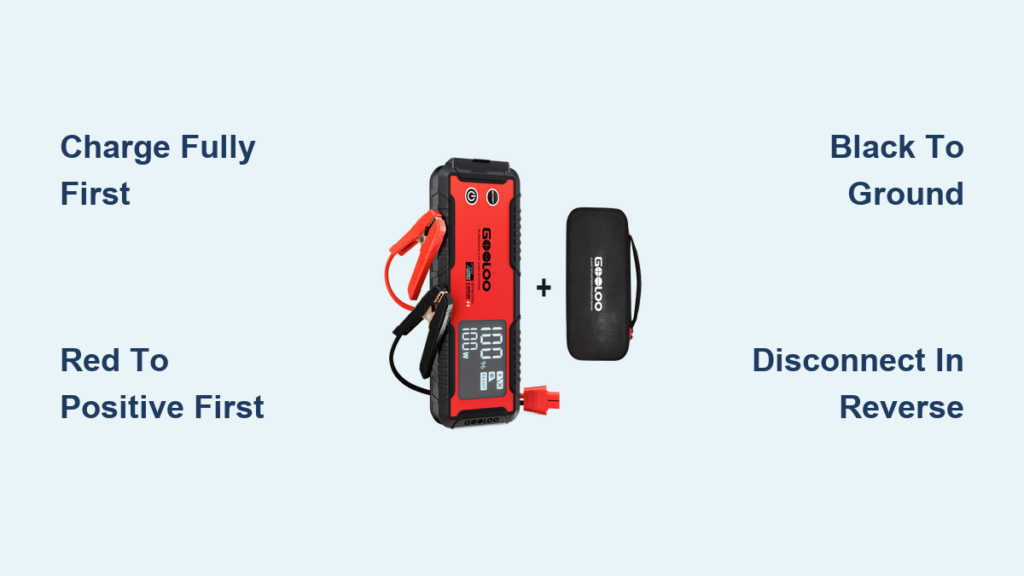
Your car won’t start in a parking lot, and every minute feels longer. Before you wave down a stranger, check your trunk. A Gooloo jump starter may be all you need to get moving again, but only if you know how to use it correctly.
This guide walks you through preparing the unit, connecting the clamps, starting your engine, and caring for the device. You’ll also learn common mistakes and how to handle basic warning signs.
Prepare Your Gooloo Jump Starter Before Use
Charge the Unit Fully First
A weak jump starter may not deliver enough power to turn over your engine. Plug the unit into power using the cable that came with it. Check the charge indicator before you head out.
Expert Note: Your model’s manual explains what each indicator light means and how long a full charge takes.
Inspect the Cables and Clamps
Check the cables and clamps before every use. Look for:
• Frayed or exposed wires
• Cracked or bent clamps
• Dents or cracks in the casing
Do not use a damaged unit. Contact Gooloo support for guidance on repair or replacement.
Connect the Gooloo Jump Starter to Your Car Battery
Locate the Battery Terminals
Open the hood and find the battery. The positive terminal (+) is usually marked red. The negative terminal (-) is usually black.
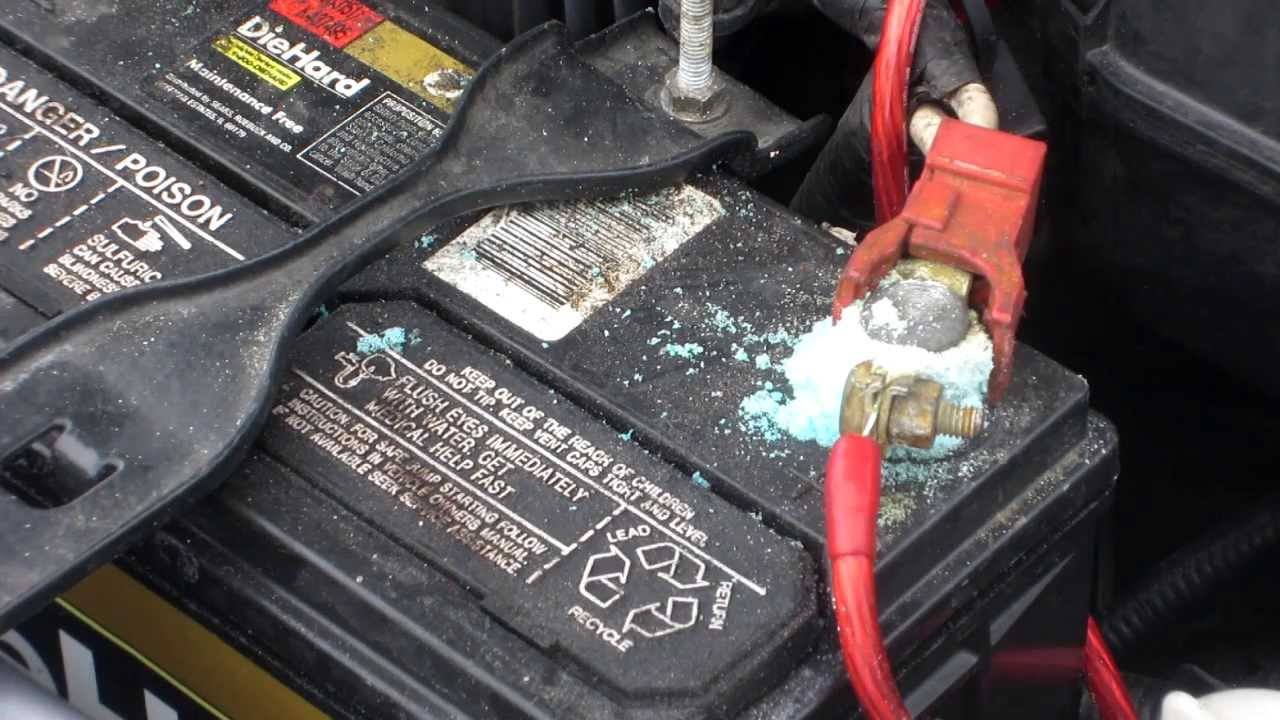
If the terminals are corroded, clean them with a wire brush or cloth. Make sure the clamps will seat firmly on bare metal.
Attach the Clamps in the Correct Order
- Clamp the red cable to the battery’s positive (+) terminal.
- Clamp the black cable to a bare, unpainted metal part of the engine or frame, away from the battery.
- Confirm the clamps are secure and not touching each other.
Warning: If the battery looks cracked, leaking, or damaged, stop. Have a professional inspect it before you try a jump.
Start Your Car Safely With the Jump Starter

Power On and Confirm the Connection
Press the power button and wait for the unit to show it’s ready. If you hear a warning tone or see a warning light, disconnect the clamps and check the connections. Your manual explains what each signal means.
Crank the Engine in Short Bursts
- Turn the ignition key while the jump starter is connected.
- Crank the engine for only a few seconds.
- If the engine doesn’t start, pause before trying again so the starter can cool.
Pro Tip: Repeated long cranking drains power quickly. Short attempts with pauses between them give you more chances to start.
Disconnect in the Reverse Order
Let the engine run for a few minutes so the battery can recover. Then disconnect the clamps in this order:
- Remove the black clamp first.
- Remove the red clamp second.
- Keep the clamps apart from each other while you store them.
Use the Gooloo Jump Starter to Charge Devices

Power Your Phone or Tablet
Many Gooloo units include output ports for charging phones and other small devices. Check the port labels on your unit and use a cable that matches each port.
Watch the indicator lights to see how much power remains. If the unit is low, recharge it before relying on it for an emergency.
Use the Built-in Flashlight
Press and hold the flashlight button to turn on the light. Switch it off when you don’t need it, since using the light drains the same battery that starts your car.
Store and Maintain Your Jump Starter
Keep It Cool, Dry, and Charged
Store the unit in a cool, dry place away from metal objects that could touch its terminals. Avoid leaving it in a hot car for long periods.
Check the charge regularly and recharge it on the schedule your manual recommends. A charged unit is ready when you need it most.
Troubleshoot Common Gooloo Jump Starter Problems
What to Do If the Unit Won’t Turn On
First, confirm the unit is charged. Try a different outlet or cable. If it still won’t power on, look up the reset steps in your manual or contact Gooloo support.
Why Your Gooloo Jump Starter Beeps During Connection
A warning beep often means the clamps are connected incorrectly. Disconnect both clamps, confirm red goes to positive and black goes to a bare metal ground, then reconnect.
What to Do If the Engine Still Won’t Start
If the engine doesn’t turn over after several careful attempts, the battery may not be the only issue. Fuel delivery, spark, or the starter itself could be the cause. At that point, a professional mechanic can diagnose the problem.
Common Mistakes to Avoid When Using a Jump Starter
• Don’t work near open flames. Car batteries can release flammable gas.
• Don’t connect clamps to a running engine. This can damage electronics.
• Don’t leave the unit unattended while it’s connected.
• Don’t expose the unit to water unless your manual says it’s rated for it.
Frequently Asked Questions About Using a Gooloo Jump Starter
Do I need to charge my Gooloo jump starter before using it?
Yes. A low charge may not provide enough power to start your engine. Charge the unit fully before you need it, and check the indicator lights.
Which clamp should I connect first?
Connect the red clamp to the positive (+) battery terminal first. Then attach the black clamp to a bare metal ground away from the battery.
Can I use a Gooloo jump starter to charge my phone?
Many models include output ports for phones and other small devices. Check the port labels on your unit and your manual for compatibility.
Why does my Gooloo jump starter keep beeping?
A beep often signals reversed clamps or a poor connection. Disconnect the clamps, check the polarity, and reconnect them firmly.
What if my car still won’t start after using the jump starter?
The battery may be damaged, or the problem could involve fuel, spark, or the starter. Stop attempting jumps and contact a professional mechanic.
Key Takeaways for Using Your Gooloo Jump Starter Safely
Start with a fully charged unit and a careful inspection of the cables. Connect the red clamp to positive first, then ground the black clamp away from the battery. Crank the engine in short bursts, and disconnect in reverse order once it runs.
Before your next road trip, charge your Gooloo jump starter and read your model’s manual. Learning the indicator lights and warning signals now will make an emergency much less stressful.





