
Dead battery in the middle of winter? No other car nearby to help? Don’t panic—you’re not stuck if you have the Vector 700 Peak Amp Jump Starter. This compact device is more than just a jump starter. It’s a portable power bank, emergency flashlight, and roadside assistant all in one. Knowing how to use a Vector jump starter correctly means you can restart your car safely, charge your phone, and handle emergencies confidently—without relying on strangers or tow trucks.
In this guide, you’ll learn exactly how to jump-start your vehicle, use its USB and 12V ports, activate the LED flashlight, and maintain your unit for long-term reliability. We’ll cover safety checks, proper clamp connections, troubleshooting tips, and what the device can’t do. Whether you’re using it for the first time or want a refresher, this article ensures you’re always prepared.
Prepare Your Vector Jump Starter Before Use
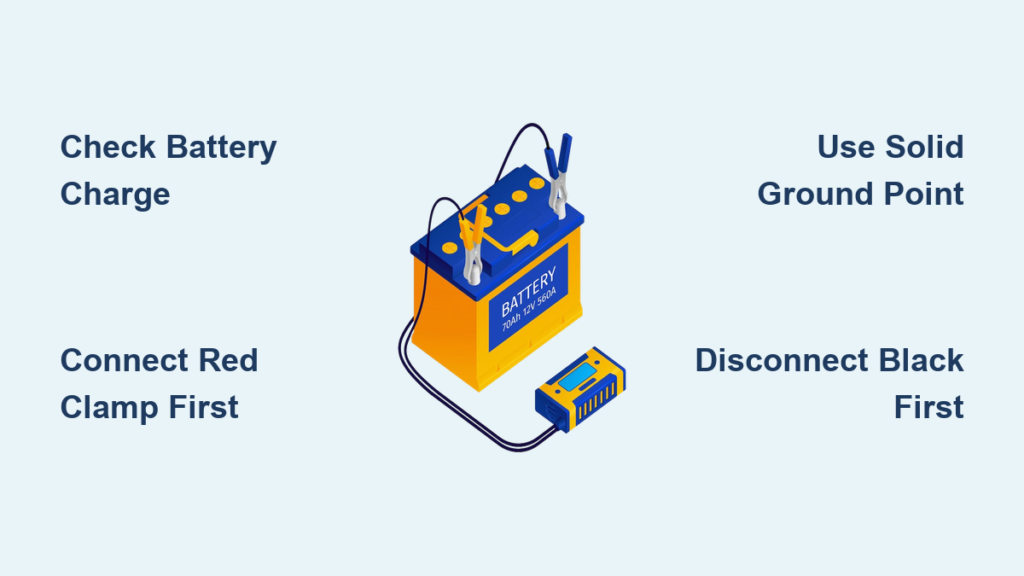
Check Battery Charge Level First
Always verify your Vector jump starter is sufficiently charged before attempting a jump. Use the built-in LED battery indicator—most models show 4–5 bars when fully charged. If the display shows only one or two lights, recharge it using the included USB-C cable or AC adapter. A weak charge won’t deliver enough power to crank the engine, especially in cold weather.
Pro Tip: Test the charge level every 60–90 days, even if unused. Lithium-ion batteries self-discharge over time and can lose effectiveness if left drained.
Confirm It’s Compatible With Your Vehicle
The Vector 700 Peak Amp model is designed for gasoline-powered vehicles up to V6 engines, including most cars, SUVs, and light trucks. It delivers 300 Cold Cranking Amps (CCA), which is sufficient for standard passenger vehicles but not recommended for V8, diesel, or heavy-duty engines. Attempting to start larger engines may fail and damage the unit.
Inspect Clamps and Accessories
Before use, gather and inspect:
– Vector jump starter unit
– Red (positive) and black (negative) clamps
– USB-C charging cable
– Carrying case
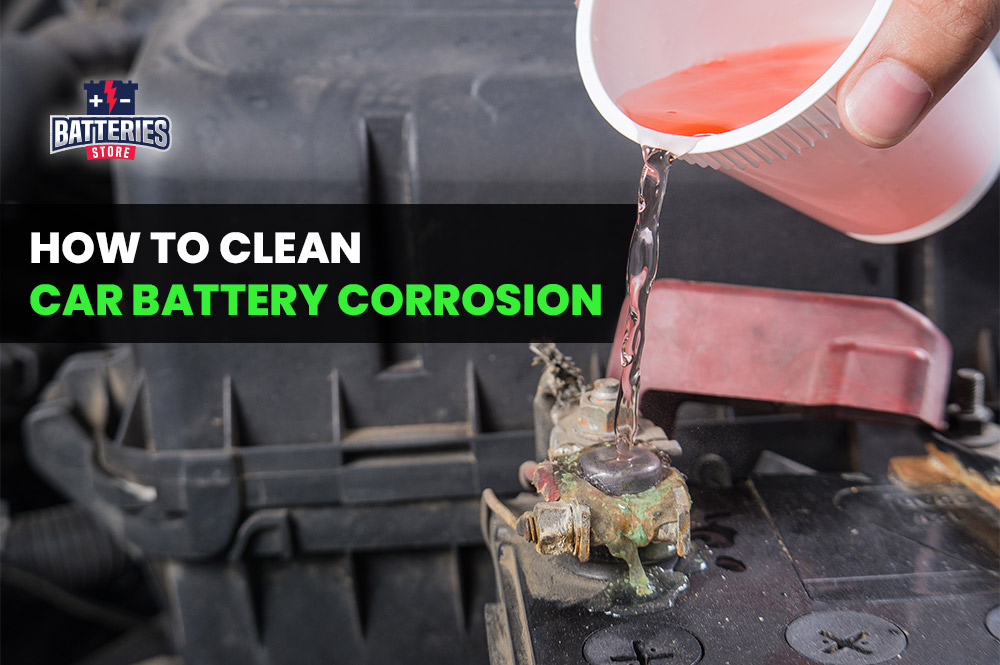
Ensure clamps are free from corrosion, frayed wires, or loose connections. Clean battery terminals with a wire brush if needed. A solid connection is essential for safe, effective power transfer.
Connect the Clamps the Right Way
Attach Red Clamp to Battery Positive Terminal
Open the hood and locate the battery. Connect the red clamp to the positive (+) terminal first. This terminal is usually marked with a “+” sign and may have a red plastic cover. Make sure the clamp grips securely and does not slip off.
Visual Cue: The red clamp should only fit on the larger, positive post. Never force it onto the wrong terminal.
Connect Black Clamp to a Solid Ground Point
Attach the black clamp to an unpainted metal surface on the engine block, chassis, or a grounded bolt—not directly to the negative battery terminal. This reduces the risk of sparks near the battery, where hydrogen gas could ignite.
Choose a grounding point at least 12 inches away from the battery and ensure it’s clean and rust-free. Paint or corrosion can block electrical conductivity.
Double-Check Polarity and Clamp Security
Verify:
– Red clamp → positive terminal
– Black clamp → clean metal ground
Even though the Vector has reverse polarity protection, incorrect connections may trigger warning beeps or prevent power delivery. Ensure clamps are not touching each other or any moving parts.
Start Your Vehicle Safely

Power On the Jump Starter (If Required)
Some Vector models activate automatically when clamps are connected and the engine is cranked. Others require you to press and hold the power button for 2–3 seconds to enable jump-start mode. Refer to your user manual to confirm your model’s behavior.
Turn the Ignition or Press Start Button
Get in the vehicle and turn the key or press the start button. Let the engine crank for no more than 3–5 seconds. If it doesn’t start, stop immediately.
Critical: Wait 1–2 minutes before trying again. This cooldown period protects both your car’s starter motor and the jump starter’s internal circuitry.
Try Up to Three Times if Needed
The Vector can support multiple start attempts on a single charge. If the engine doesn’t catch:
– Wait 90 seconds
– Recheck clamp connections
– Try again
After three failed attempts, the issue may not be the battery—consider problems with the alternator, fuel system, or ignition.
Disconnect Clamps in the Correct Order
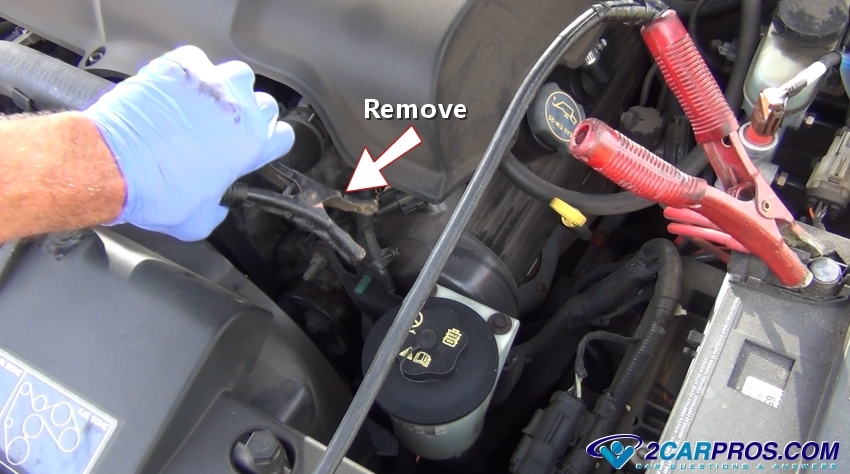
Remove Black Clamp First
Once the engine runs, disconnect in reverse order:
1. Remove the black (negative) clamp from the ground point
2. Remove the red (positive) clamp from the battery terminal
Removing the red clamp first while the black is still connected risks creating a short circuit.
Let the Engine Run to Recharge the Battery
Keep the vehicle running for at least 15–30 minutes to begin recharging the battery. For deeply drained batteries, a full charge requires extended driving or a dedicated battery charger.
Recharge the Vector Immediately After Use
Plug the jump starter into a wall outlet using the USB-C cable or AC adapter. Recharging promptly ensures it’s ready for the next emergency and helps preserve lithium-ion battery health.
Charge Devices Using USB and 12V Ports
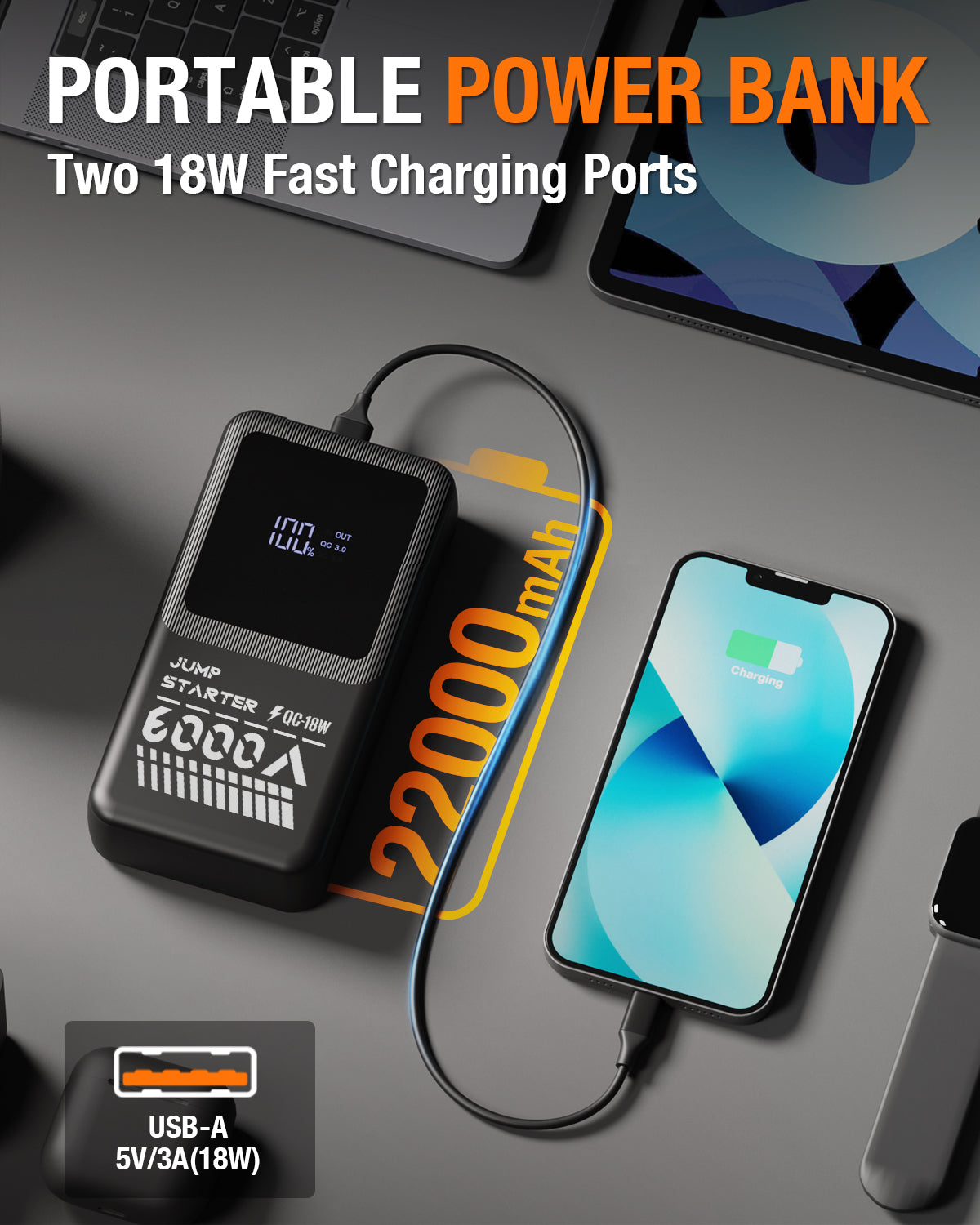
Power Phones and Tablets via USB Port
Use the 10W USB port (5V/2A) to charge smartphones, GPS units, or tablets. Simply plug in your device’s charging cable—no need to power on the jump starter for USB output on most models.
Pro Tip: This feature works during power outages or when your phone dies on a long drive. Keep it charged for emergency calls or navigation.
Run 12V Accessories Like Tire Inflators
Plug 12V devices—such as tire inflators, dash cams, or portable coolers—into the 12V DC port. The Vector can power USB and 12V devices simultaneously, making it ideal for roadside multitasking.
Use the Built-in LED Flashlight in Emergencies
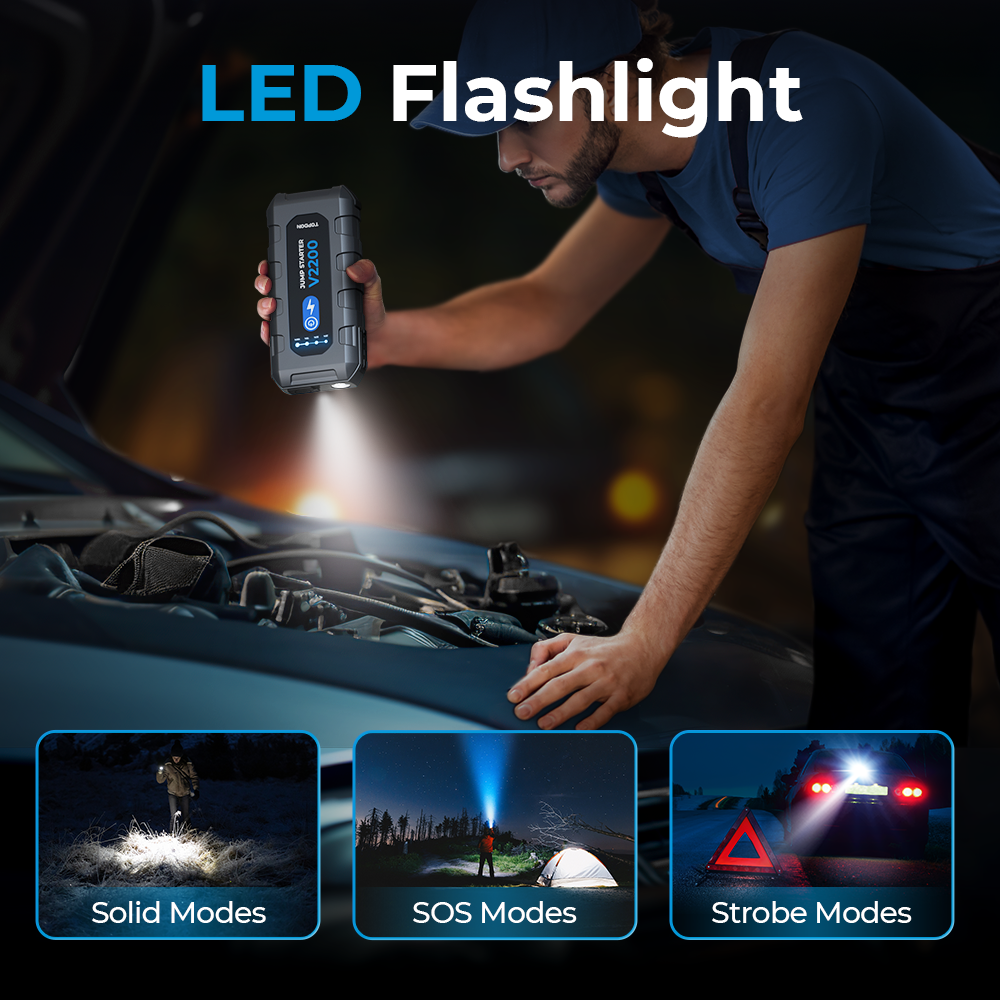
Switch Between Flashlight Modes
Press the flashlight button (usually marked with a bulb icon) to cycle through:
– Steady: Bright continuous light for under-hood visibility
– Strobe: Rapid flashing to alert other drivers at night
– SOS: Emergency distress signal (three short, three long, three short flashes)
Use It in Low-Light or Emergency Situations
The LED is bright and durable, perfect for:
– Nighttime jump-starts
– Finding tools in the dark
– Signaling for help
– Power outages or camping trips
The flashlight uses minimal power, so it won’t drain the jump starter quickly.
Recharge and Store for Long-Term Reliability
Recharge After Every Use
Always recharge the Vector after use. Lithium-ion batteries degrade faster when left in a low-charge state. Use the USB-C cable or AC adapter to restore full power.
Warning: Never store the unit fully drained—this can permanently reduce battery capacity.
Store Properly to Extend Lifespan
- Keep in a cool, dry place away from direct sunlight
- Store in the included carrying case to prevent dust and impact damage
- Check charge level every 2–3 months
- Ideal storage charge: 50–80%
Avoid extreme temperatures (below freezing or above 100°F), which can damage the battery.
Understand Built-In Safety Features
Reverse Polarity Protection Prevents Damage
If you accidentally connect the clamps backward, the Vector won’t deliver power and will typically beep or flash a warning. Disconnect immediately, correct the connection, and try again. This protects your car’s electronics and the jump starter.
Spark-Proof Technology Reduces Fire Risk
The unit uses spark-proof circuitry that only activates when a proper load is detected. This minimizes the risk of explosion near battery gases—especially important in cold or enclosed spaces.
Overcharge and Overheat Protection
The internal battery is safeguarded against:
– Overcharging (stops at 100%)
– Overheating (shuts down if too hot)
– Short circuits
These features enhance safety and extend the unit’s lifespan.
Troubleshoot Common Problems
No Power During Jump Attempt
Check LED Battery Indicator
If the display shows low or no charge, recharge the unit. A dead jump starter can’t start a car.
Inspect Clamp Connections
Ensure:
– Red clamp is on positive terminal
– Black clamp is on clean, unpainted metal
– No corrosion or loose wires
Clean battery terminals with a wire brush if necessary.
Unit Beeps or Flashes Red Light
This usually means reverse polarity or poor grounding. Disconnect immediately and:
– Recheck clamp positions
– Try a different grounding point
– Ensure no metal contact between clamps
Engine Cranks Slowly or Won’t Turn Over
Possible causes:
– Weak car battery needing replacement
– Cold weather reducing battery performance
– Low jump starter charge
If cranking is weak after multiple tries, stop and investigate the root cause.
Maximize Performance and Battery Life
Avoid Full Discharges
Don’t let the unit drop below 20% charge. Deep discharges shorten lithium-ion battery life. Recharge after every use and periodic checks.
Limit Jump Attempts and Cranking Time
Wait 1–2 minutes between attempts. Excessive cranking overheats the unit and reduces efficiency. If the car won’t start after three tries, the problem may not be the battery.
Use in Moderate Temperatures
While the Vector works in most conditions, avoid extreme heat or cold during use and storage. Performance drops in freezing temps or above 100°F.
Know the Limitations of Your Vector Jump Starter
Not for V8, Diesel, or Heavy-Duty Trucks
The 700 peak amps and 300 CCA are insufficient for large engines. Using it on incompatible vehicles may fail and damage the unit.
Not a Replacement for a Battery Charger
The Vector provides a quick power burst, not a slow, controlled charge. After a jump, drive the car or use a dedicated charger to fully restore the battery.
USB Output Is Standard, Not Fast Charging
The 10W USB port charges devices reliably but not at fast-charging speeds. It’s ideal for emergencies, not rapid top-ups.
Essential Tips for First-Time Users
Read the User Manual
Every Vector model may differ slightly. The included manual has model-specific instructions, safety warnings, and warranty details. Keep a digital copy on your phone.
Practice at Home
Try connecting the clamps to your battery (when fully charged) to build confidence. You’ll be faster and calmer during a real emergency.
Keep It Accessible
Store the jump starter in your glove box or center console, not buried in the trunk. Easy access saves time in bad weather or low visibility.
Test Every Few Months
Power it on and check the battery indicator every 60–90 days. Recharge if below 50%. This ensures it’s ready when you need it most.
Key Takeaways for Using Your Vector Jump Starter
The Vector 700 Peak Amp Jump Starter is a reliable, all-in-one emergency tool for drivers with V6 or smaller engines. By checking the charge, connecting clamps correctly, and following safety protocols, you can restart your car safely and quickly. Use its USB and 12V ports to power devices, rely on the LED flashlight in emergencies, and trust its built-in protections.
To keep it working for years:
– Recharge after every use
– Store at 50–80% charge
– Avoid extreme temperatures
– Test regularly
Keep it in your car, know how to use it, and you’ll never be stranded by a dead battery again.
Frequently Asked Questions About Vector Jump Starter
Can the Vector jump starter work on a completely dead battery?
Yes, as long as the car battery is not damaged or sulfated. The Vector delivers a burst of power to start the engine, even if the battery shows no voltage. However, if the battery is old or faulty, it may not hold a charge after the jump.
How long does it take to recharge the Vector jump starter?
Recharge time varies based on method and starting charge level. Using the USB-C cable or AC adapter, it typically takes 3–5 hours to charge from empty to full. Faster charging may occur if the battery isn’t fully depleted.
Can I use the USB port while jump-starting the car?
Yes, the Vector allows simultaneous use of USB and 12V ports while jump-starting. However, avoid using high-draw accessories during the start process to preserve power for the engine crank.
Does the Vector work in cold weather?
It works in most conditions, but performance drops in freezing temperatures. The 300 CCA rating is designed for cold starts, but extremely low temps (below 0°F) may reduce effectiveness. Keep the unit warm before use if possible.
How many jump-starts can I get on a single charge?
The Vector can deliver up to 10–15 jump-starts on a full charge for small to mid-sized vehicles, depending on battery condition and temperature. Cold weather or weak batteries may reduce this number.
Is the Vector jump starter waterproof?
No, it is not waterproof. Avoid using it in rain or wet conditions. Moisture can damage internal electronics and create electrical hazards. Use under shelter or in dry environments only.





