You plug in your DBPower jump starter, press the power button, and nothing happens. No lights, no beep, no response—just silence. You’re stranded, late for work, or stuck in a parking lot with a dead car battery, and now your backup power source isn’t cooperating. If your DBPower jump starter is not working, you’re not alone. Many users face sudden failures due to simple issues like depleted batteries, faulty connections, or incorrect usage. The good news? Most problems can be diagnosed and fixed at home without technical expertise. In this guide, you’ll learn how to troubleshoot common issues, restore functionality, and prevent future failures.
We’ll walk through step-by-step checks—from basic resets to advanced diagnostics—so you can get your jump starter back in action fast. Whether it won’t turn on, fails to start a vehicle, or shuts down unexpectedly, this guide covers every scenario. Let’s diagnose and fix your DBPower jump starter now.
Essential Safety Steps Before Troubleshooting
Before touching any components, protect yourself and your equipment from electrical hazards.
Power Off and Disconnect All Cables
Always switch off the jump starter and unplug the jumper cables before inspection. This prevents accidental sparks or short circuits, especially if the unit was recently used or connected to a vehicle.
Work in a Dry, Well-Ventilated Area
Moisture increases the risk of shock or internal corrosion. Perform all checks indoors, away from rain, humidity, or extreme temperatures. Avoid carpeted floors to reduce static discharge risks.
Inspect for Visible Damage and Wear

Start with a physical examination to catch obvious issues that could be causing failure.
Check the Device Housing for Cracks or Swelling
Look closely at the casing for dents, cracks, or bulging around the battery compartment. A swollen body indicates internal lithium-ion cell damage—stop using the unit immediately if found.
Examine Jumper Cables and Clamps for Damage
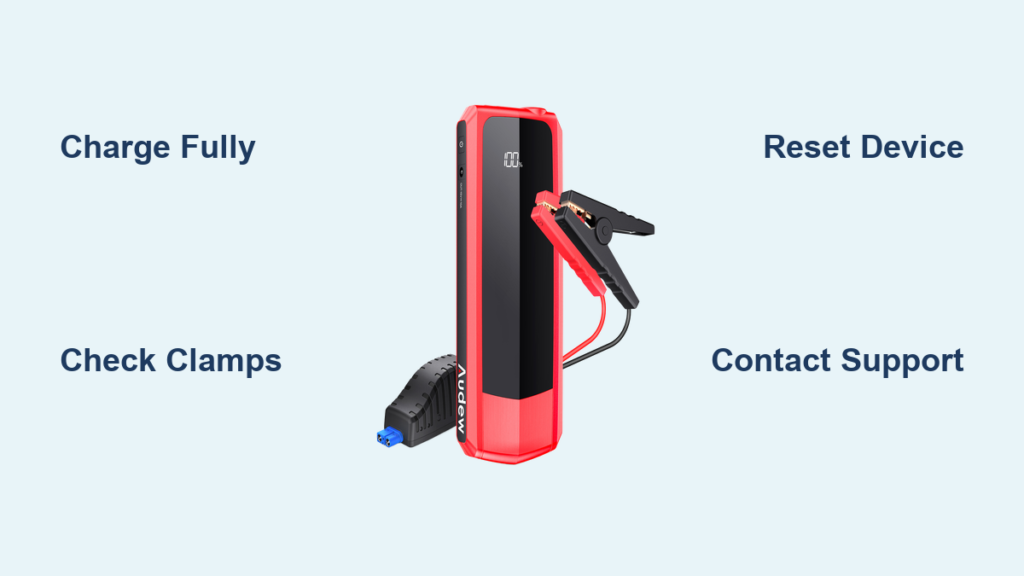
Inspect the cables for fraying, exposed wires, or bent clamps. Corrosion (white or green residue) on clamp ends reduces conductivity. Clean gently with a dry cloth or wire brush if needed.
Test LED Status Indicators
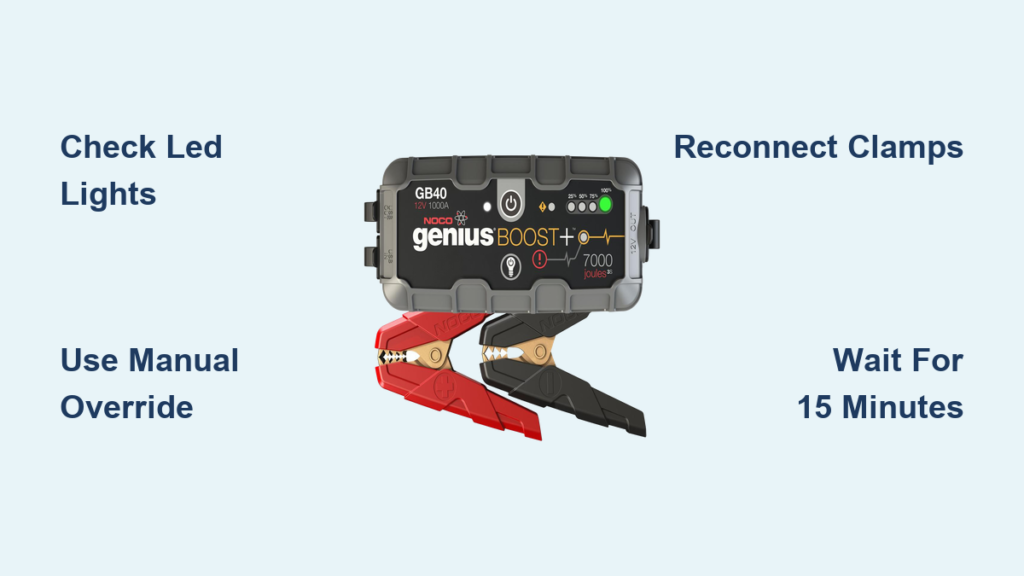
Press the power button and watch for any light response. If no LEDs illuminate, the battery may be fully drained or the circuit board damaged. Flickering lights often mean low charge or connection issues.
Charge Your DBPower Jump Starter Properly

A completely discharged battery is the most common reason the device appears dead.
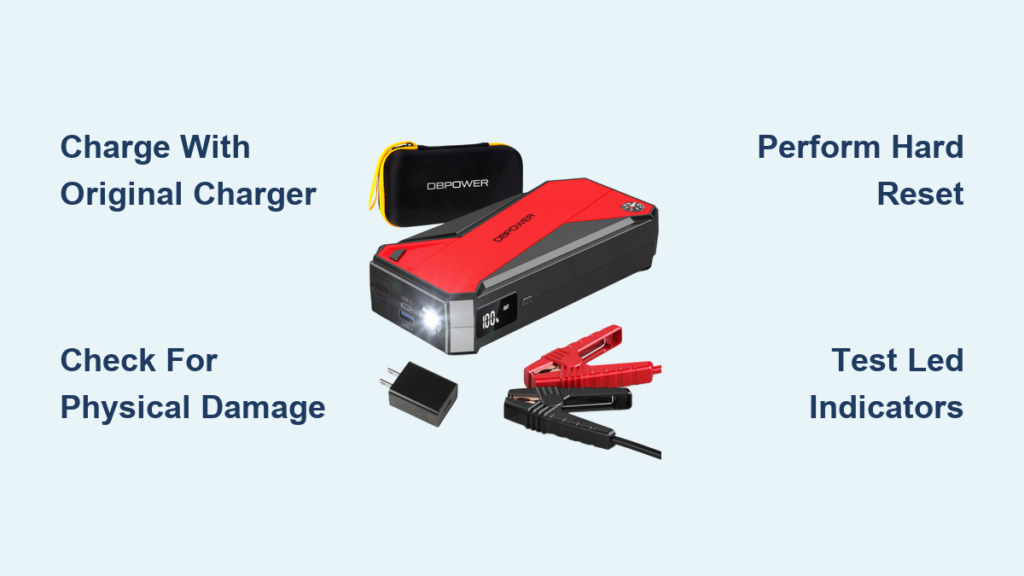
Use Only the Original AC Wall Charger
Plug in the manufacturer-provided charger. Third-party adapters may deliver incorrect voltage and damage the internal battery. Never use car chargers unless specified in your model’s manual.
Confirm Charging Lights Are Active
Once plugged in, most models show a red light during charging and turn green when full. If no light appears after 30 seconds, try a different outlet or test the charger.
Allow at Least 5 Hours for Full Charge
Even if the indicator turns green early, charge for a minimum of 5 hours—especially after long storage. Some units falsely signal “full” when deeply depleted.
Verify the Power Source and Charger Function
Sometimes the problem isn’t the jump starter but the charging setup.
Try a Different Electrical Outlet
Plug into another wall socket known to work. Test it first with a phone charger or lamp to confirm power delivery.
Check Charger Output with a Multimeter
Set a multimeter to DC voltage and test the charger tip. Compare the reading to the label (typically 12V–15V). No output means the charger is faulty and needs replacement.
Replace Damaged or Non-Working Chargers Immediately
Order a new one from DBPower or an authorized seller. Do not attempt to repair a damaged adapter—this poses fire and safety risks.
Perform a Hard Reset to Clear Glitches
Minor electronic lockups can prevent startup—even with charge.
Press and Hold the Power Button for 15 Seconds
With the unit plugged in, hold the power button down for 10–15 seconds. Release, wait 5 seconds, then press normally to turn on.
Repeat the Reset Twice if Needed
Some models require multiple reset attempts after prolonged discharge. Let the device remain connected to power between tries.
Look for LED Response After Reset
If lights now blink or stay on, the reset worked. Proceed to charge fully before attempting a jump start.
Test Jump Starting Performance Safely
After power returns, confirm the main function works under real conditions.
Connect Clamps to a Vehicle Battery Correctly
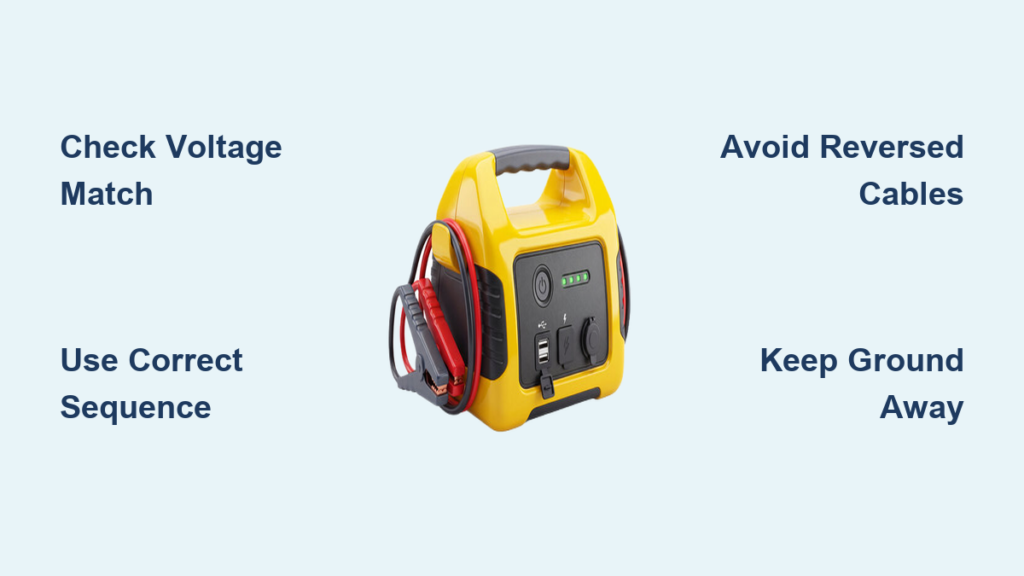
Attach red clamp to positive (+) terminal, black to negative (–) or unpainted metal ground. Ensure clamps do not touch each other during connection.
Attempt to Start the Engine
Turn on the jump starter, then crank the vehicle engine. If the car doesn’t start or cranks slowly, the unit may still lack charge or have weakened output.
Only Use 12V Mode on Compatible Vehicles
Never use your DBPower jump starter on 24V systems (common in trucks or commercial vehicles). Doing so can permanently damage the unit.
Diagnose Overload Protection Shutdowns
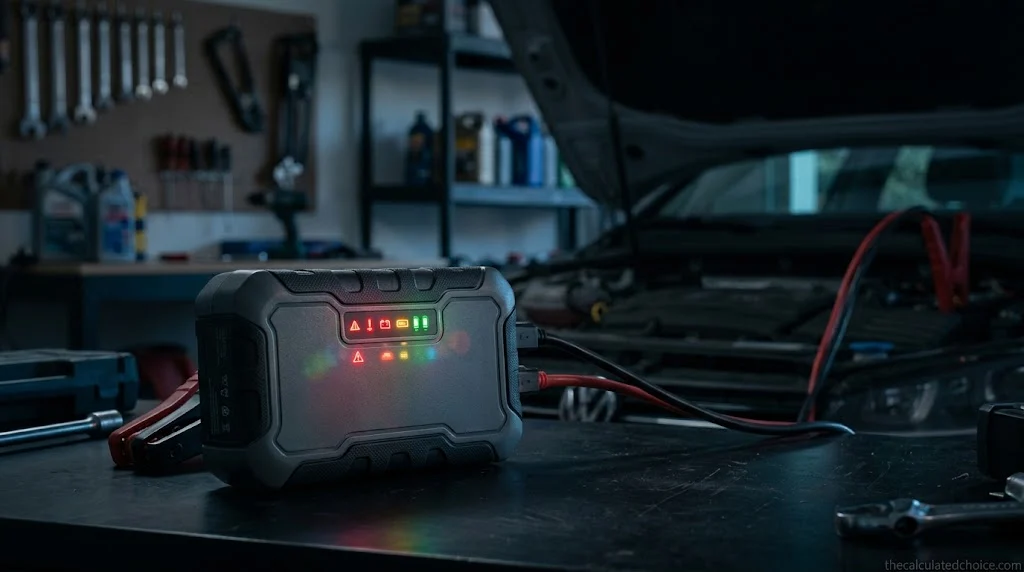
The device may cut off automatically due to built-in safety features.
Watch for Flashing LED Error Patterns
Some models signal faults with blink codes—e.g., 3 flashes = overload, 5 flashes = short circuit. Consult your user manual for exact meanings.
Wait 30 Minutes After Overload Events
After triggering protection, wait at least half an hour before reuse. This allows internal components to cool and reset safely.
Limit Consecutive Jump Attempts to 3–4
Repeated tries within 10 minutes generate heat and trigger automatic shutdown. Allow cooldown periods between attempts.
Store Your Jump Starter to Prevent Future Issues
Poor storage leads to recurring problems like dead batteries and failed startups.
Always Store With a Full Charge
Recharge the unit fully after each use. Storing with less than 20% charge risks deep discharge, which can kill lithium-ion batteries over time.
Recharge Every 90 Days Even When Unused
All jump starters self-discharge over time. Plug in every 3 months to maintain optimal battery health and readiness.
Avoid Extreme Heat or Cold
Never leave the device in a hot car (above 122°F / 50°C) or freezing garage (below 32°F / 0°C). Extreme temperatures degrade battery life and performance.
Replace Faulty Parts or the Entire Unit
When troubleshooting fails, replacement may be the safest option.
Order an OEM Battery Pack from DBPower
If the internal battery is dead, contact customer support for a genuine replacement. DIY battery swaps are dangerous and may void safety certifications.
Install New Factory-Compatible Jumper Cables
Damaged cables reduce efficiency and create hazards. Replace them with official DBPower accessories designed for your model.
Consider Buying a New Unit After 3 Years
Lithium-ion batteries degrade over time. If your jump starter is older than 3 years and frequently fails, upgrading ensures reliability when it matters most.
Prevent Recurring Failures With Smart Habits
Avoid repeat issues by using and maintaining your device correctly.
Read the User Manual Before First Use
Each DBPower model has specific instructions for charging, jump starting, and safety. Skipping steps increases the risk of damage.
Use Only for Intended Purposes
Do not run high-draw devices like air compressors or inverters continuously unless your model supports it. Overuse drains and overheats the unit.
Keep the Unit Clean and Stored in a Case
Wipe down after use and store in a protective case. Dust, moisture, and impacts reduce lifespan and reliability.
Frequently Asked Questions About DBPower Jump Starters
Why won’t my DBPower jump starter turn on?
The most likely cause is a fully drained battery. Try charging it for at least 5 hours using the original charger. If there’s still no response, check the outlet, test the charger, or perform a hard reset by holding the power button for 15 seconds.
Can a DBPower jump starter be overcharged?
No, modern models have built-in protection against overcharging. Once full, the unit stops drawing power. However, leaving it plugged in for months isn’t recommended—unplug after charging completes.
How long does a DBPower jump starter hold its charge?
Most models retain charge for 3–6 months when stored properly. To ensure readiness, recharge every 90 days even if unused.
What does it mean if the lights flash during use?
Flashing LEDs often indicate safety triggers like overload, short circuit, or reversed clamp connection. Refer to your manual for blink codes. Wait 30 minutes before retrying.
Is it safe to replace the internal battery myself?
Not recommended. Lithium-ion packs are hazardous if mishandled. Always contact DBPower for official replacements. DIY repairs can create fire risks and void warranties.
When should I replace my DBPower jump starter?
Consider replacement if the unit is over 3 years old, fails to hold a charge, won’t power on after troubleshooting, or shows physical damage. Older units lose starting power and reliability.
Key Takeaways for Fixing a DBPower Jump Starter Not Working
Most DBPower jump starter issues stem from simple causes like low battery, faulty chargers, or connection errors. Start by charging with the original adapter, inspecting cables, and performing a hard reset. Test in a safe environment and follow correct jump-start procedures. Regular maintenance—like recharging every 3 months and avoiding extreme temperatures—keeps your unit ready when needed.
If problems persist after full troubleshooting, the internal battery may be failing. Contact DBPower support for replacement parts or consider upgrading to a newer model. A reliable jump starter is a critical safety tool—don’t wait for an emergency to discover it’s no longer working.