
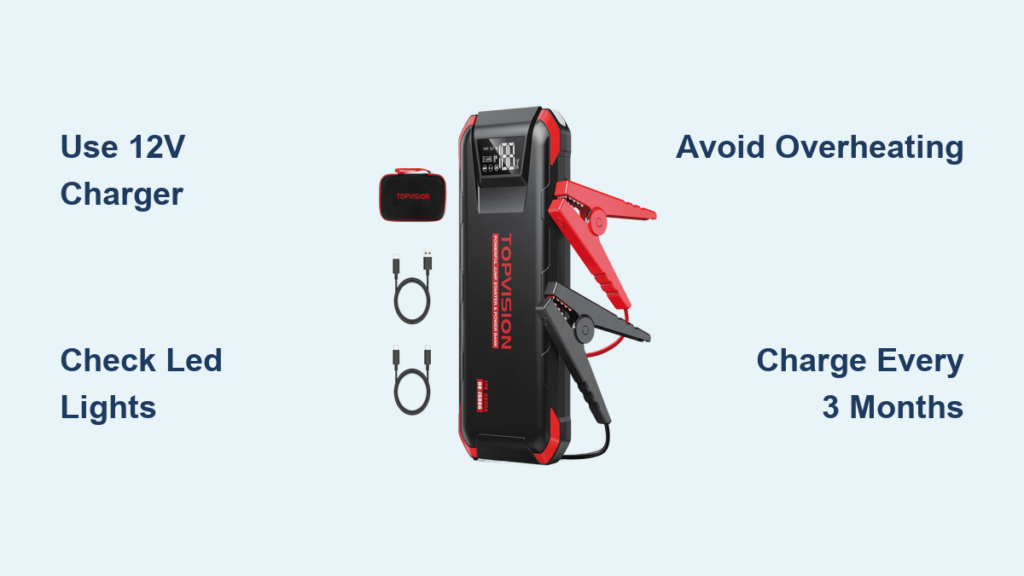
You’re ready to start your car after a long weekend away, but the engine won’t turn over. You pull out your TopVision jump starter—only to realize it’s dead too. Without a proper charge, even the most powerful portable jumper is useless. Knowing how to charge TopVision jump starter correctly isn’t just convenient—it’s critical for reliability when you need it most.
Charging your device properly ensures peak performance, extends battery life, and prevents safety hazards. Whether you’re using it for the first time or maintaining it after repeated use, following the right steps makes all the difference. This guide walks you through every step—from identifying the correct charger to interpreting indicator lights, avoiding common mistakes, and preserving long-term battery health—so your TopVision jump starter stays ready for action.
Prepare Your Jump Starter for Safe Charging
Before plugging in, take a moment to ensure safe and effective charging conditions.
Inspect the Device for Damage
Check the exterior for cracks, dents, or signs of overheating like discoloration or melting. If the battery case appears swollen or you notice a strange odor, do not charge. Lithium-ion batteries can pose fire risks if damaged. Also, confirm that the terminals and charging port are free of dirt, moisture, or corrosion.
Choose the Right Charging Environment
Always charge in a dry, well-ventilated space at room temperature (50°F–86°F / 10°C–30°C). Avoid charging on fabric surfaces like beds or couches, which trap heat. Never leave it inside a hot vehicle or in direct sunlight—temperatures above 104°F (40°C) can damage the battery or trigger thermal shutdown.
Identify the Correct Charging Port and Cable

Using the right components protects your unit from electrical damage.
Locate the DC Input Port
Look for a port labeled “DC IN,” “CHARGE,” or marked with a lightning bolt symbol. On most TopVision models, this is a barrel-style jack near the USB or AC outlets. Do not confuse it with the jumper cable clamps or USB output ports.
Use Only the Manufacturer-Approved Charger
Plug in using the original 12V DC wall adapter that came with your jump starter. If lost, replace it with a compatible adapter matching:
– Output voltage: 12V
– Polarity: Center-positive (indicated by + inside circle symbol)
– Connector size: Typically 5.5mm x 2.1mm
Using an incorrect charger—even one that fits—can fry the internal circuitry or create a fire hazard.
Begin Charging Your TopVision Jump Starter
Now that everything is set up, start the charging process safely.
Connect the Charger Properly
Insert the barrel plug firmly into the DC input port. It should fit snugly without forcing. Then plug the AC adapter into a standard wall outlet. Avoid using extension cords or multi-plug strips unless absolutely necessary.
Verify Charging Has Started
Within seconds, an LED indicator should light up. Most models show:
– Red light: Charging in progress
– Blinking red/blue: Connection issue or fault
– Solid green or blue: Fully charged
If no light appears after 30 seconds, unplug and reseat the cable. Try a different outlet if needed.
Track Charging Progress with Indicator Lights
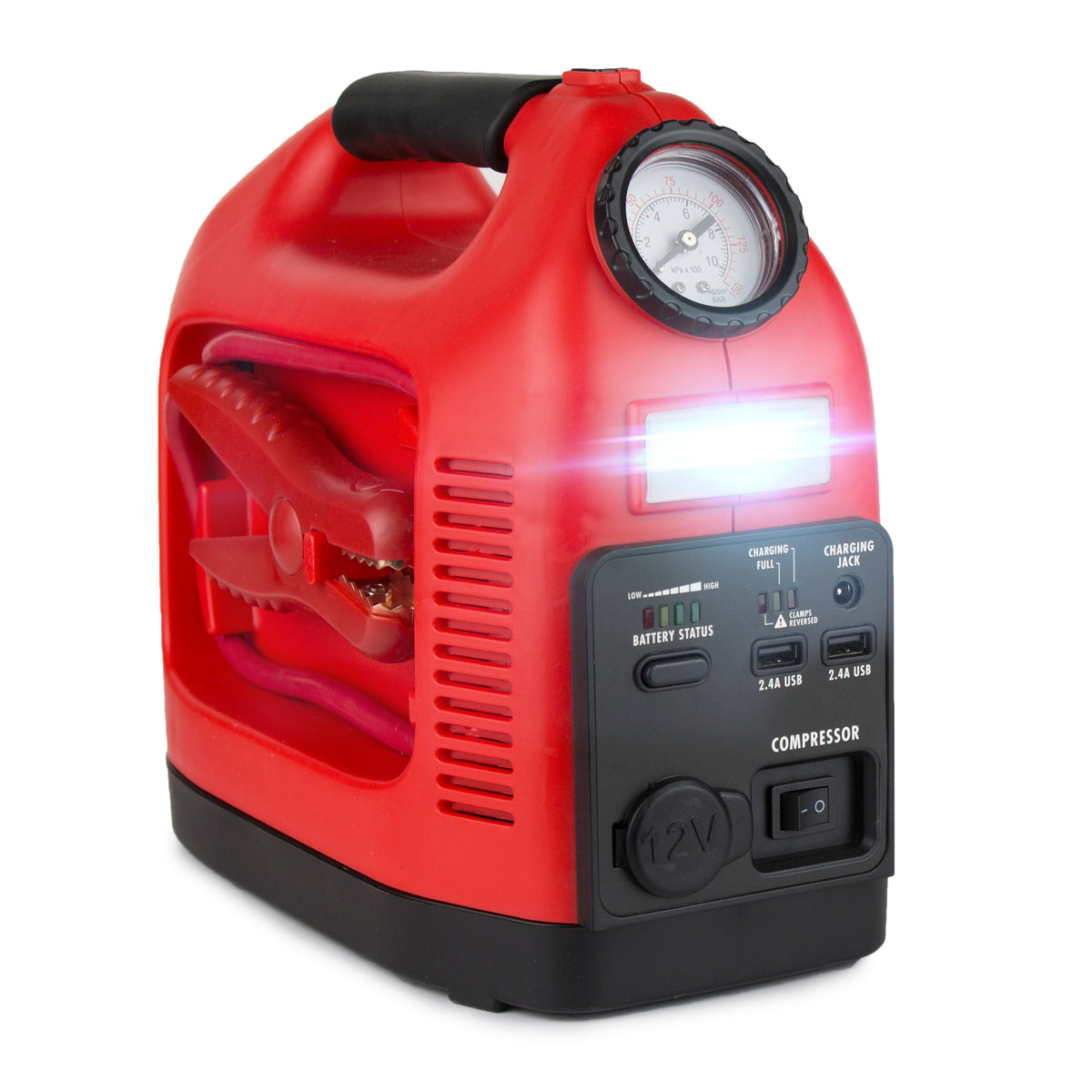
Understanding the status lights helps you monitor completion and detect issues early.
Read the LED Signals Accurately
While colors may vary slightly by model, common patterns include:
• Solid red: Actively charging
• Flashing red: Low power or error state
• Red to blue transition: Approaching full charge
• Solid blue/green: 100% charged
Refer to your user manual for model-specific meanings.
Know How Long Charging Takes
Most TopVision jump starters require 3 to 5 hours to reach full capacity from empty. Newer models have auto-cutoff to prevent overcharging, but older units should be unplugged promptly once fully charged to avoid battery stress.
Troubleshoot Common Charging Problems
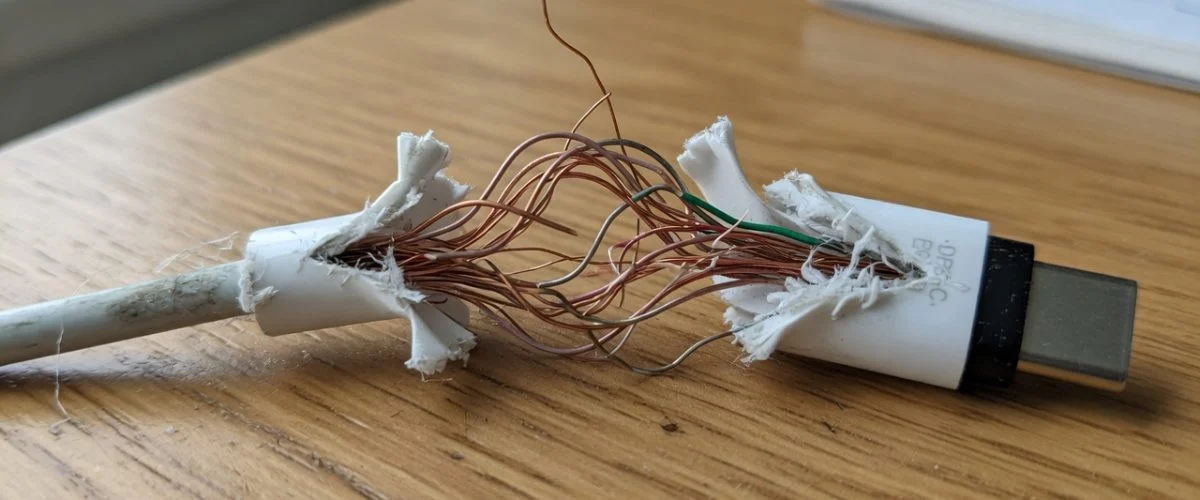
Even with care, issues can arise. Here’s how to fix them quickly.
No Response When Plugged In
If the unit doesn’t power on or show any lights:
• Check the wall outlet with another device
• Examine the charger cable for frayed wires or bent tips
• Clean the charging port with a dry cotton swab
• Test with a known-compatible 12V DC adapter
If none work, the internal fuse or battery may have failed.
Charging Stops Before Full
If the light turns off prematurely:
• Ensure the unit isn’t overheating—feel the casing; it should be warm, not hot
• Move to a cooler location if ambient temperature exceeds 86°F (30°C)
• Unplug for 60 seconds, then reconnect to reset the charging cycle
Frequent interruptions may signal aging battery cells.
Extend Battery Life with Smart Charging Habits
Proper maintenance keeps your jump starter reliable for years.
Follow Recommended Charging Frequency
To preserve lithium-ion battery health:
• Recharge every 3 months, even if unused
• Top off immediately after jump-starting a vehicle
• Avoid letting the charge drop below 20% regularly
Partial discharges are better than full drains for longevity.
Store the Unit Correctly
For short or long-term storage:
• Turn the device off completely
• Keep in a cool, dry place away from direct heat or sunlight
• For storage over one month, charge to 50–60% before setting aside
This prevents deep discharge and maintains cell stability.
Avoid Dangerous Charging Mistakes
Safety starts with smart practices.
Never Charge During Use
Do not plug in the charger while connected to a car battery or performing a jump start. Doing so can cause electrical surges, damaging both the jump starter and your vehicle’s electronics.
Keep Away From Water and Heat
Never charge a wet device or expose it to rain, snow, or humid environments. Also, avoid leaving it plugged in overnight on soft surfaces that block ventilation. Overheating reduces battery lifespan and increases fire risk.
Recognize When It’s Time to Replace Your Jump Starter
Even well-maintained units eventually wear out.
Watch for Signs of Battery Failure
Replace your TopVision jump starter if you notice:
• Takes much longer than usual to charge
• Loses charge within days despite full indicators
• Fails to start an engine even with a full charge
• Case is bulging or emits a burning smell
These are red flags of internal battery degradation.
Understand Typical Lifespan
With proper care, most TopVision jump starters last 3 to 5 years. After this period, reduced cranking power and shorter charge retention mean it’s no longer dependable in emergencies.
Key Takeaways for Charging Your TopVision Jump Starter
Charging your TopVision jump starter correctly ensures it’s always ready when you need it most. Always use the original 12V DC charger, charge in a cool dry place, and monitor the LED indicators to track progress. Avoid overcharging, extreme temperatures, and water exposure to protect battery health. Perform routine top-offs every three months and store at half-charge for longevity. If your unit shows signs of failure—slow charging, rapid discharge, or physical damage—replace it promptly.
Stay prepared: Plug in your jump starter today and verify it’s fully charged. A few minutes now could save you from being stranded later.
Frequently Asked Questions About Charging TopVision Jump Starter
Can I use a car charger to power my TopVision jump starter?
No. The 12V DC input is designed for the included wall adapter only. While some models support 12V car charging, check your manual first—using incompatible adapters may void the warranty or damage the unit.
How often should I charge my TopVision jump starter?
Charge it every 3 months if stored, or immediately after each use. Regular top-offs maintain lithium-ion battery health and ensure readiness.
Why isn’t my TopVision jump starter showing any lights when plugged in?
First, test the outlet and inspect the cable for damage. Clean the charging port and try reseating the connector. If still unresponsive, the internal battery or fuse may be faulty.
Is it safe to leave my jump starter plugged in overnight?
Only if your model has auto-cutoff. Most newer units stop charging when full, but older models should be unplugged after 5 hours to prevent overcharge and reduce battery wear.
What does a blinking red and blue light mean during charging?
This usually indicates a connection problem or system fault. Unplug, wait 1 minute, then reconnect. If the pattern continues, the unit may need servicing or replacement.
Can extreme cold affect my jump starter’s ability to charge?
Yes. Charging below 32°F (0°C) can damage lithium-ion batteries. Always bring the unit indoors to room temperature before plugging in after cold exposure.





