
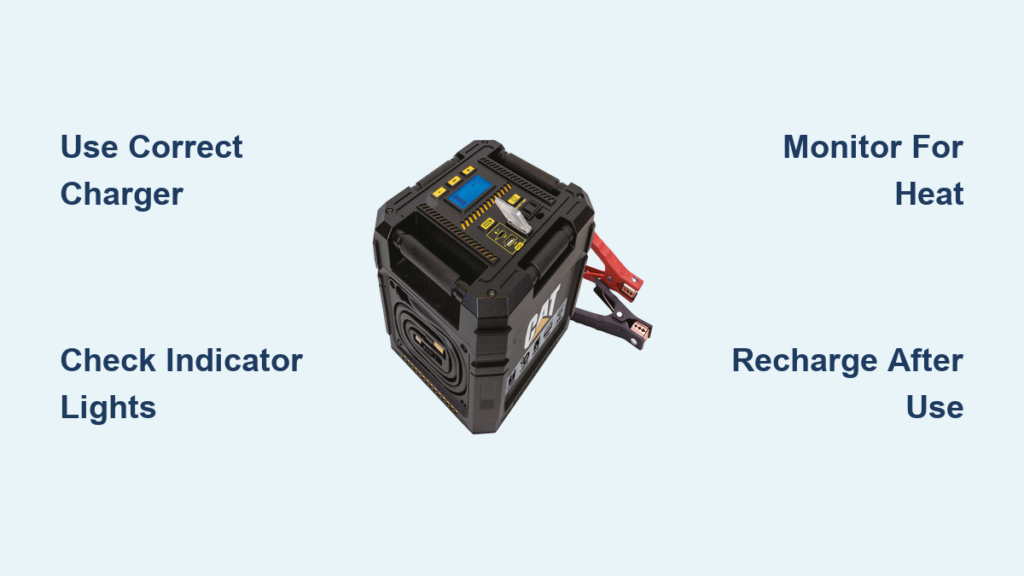
Your jump starter just saved you from a dead battery, or you need it ready before tomorrow’s job site. Either way, a half-charged unit is no help when power matters most. Knowing how to charge a Cat jump starter correctly keeps it ready and protects the battery.
This guide walks you through choosing the right charger, reading the indicator lights, fixing common charging problems, and storing the unit between uses. Follow these steps and you’ll charge with confidence.
Confirm Your Cat Jump Starter Model and Charger First
Before you plug anything in, identify your unit and its charger. Charging equipment that doesn’t match the unit can cause overheating or damage.
Find the Model Number on Your Jump Starter
- Check the label on the back, bottom, or side of the unit.
- Write down the model number so you can find the matching manual online.
- Look up the input rating printed on the jump starter label.
Match the Charger to the Input Rating
Use the charger that came with your unit or a replacement the manufacturer approves. Compare the voltage and current printed on the charger label with the input rating on the jump starter.
Warning: Do not use a car battery charger unless your manual lists it as compatible.
Plug In the Charger the Right Way
Connecting the charger correctly takes less than a minute. A loose connection is the most common reason a unit fails to charge.
- Plug the charger into a working wall outlet.
- Insert the charger’s plug fully into the charging port on the jump starter.
- Confirm the connection is snug and doesn’t wobble.
- Check the indicator light or display for a sign that charging has started.
Read the Charging Indicator
Most jump starters show charging status through a light or display. Your manual explains what each color or pattern means.
- Pro Tip: Take a photo of the indicator lights when the unit is fully charged. You can compare future charges against it.
Set Up a Safe Charging Area

Where you charge matters as much as how you charge. Heat is the biggest enemy of lithium batteries.
- Place the unit on a hard, flat, non-flammable surface.
- Keep it away from bedding, carpet, cardboard, and other fabrics.
- Avoid charging inside a closed vehicle or in direct sunlight.
- Keep the area clear of water and damp spots.
Monitor the Unit While It Charges

Charging is not a set-and-forget task, especially the first few times you use a new unit. Checking on it protects both you and the battery.
Check for Heat During Charging
Touch the casing every so often. It should feel warm at most, not hot.
- Urgent: If the casing becomes hot, unplug the charger right away.
- Let the unit cool in a safe spot before using it again.
- Contact Cat support if the overheating happens more than once.
Set a Reminder to Check Charge Progress
Look up the expected charge time for your model in the manual. Set a phone reminder to check the unit near that time, so you don’t leave it plugged in longer than needed.
Fix Common Charging Problems
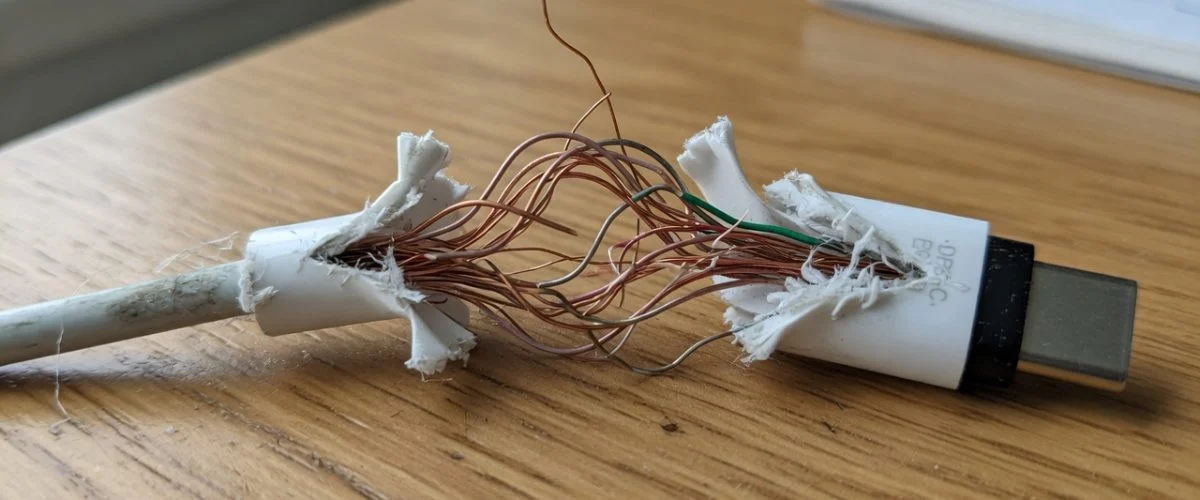
Charging issues are frustrating, but many have simple fixes. Work through these steps before assuming the unit is damaged.
When the Jump Starter Will Not Charge
- Test the wall outlet with another device, such as a lamp or phone charger.
- Try a different outlet.
- Inspect the charger cable for frays, cracks, or sharp bends.
- Clean the charging port with compressed air or a dry brush.
- Plug the charger in again and check the indicator.
If the unit still doesn’t respond, contact Cat customer support.
When the Jump Starter Loses Charge Quickly
Several common causes can drain a unit faster than expected:
- Battery age: Lithium batteries lose capacity over time with regular use.
- Power switches left on: Turn off all switches and lights after each use.
- Extreme temperatures: Very hot or very cold storage reduces battery performance.
Store and Maintain Your Jump Starter Between Uses
Good habits between uses help your unit hold its charge when you need it.
- Recharge the unit after every use, even if you only drained it a little.
- Check the charge level periodically while the unit sits in storage.
- Store it in a dry, moderate-temperature location.
- Follow the manual’s storage guidance for charge level and timing.
Know When to Replace or Contact Cat Support
Even with proper care, every jump starter reaches the end of its life. Watch for these warning signs:
- The unit won’t hold a charge.
- The casing is swollen, cracked, or hot during normal use.
- The unit no longer starts vehicles it once handled easily.
Check your warranty terms in the manual or your registration records. Stop using any unit with a swollen or damaged casing.
Frequently Asked Questions About Charging a Cat Jump Starter
How do I know if my Cat jump starter is fully charged?
Check the indicator light or display on the unit. Your manual explains what the fully charged signal looks like for your model.
Can I charge my Cat jump starter with a car charger?
Only if your manual lists that charger as compatible. Using an unapproved charger can damage the battery or create a safety hazard.
Is it safe to leave a Cat jump starter charging overnight?
Check your manual for the recommended charge time and follow it. Setting a reminder to check the unit is a safe habit, especially for a new device.
Why won’t my Cat jump starter charge?
Start by testing the outlet, trying another outlet, and inspecting the cable and port. If the unit still won’t respond, contact Cat customer support.
How often should I charge my Cat jump starter?
Recharge it after each use. If the unit sits in storage, check its charge level regularly and follow the storage guidance in your manual.
Key Takeaways for Keeping Your Cat Jump Starter Charged
Charging a Cat jump starter is simple when you start with the right charger and a safe setup. Match the charger to the unit’s input rating, plug it in firmly, and read the indicator light. Check the casing for heat during charging, and recharge after every use.
Your next step is to find your model number, then download the matching manual from Cat’s website. Use it to confirm the charge time, indicator meanings, and storage guidance for your unit.





