
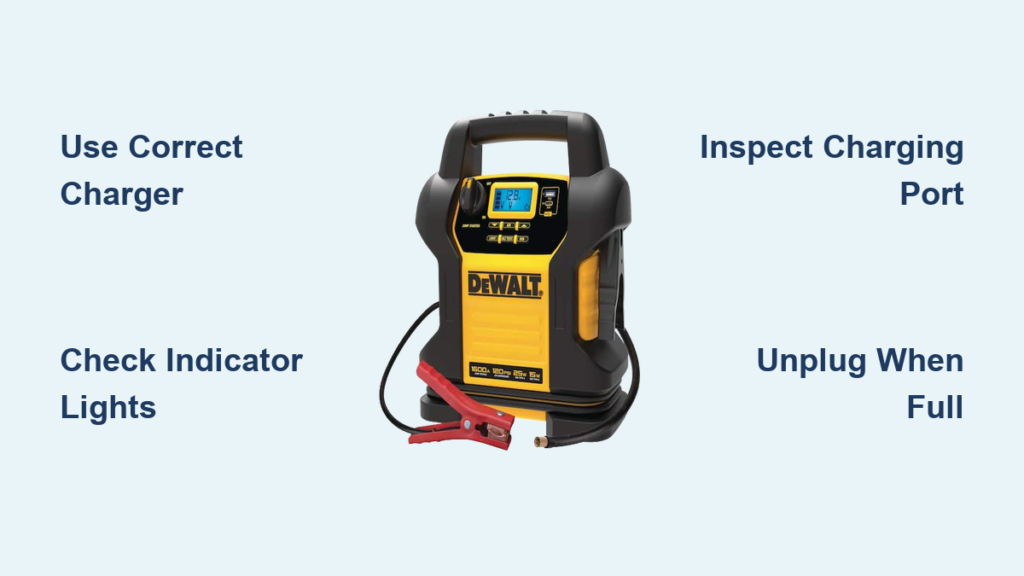
Your car battery dies in a parking lot, and you reach for your DeWalt jump starter. The power indicator is flat, and now you have two problems. Knowing how to charge a DeWalt jump starter correctly keeps it ready for emergencies, job sites, and routine vehicle care.
This guide covers preparing the unit, connecting the charger, reading the indicator lights, fixing charging problems, and storing the unit between uses. Check your model’s manual for exact specifications.
Prepare Your DeWalt Jump Starter Before Charging

A few quick checks prevent damage and help the charge go smoothly.
Confirm Your Model and Charger Match
Find the model number on the label of the unit. Use the charger that came with that model or one listed as compatible in the manual. Mismatched chargers can prevent charging or cause overheating.
Inspect the Cord, Port, and Housing
Look over the unit before you plug it in:
- Frayed or exposed cord wires
- Cracks in the housing
- Bent, corroded, or dirty charging port pins
Warning: Do not charge a unit with visible damage. Contact DeWalt support for guidance first.
Turn Off the Unit and Disconnect Cables
Make sure the jump starter is off and not connected to a vehicle or device. Charging while the unit is in use can slow the process and creates unnecessary electrical risk.
Connect the Charger the Right Way
Once the unit passes inspection, you can begin charging.
Plug the Charger Into a Working Outlet
- Plug the charger directly into a wall outlet.
- Skip extension cords and power strips when possible, since they can reduce power delivery.
- Test the outlet with another device if nothing happens.
Seat the Connector Fully
Line up the plug with the charging port. Push it in gently until it sits flush. Forcing the connector can bend pins. A loose connection often causes slow or failed charging.
Read the Indicator Lights
Check the LED display after connecting:
- Charging light: Confirms power is flowing. [Verify the color and pattern in your manual.]
- Full charge light: Shows the unit has finished. [Verify the color and pattern in your manual.]
- No light: Points to a power or connection problem.
Pro Tip: Take a quick photo of the indicator pattern when the unit is fully charged. You can compare future lights against it.
Estimate How Long a Full Charge Takes
Charge time depends on the battery capacity and how empty the unit was.
Check Your Manual for Charge Time
Charge time varies by model. Look for the rated charge duration in your manual. Plan ahead by charging the unit the night before you need it.
Unplug When the Full Charge Light Appears
Do not rely on a timer alone. Wait for the full charge indicator, then unplug the charger. Leaving the unit connected for long periods unnecessarily can reduce battery health over time.
Fix a DeWalt Jump Starter That Won’t Charge
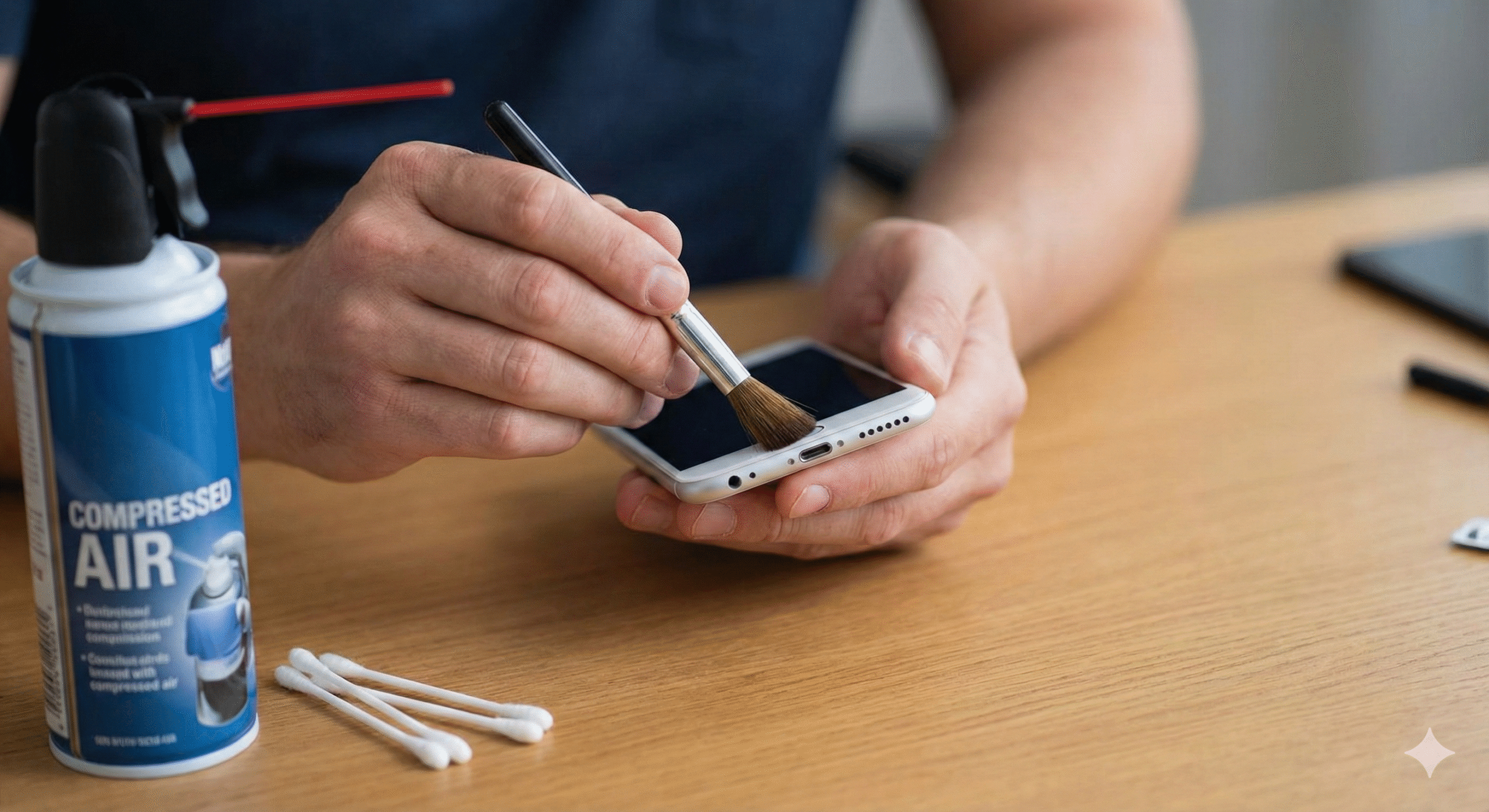
Most charging problems come from power, connection, or port issues. Work through these checks in order.
What to Do When No Lights Appear
Start with the simplest fixes:
- Test the outlet with a different device.
- Try a different wall outlet.
- Reseat the connector firmly.
- Clean dust or debris from the port with a dry cotton swab or compressed air.
Warning: Never use metal tools in the charging port. They can cause a short circuit.
What to Do When Charging Never Finishes
If the charge light stays on or keeps flashing well beyond the expected time in your manual:
- Confirm the charger’s output matches the label.
- Check the manual for the recommended reset procedure.
- Contact DeWalt support if the unit still won’t hold a charge.
Expert Note: An older battery that drains quickly or won’t hold a charge may need replacement. Consult DeWalt support before attempting battery repairs.
Store and Maintain Your Jump Starter Between Uses
Good storage habits extend the life of your unit and keep it ready.
Store the Unit at the Recommended Charge Level
Check your manual for the recommended storage charge level. Avoid storing the battery completely empty or always fully charged.
Keep It in a Stable Temperature Environment
Extreme heat and cold can damage lithium-ion batteries. Avoid leaving the unit in a hot car or a freezing garage. Check your manual for the approved temperature range.
Clean the Clamps and Port Regularly
- Wipe clamps with a dry cloth after each use.
- Remove corrosion with a soft brush and a mild baking soda solution if needed.
- Dry all parts thoroughly before storing.
Common Charging Mistakes That Shorten Battery Life
Avoid these habits to protect your jump starter:
- Using a charger not designed for your model
- Forcing a connector into the port
- Letting the battery sit at zero charge for long periods
- Charging the unit while it is connected to a vehicle
- Ignoring damaged cords or ports
Frequently Asked Questions About Charging a DeWalt Jump Starter
Can I use a regular DeWalt tool charger on my jump starter?
Not necessarily. Jump starters often use a dedicated charger with a different connector. Check your manual and use the charger listed for your model.
How long does a DeWalt jump starter take to charge?
Charge time depends on the model and battery level. Your manual lists the rated charge duration. Wait for the full charge indicator rather than relying only on a timer.
Why won’t my DeWalt jump starter charge?
Common causes include a dead outlet, a loose connector, debris in the port, or a damaged cord or charger. Start with the outlet and connector, then inspect the port.
Can I leave my DeWalt jump starter plugged in?
It is best to unplug the unit once the full charge light appears. Long periods of unnecessary charging can reduce battery health.
What do the indicator lights on my DeWalt jump starter mean?
Light colors and patterns vary by model. Charging, full, and fault indications are listed in your manual. Compare what you see against those descriptions.
Key Takeaways for Keeping Your DeWalt Jump Starter Ready
Charging a DeWalt jump starter correctly comes down to three habits:
- Use the correct charger and inspect the cord and port before each charge.
- Seat the connector fully and wait for the full charge indicator.
- Store the unit at the recommended charge level in a stable environment.
Next step: Find your model number and manual today. Write down the charge time, light meanings, and storage guidance, and keep that note with your jump starter so you’re ready the next time you need it.





