
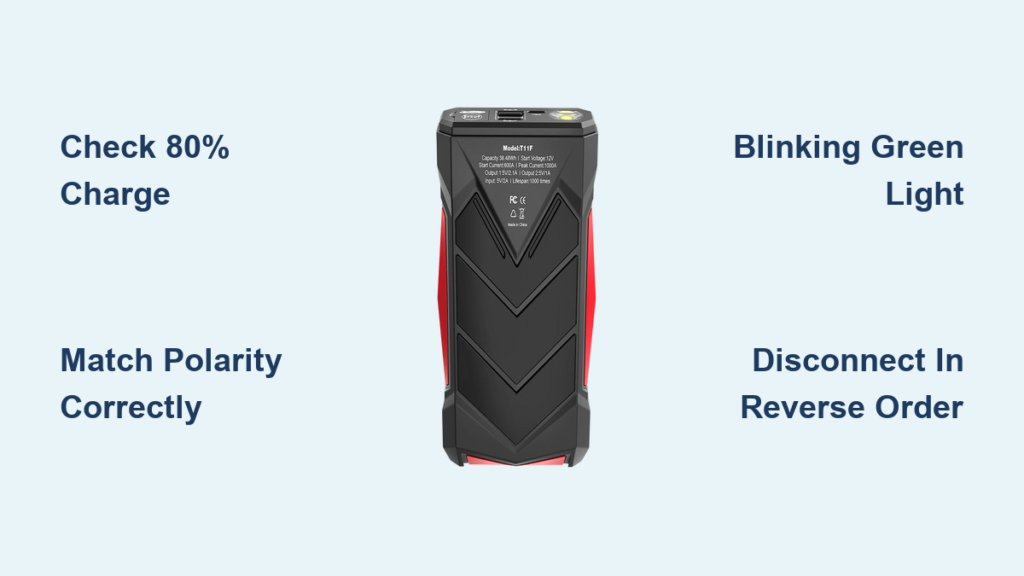
Your car won’t start in a parking lot, and all you hear is a faint click. A portable jump starter like the NEXPOW T11F 1000A can get you moving without a second car. Knowing how to use a NEXPOW jump starter correctly makes the difference between a quick fix and a failed attempt.
This guide walks you through preparing the device, connecting it safely, starting your engine, and handling problems. You will also learn what to do if the unit malfunctions, plus the warranty and support options available to you.
Prepare Your NEXPOW T11F Before Every Jump Start
A jump starter only helps if it has power when you need it. Check the unit before you head out. A few minutes of preparation saves a lot of frustration later.
Charge the Unit Before First Use
Some units arrive almost fully charged, but you should check the charge level when you unbox it. If it isn’t fully charged, charge it via the included USB-C cable before the first use. The USB-C port supports fast charging.
Confirm at Least 80% Battery Charge
For reliable jump starting, keep the device at or above 80% charge. If the level drops below this threshold, recharge it before relying on it. A low battery is one of the most common reasons a jump start fails.
Inspect the Jump Starter for Damage
Look over the device before each use. Check the casing, clamps, and cables for visible problems.
Stop using the unit and contact support if you find any damage. Do not attempt a jump start with a damaged device.
Connect Your NEXPOW Jump Starter to a Dead Battery
The connection step is where mistakes happen. Take your time and follow the polarity guidance in the User Manual, which includes diagrams.
Follow Correct Polarity Every Time
- Turn off the vehicle and make sure the battery is accessible.
- Connect the clamps to the vehicle battery, matching the polarity shown in the User Manual.
- Confirm that both clamps sit firmly and make solid contact.
Reverse polarity can cause problems. The NEXPOW T11F includes reverse polarity protection, but you should still double-check every clamp before you proceed.
Read the Indicator Light Before You Start the Engine
Once the clamps are attached, look at the indicator light on the jump starter.
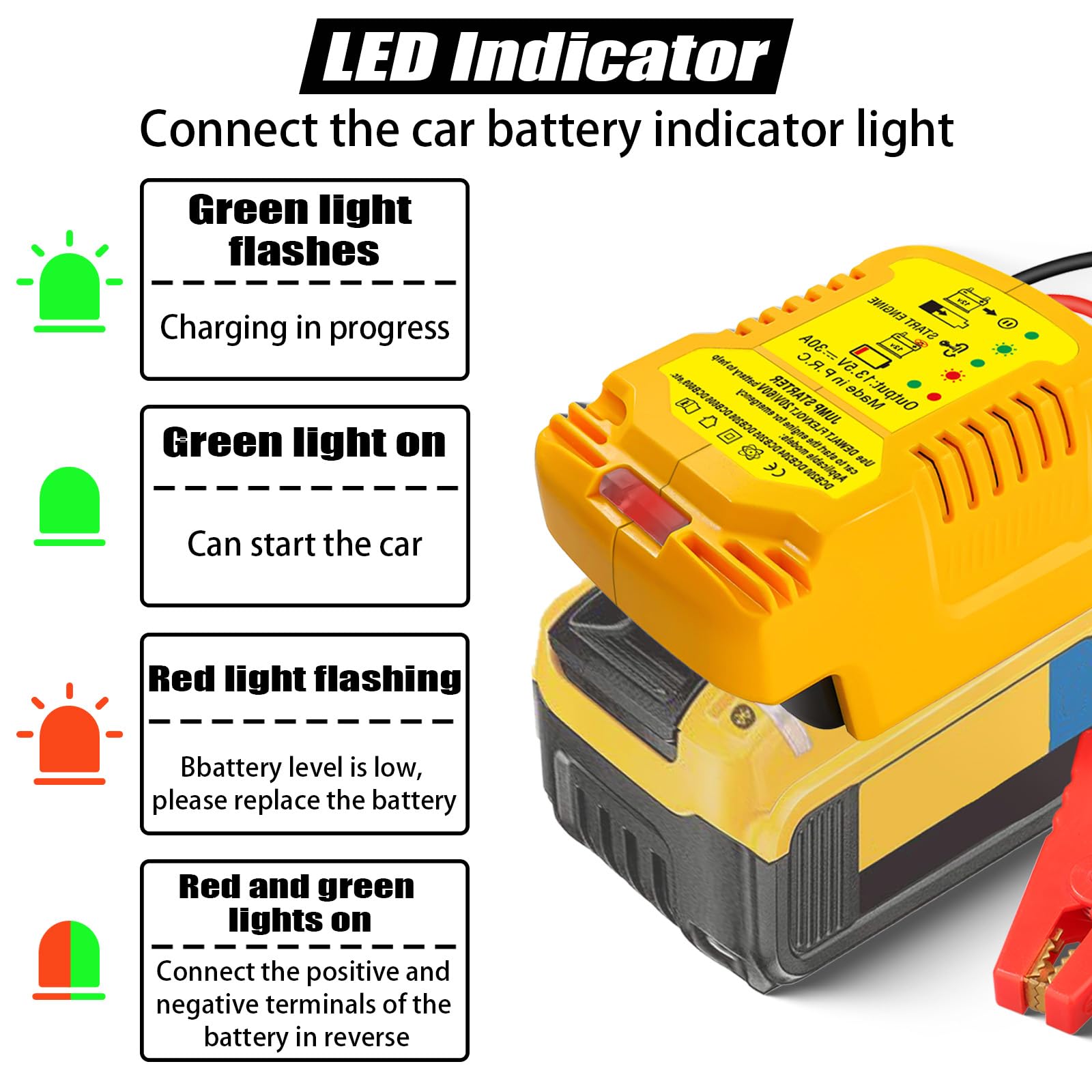
• Blinking green means the connection is correct.
• Anything other than a blinking green light means you should stop and recheck your clamp positions before continuing.
Only attempt to start the vehicle after you confirm the blinking green indicator.
Start Your Vehicle and Disconnect the Jump Starter Safely
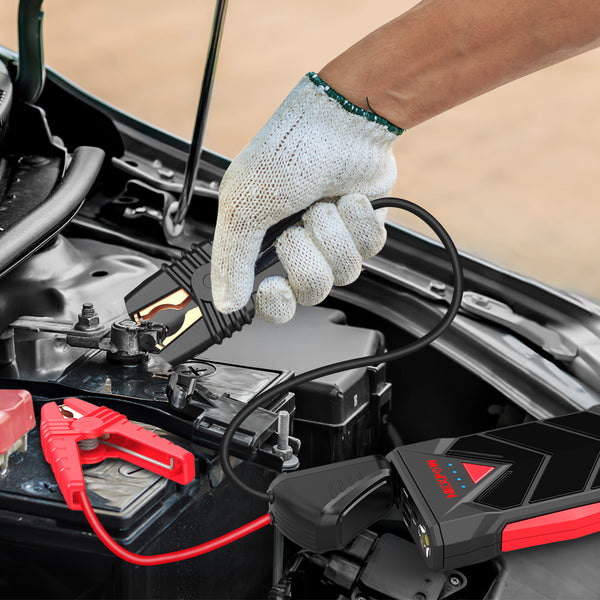
Once the connection checks out, you can attempt the start. Keep your movements calm and deliberate. Rushing increases the chance of a mistake.
Attempt the Start
- Sit in the driver’s seat and turn the key or press the start button as usual.
- If the engine starts, move on to the disconnection steps below.
- If the engine doesn’t start, pause and recheck the clamps, indicator light, and battery level before trying again.
Do not keep cranking the engine repeatedly without checking your setup. Each failed attempt is a sign that something needs attention.
Disconnect the Clamps After a Successful Start
Pro Tip: Remove the clamps in the reverse order you attached them. This keeps your hands clear of live connections and reduces the risk of short circuits.
- Remove the black (ground) clamp first.
- Remove the red clamp from the positive terminal.
- Let the vehicle run so its own battery can recharge.
- Recharge the NEXPOW jump starter as soon as you can.
Troubleshoot a NEXPOW Jump Starter That Won’t Start Your Car
Even with correct use, a jump start sometimes fails. Work through these checks in order. Most problems come down to battery level or clamp contact.
Check the Battery Level and Clamp Contact
Start with the basics before assuming the device is faulty.
• Confirm the jump starter has at least 80% charge.
• Make sure both clamps are secure on the correct terminals.
• Confirm the indicator light is blinking green.
Escalate to Support When Everything Checks Out
If the connections are correct, the indicator blinks green, and the device has over 80% charge, but the vehicle still won’t start, contact NEXPOW support. Have these details ready:
• Your order number
• The product model you purchased
• Your vehicle model
• Photo or video proof of the issue, if available
Watch for Cold Weather Failures
Cold conditions can stop a jump starter from working, even when it is fully charged. One documented user reported a failed attempt in 20°F weather on a Hyundai Tucson, where the device produced no response.
If you live where temperatures drop sharply, keep a backup plan ready, such as a traditional jumper cable setup or roadside assistance.
Recognize Safety Warning Signs and Device Malfunctions
Most users report successful jump starts. However, the knowledge base documents rare but serious safety incidents, so you should know the warning signs.
Stop Use If the Device Overheats or Shows Damage
Discontinue use immediately if the jump starter overheats during operation or shows any damage. Monitor the device while it is in use, and do not ignore unusual behavior.
Understand the Documented Explosion Case
⚠️ Critical Warning: One user reported that a NEXPOW unit exploded during its first use. The user said the device was connected properly and that it overheated within seconds, exposing internal components.
This case is rare, but it shows why you should inspect the device before every use. Follow the instructions closely, and report any defect right away.
Contact NEXPOW Support and Use Your Warranty
If your device fails or malfunctions, act quickly and document everything. Clear records make the support process faster.
Gather Your Order and Vehicle Details
Before you contact support, collect the following information:
• Order number
• Product model (T11F)
• Vehicle model
• Photos or video showing the problem
Reach Support by Email or Phone
• Email: support@nexpow.com (US and Canada after-sales mailbox)
• Phone: 1-888-980-9884 (USA), Monday to Friday, 10:00 AM to 6:00 PM EST
• Website: Use the contact form available on the NEXPOW website
Keep your order confirmation handy so the support team can locate your purchase quickly.
Store and Maintain Your NEXPOW Jump Starter Properly
A jump starter is only useful when it’s ready to work. Good storage habits help protect the battery and the device itself.
Keep It Charged and Accessible
• Keep the charge above 80% so the unit is ready for an emergency.
• Store it in your glove box or small bag, where you can reach it fast.
• Test the device periodically to confirm it still works.
Avoid Extreme Temperatures
Store the jump starter in conditions that avoid extreme heat and cold. Temperature extremes can affect the device, and the cold weather failure case shows how much performance can suffer.
What Comes in the NEXPOW T11F Box and What the Warranty Covers

Check your package against this list when it arrives:
• NEXPOW T11F Jump Starter (×1)
• USB-C charging cable (×1)
• User Manual (×1)
• Carrying case (×1)
The NEXPOW T11F includes an 18-month warranty for US and Canada customers. Free shipping typically takes 3 to 5 business days in those regions.
Real User Experiences With the NEXPOW T11F
Owner experiences vary, so it helps to see both sides.
• Michael Allen reported about 5 years of use with no problems, including jump starting trucks.
• Caryl Hetland jump started a friend’s truck, and the vehicle started right away.
• wath68 reported that the device exploded during its first use, even though it was connected properly.
• Giltee reported that the device failed in 20°F weather despite being fully charged.
These reports suggest the NEXPOW T11F works well for many people, but it is not guaranteed to work in every situation.
Key Takeaways for Using Your NEXPOW Jump Starter Safely
A successful jump start depends on three things: a charged device, correct clamp polarity, and a blinking green indicator before you crank the engine. Inspect the unit before every use and stop immediately if you see damage or overheating.
If the device still fails with correct setup and over 80% charge, contact NEXPOW support with your order number, model, vehicle details, and proof of the issue. Your next step is simple: check your jump starter’s charge level today and keep it in your glove box where you can reach it.
Frequently Asked Questions About the NEXPOW Jump Starter
What charge level does the NEXPOW jump starter need?
For reliable jump starting, keep the NEXPOW T11F at or above 80% battery charge. If it falls below this level, recharge it using the included USB-C cable before use.
What does the blinking green light mean on a NEXPOW jump starter?
A blinking green indicator means the clamps are connected correctly. If the light does not blink green, recheck the clamp positions before attempting to start the vehicle.
What vehicles can the NEXPOW T11F jump start?
The NEXPOW T11F supports gasoline engines up to 7L and diesel engines up to 5.5L. It works with cars, trucks, SUVs, motorcycles, ATVs, and boats.
Does the NEXPOW jump starter have a warranty?
Yes. NEXPOW offers an 18-month warranty and free technical support by email for customers in the US and Canada. Keep your order number ready when you contact support.
Why might a NEXPOW jump starter fail in cold weather?
One documented user reported that the device failed at 20°F even though it was fully charged. Cold conditions can reduce performance, so have a backup plan for freezing weather.
Who should I contact if my NEXPOW jump starter is damaged?
Stop using the device right away. Contact support at support@nexpow.com or call 1-888-980-9884 (USA) Monday to Friday, 10:00 AM to 6:00 PM EST, with your order number, model, vehicle details, and photos or video of the problem.





