
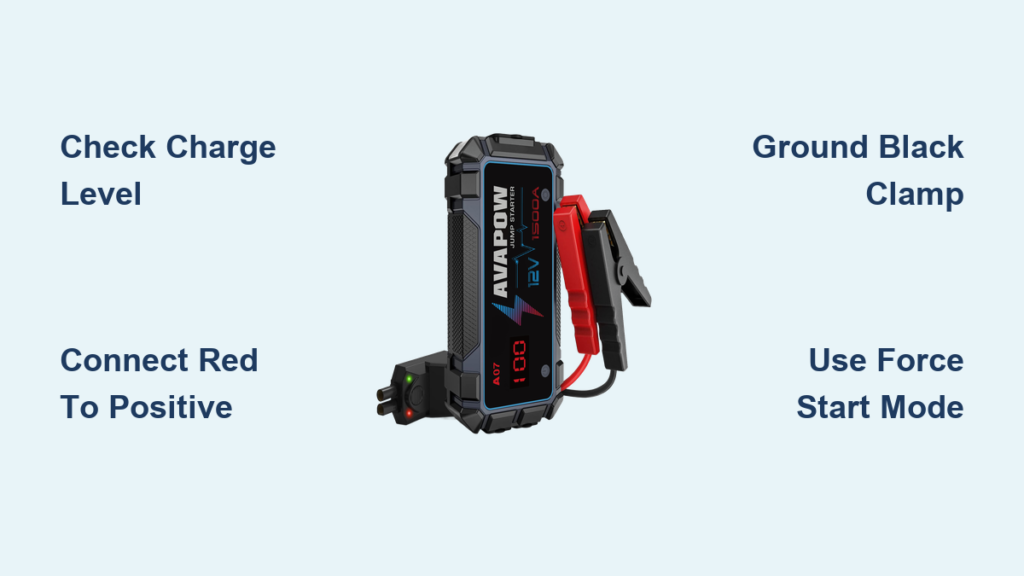
Your car won’t start, there’s no one around to help, and your jumper cables are sitting at home. This exact situation is why the AVAPOW jump starter exists. Learning how to use AVAPOW jump starter properly means you can revive a dead battery in minutes without waiting for a tow truck or a friendly stranger.
This guide covers everything from checking the charge level to activating Force Start mode, disconnecting safely, and using the built-in flashlight and power bank features. Whether you own the 2000A or the A68 (6000A) model, you’ll find every step you need below.
Prepare Your AVAPOW Jump Starter Before Connecting

A little preparation prevents most jump-start failures. Get the unit ready before you touch the car battery.
Check the Battery Charge Level
Press the power button once to see the status.
• A68/6000A model: Four LEDs show the charge level (100%, 75%, 50%, 25%). Use the unit only if it shows at least 50%.
• 2000A model: Blue means standby, green means ready to jump, and red means the car battery is fully dead.
Pro Tip: Recharge the unit if it’s below 50%, especially before winter trips or after long storage.
Attach the Clamps Correctly
- Open the dust cover on the side of the unit.
- Plug the alligator clips into the jump starter terminals if they aren’t pre-connected.
- Look for a blue LED on the cable, which confirms a proper connection to the unit.
Warning: Never attach the clamps to the car battery before connecting them to the jump starter itself.
Connect the Clamps to Your Car Battery Safely
Correct clamp placement prevents sparks and protects your vehicle’s electronics.
Attach the Red Clamp to the Positive Terminal
Clip the red clamp onto the positive (+) terminal of the car battery. Look for a “+” symbol or a red cover. Wipe away any corrosion so the metal contacts touch directly.
Ground the Black Clamp on Bare Metal
Attach the black clamp to an unpainted bolt, bracket, or engine block away from the battery. This reduces the risk of sparks near flammable battery gases.
• Some manuals allow connecting directly to the negative terminal.
• Grounding to bare metal is the safer option, especially on the 2000A model.
Confirm the Connection
• A green light on the cables means the connection is secure and you’re ready to start.
• On the 2000A model, a green device light confirms readiness.
• A red or blinking light means the clamps may be reversed. Reposition them before continuing.
Start Your Engine and Use Force Start Mode When Needed
With the clamps secure, you’re ready to bring the engine back to life.
Turn the Ignition Normally
- Sit in the driver’s seat and turn the key or press the start button.
- Let the engine crank for no more than 3 to 5 seconds.
- If it starts, let it run for 5 to 10 minutes to recharge the battery.
Activate Force Jump Start Mode for Dead Batteries
If the engine won’t turn over, use Force Start.
- Press and hold the red force start button for 3 seconds while the clips are connected.
- A green indicator light confirms the mode is active.
- Try starting the engine again.
Force Start delivers a higher surge current, which makes it essential for deeply discharged batteries, cold weather starts, and vehicles that have sat idle for weeks. On the 2000A model, a red device light signals that Force Start is needed.
Important: Only activate Force Start after confirming the clamps are connected correctly.
Disconnect the AVAPOW Jump Starter in the Right Order
Removing the clamps properly protects both you and your vehicle.
- Turn off the car engine.
- Remove the black clamp from the ground point.
- Remove the red clamp from the positive terminal.
- Unplug the clips from the jump starter.
- Replace the dust cover.
Never disconnect while the engine is running, as this risks a voltage spike.
Use the Built-In LED Flashlight During Emergencies

The A68 model includes a multi-mode LED flashlight for nighttime breakdowns.
Activate and Cycle Through Modes
Press and hold the power button for 3 seconds to turn the light on. Then tap to cycle:
• Floodlight: Bright white beam for changing tires or checking fluids.
• SOS mode: 3 short, 3 long, 3 short flashes for emergency signaling.
• Strobe mode: Rapid pulses to attract attention.
• Tap once more to turn the light off.
Pro Tip: If you’re stranded on a dark highway, SOS mode is visible from a long distance.
Recharge and Maintain Your AVAPOW Jump Starter
Regular charging keeps the unit ready whenever you need it.
Charge via USB-C
- Connect the included USB-C cable to the unit.
- Plug it into a wall adapter (18W input max).
- A full charge takes about 3 to 4 hours.
On the A68 model, the four LEDs light up sequentially and the unit is fully charged when all four stay solid.
Maintain Battery Health
• Recharge every 3 months, even when the unit sits unused.
• Store it in a cool, dry place away from extreme heat or freezing temperatures.
• Verify the charge before long trips or winter driving.
Use Your AVAPOW as a Power Bank and 12V Power Source

The A68 doubles as a portable charger for your gear.
Charge Devices Through the USB Ports
• 2 USB-A ports: Charge phones, tablets, and GPS devices. One port supports fast charging.
• USB-C port: Input-only for recharging the unit. You can still charge USB-C devices with the included USB-A to USB-C cable.
• 12V DC output: Run air compressors, coolers, inverters, or laptop chargers with the included automotive adapter.
All three outputs work simultaneously, which makes the unit ideal for road trips.
Understand the Built-In Safety Protections
The A68 model includes eight safeguards that protect you and your vehicle:
• Reverse polarity protection
• Short circuit protection
• Overload protection
• Over-temperature protection
• High and low voltage protection
• Timeout protection
• Spark-proof technology
• Polarity reversal detection
Reverse polarity protection is the most valuable. If you accidentally swap the red and black clamps, the unit simply won’t activate, saving your car’s ECU or main fuse from damage. The device also operates reliably in extreme conditions, from freezing winters up to 108°F heat.
Know Your Vehicle Compatibility Limits
The AVAPOW jump starter covers most passenger vehicles but not everything.
Supported Vehicles
• Gas and diesel engines up to 12L
• 12V systems only
• Cars, trucks, SUVs, motorcycles, RVs, and boats
• Dual-battery diesel setups (use two units if needed)
Not Suitable For
• 24V industrial vehicles or heavy-duty construction equipment
• Use as a permanent battery replacement
After a jump start, drive to a mechanic and have your battery tested. A failing battery will leave you stranded again.
Troubleshoot Common AVAPOW Jump Starter Problems
Most issues have simple fixes you can try before contacting support.
No Lights When You Press the Power Button
The unit is fully drained. Recharge it with the USB-C cable for at least 30 minutes.
Green Light on Cables but the Car Won’t Start
• Verify the jump starter has more than 50% charge.
• Clean the battery terminals and tighten the clamp connections.
• Check the engine oil, since thick oil in cold weather makes cranking harder.
• If the unit has over 80% charge and the car still won’t start, contact AVAPOW support.
Force Start Mode Won’t Activate
The clamps aren’t connected properly. Reattach the red and black clamps and wait for the green light on the cable.
Frequently Asked Questions About Using an AVAPOW Jump Starter
How long does it take to charge an AVAPOW jump starter?
A full recharge takes about 3 to 4 hours using the included USB-C cable. The LED indicators show charging progress on the A68 model.
Can I use the AVAPOW jump starter on a diesel truck?
Yes. Both the 2000A and A68 (6000A) models support gas and diesel engines up to 12 liters on 12V systems, including trucks, RVs, and boats.
What does the red light on my AVAPOW 2000A mean?
A red light indicates the vehicle battery is fully dead. Press and hold the force start button for 3 seconds to deliver a higher power boost.
How many jump starts do I get on one charge?
The A68 (6000A) model delivers up to 50 jump starts on a single charge, making it reliable for repeated emergencies.
Can I charge my phone with the AVAPOW jump starter?
Yes. The A68 has two USB-A ports (one with fast charging) plus a 12V DC output, and all three can run at the same time.
How often should I recharge my AVAPOW jump starter?
Recharge it every 3 months, even if unused, and always check the charge level before winter driving or long trips.
Key Takeaways for Using Your AVAPOW Jump Starter
Mastering how to use AVAPOW jump starter comes down to a few essentials. Check the charge level first, connect red to positive and black to a bare metal ground, and use Force Start mode for deeply dead batteries. Recharge the unit every 3 months so it’s always ready.
Once the engine runs, disconnect in reverse order and never while the engine is on. Remember that a jump start is a temporary fix, so have your battery tested afterward. Take five minutes today to check your unit’s charge level. Future you, stranded in a parking lot, will be glad you did.





