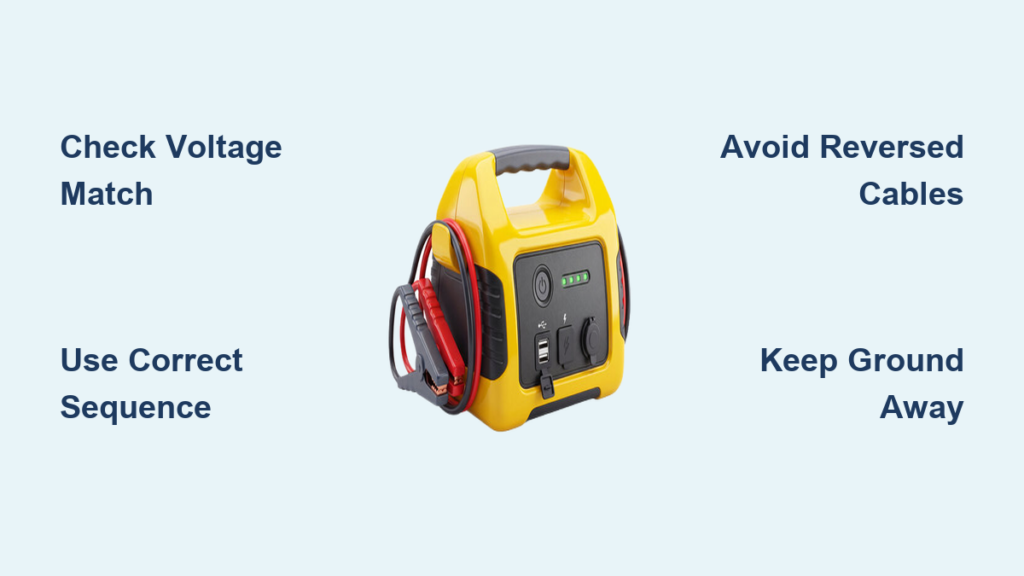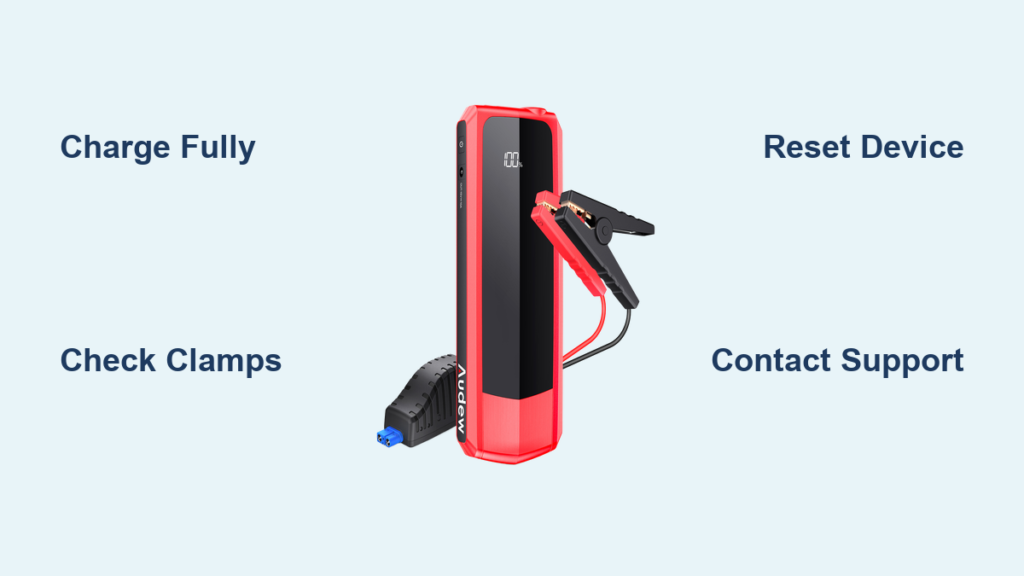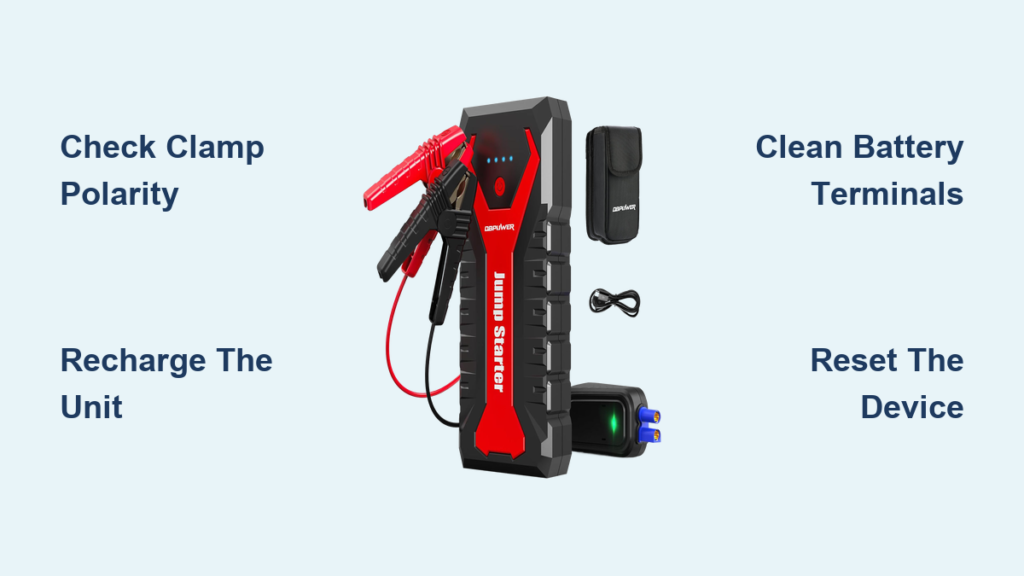
You turn the key on a cold morning, but instead of a running engine, your DBPower jump starter lets out a loud, repeating beep. That sound can turn a simple jump-start into a stressful moment. The good news is that beeping usually points to a problem you can check yourself.
This guide explains the most common reasons for DBPower jump starter beeping. You will learn how to check clamp placement, charge level, battery terminals, and temperature. You will also learn when a unit should be replaced.
Why Your DBPower Jump Starter Beeps During a Jump
Beeping is the device’s way of telling you something needs attention. Most alerts relate to connections, power levels, or the conditions around the unit.
The exact meaning of each beep depends on the model. Your manual or DBPower support can confirm what your unit is signaling.
Common Beep Triggers to Watch For
Beeps often come from one of these sources:
• Clamps connected to the wrong battery terminals
• A low charge in the jump starter itself
• Weak or dirty battery connections
• Extreme hot or cold temperatures
Pay Attention to the Beep Pattern
A steady, nonstop tone and a short, repeating beep may mean different things. Note the pattern and when it starts. That detail helps you narrow down the cause.
Check Clamp Polarity Before Anything Else

Reversed clamps are one of the most common causes of alarms. Always confirm polarity before you try again.
How to Confirm Correct Clamp Placement
- Turn off the jump starter and remove both clamps from the battery.
- Locate the positive (+) and negative (minus) markings on the dead battery.
- Attach the red clamp to the positive terminal.
- Attach the black clamp to unpainted metal on the engine block or chassis, away from the battery.
- Turn on the jump starter, then start the vehicle.
Warning: Never connect the clamps backward. A reversed connection can cause sparks and damage. Disconnect right away if the unit beeps after you connect it.
Pro Tip: Take a photo of the battery terminals before you connect the clamps. You can compare it later if you’re unsure which terminal is which.
Fix a Low Charge in the Jump Starter
A jump starter needs enough stored power to deliver a strong start. If the unit is low, it may alarm or fail to crank the engine.
Recognize the Signs of a Drained Unit
• The power indicator is dim or blinking
• The unit beeps when you try to start the car
• The jump starter won’t power on properly
Recharge with the Right Setup
Use the charger that came with your unit. Charge it fully, then check the indicator lights to confirm the charge is complete. Charging times and light colors vary by model, so check your manual.
Pro Tip: Recharge the unit after every use so it’s ready for the next emergency.
Clean and Tighten Battery Terminals for a Solid Connection
Even with correct polarity, a loose or corroded connection can trigger beeping. Corrosion blocks the flow of power between the clamps and the battery.
Remove Corrosion from the Terminals
- Turn off the vehicle and remove the key.
- Brush away white or greenish buildup with a wire brush.
- Wipe the terminal clean with a dry cloth.
- Reattach the clamps and press them firmly onto clean metal.
Confirm the Clamps Have a Firm Grip
• Clamp teeth should bite into the metal
• Avoid painted, rusted, or greasy grounding points
• Gently wiggle each clamp to make sure it stays put
Pro Tip: If the beeping stops after you reseat the clamps, poor contact was the likely cause.
How Temperature Can Trigger Beeping on a DBPower Unit
Temperature extremes can affect how a battery performs. Both cold and heat can cause problems for a jump starter.
Handle Cold Weather Carefully
In freezing conditions, the unit may perform differently than expected. Bring it indoors to warm up before use. Avoid leaving it in a freezing vehicle overnight.
Protect the Unit from Heat
Keep the unit out of direct sunlight and away from hot trunks. Let it cool down before you attempt another jump.
Reset the Jump Starter to Clear a Temporary Fault

If the beeping continues after you check the basics, a reset may help. A reset can clear some temporary glitches.
Steps to Reset the Unit
- Turn the unit off.
- Disconnect all cables and accessories.
- Press and hold the power button for the time listed in your manual.
- Wait one minute, then turn the unit back on.
- Recharge it fully and test again.
What a Reset Cannot Fix
A reset will not repair physical damage or a battery that won’t hold a charge. If the problem returns right away, move on to the testing steps below.
Test the Jump Starter on a Known Good Battery

Testing on a different battery helps you tell whether the problem is with your vehicle or with the jump starter.
Run the Isolation Test
- Fully charge the jump starter.
- Connect it to a healthy battery, such as a spare or a friend’s vehicle.
- Watch closely for beeping during the process.
Interpret the Results
• No beeping on the healthy battery suggests the original vehicle battery or electrical system is the issue.
• Continued beeping suggests the jump starter may have an internal fault.
When to Replace a DBPower Jump Starter
Some faults cannot be fixed by the owner. Stop using the unit if you notice any of these warning signs.
Signs of Permanent Failure
• Beeping when no clamps are attached
• Physical damage to the case or cables
• A burning smell or a swollen battery pack
• Refusing to hold a charge
Warning: Do not open the unit or attempt internal repairs. Lithium battery packs can be hazardous.
Contact Support Before Replacing
If the unit is still under warranty, contact DBPower support first. Check your warranty terms for coverage details.
Maintenance Habits That Prevent Future Beeping
Routine care keeps your jump starter ready to go. A few quick checks can help you catch problems early.
Monthly Check Routine
• Confirm the charge level is healthy
• Inspect cables for fraying or cracks
• Wipe the clamps and output ports clean
• Power on the unit and check the indicator lights
Storage Tips
Store the unit in a cool, dry place. Recharge it periodically so it does not sit empty for long periods. Avoid damp basements and hot vehicles.
Frequently Asked Questions About DBPower Jump Starter Beeping
Why does my DBPower jump starter keep beeping when I connect it?
Continuous beeping often means the clamps are reversed or not making good contact. Disconnect the clamps, verify polarity, and clean the terminals before trying again.
Is it safe to keep trying a jump if the unit beeps?
Stop retrying if the beeping continues. Check polarity, charge level, and connections first. If the problem persists, contact DBPower support.
Why does my jump starter beep even after I charged it fully?
A full charge does not rule out other issues. Check clamp placement, terminal corrosion, and temperature. A reset or a test on a known good battery can help isolate the problem.
What does a single beep from a DBPower jump starter mean?
A single beep often confirms a button press or a status change. Your manual lists what each sound means for your specific model.
How do I know if my jump starter needs replacing?
Consider replacing the unit if it beeps with no clamps attached, shows physical damage, smells like burning, or won’t hold a charge.
Key Takeaways for Fixing DBPower Jump Starter Beeping
Most beeping comes from three areas: clamp polarity, charge level, and connection quality. Check these first before assuming the unit has failed. Temperature and a reset can also resolve the issue.
Start with the simplest step today. Disconnect the clamps, verify their placement, and clean your battery terminals. Then recharge the unit fully and try the jump again.