You grab your Winplus jump starter in an emergency, only to find it completely dead—and it won’t charge. No red LED, no response, no power. A Winplus jump starter not charging is a common but fixable issue. Whether you’re stranded or just prepping for winter, this guide gives you clear, step-by-step solutions to identify and resolve the problem quickly. No technical jargon, no guesswork—just proven troubleshooting based on the device’s design and safety specs.
You’ll learn how to test the power source, inspect the charging port, interpret LED signals, and reset internal protections. We’ll also cover when to seek warranty support and how to prevent future charging failures. With the right approach, most issues can be resolved in under 30 minutes.
Test the Power Source and Charging Cable

Before assuming the jump starter is faulty, rule out simple external causes. Many charging problems stem from incompatible or weak power sources.
Use a Verified 5V/2A Wall Adapter
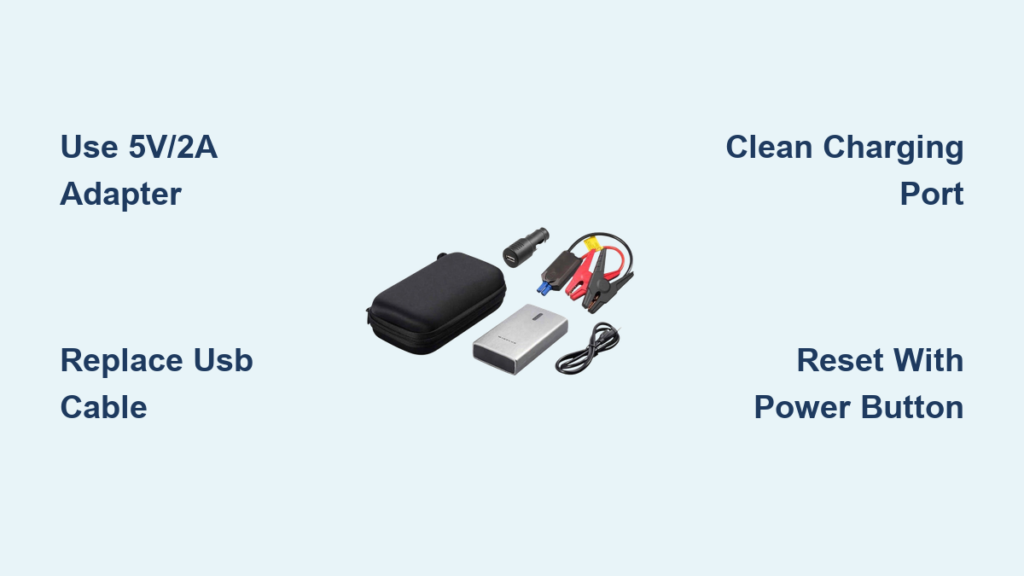
The Winplus jump starter requires DC 5V/2A input to charge properly. Plug it into a known working wall adapter that outputs at least 5V/2A. Avoid low-power phone chargers (e.g., 5V/1A), as they may not deliver enough current. If the LED still doesn’t light up, the issue may lie elsewhere.
Try a Different USB Cable
The included USB cable can develop internal breaks even if it looks intact. Use a high-quality USB-A to USB-C or micro-USB cable (depending on your model) rated for 2A. Avoid thin, frayed, or coiled cables. A new, certified cable can often restore charging when the original fails.
Test on Multiple Power Sources
Plug the jump starter into different power sources:
• A wall outlet with a 2A adapter
• A laptop USB port
• A car USB charger
If none of these work, and the cable and adapter are confirmed functional on other devices, the issue is likely with the jump starter itself.
Inspect the Charging Port for Damage or Debris
A blocked or damaged charging port is a frequent cause of charging failure.
Clean the USB Input Port Safely
Shine a flashlight into the port to check for lint, dust, or corrosion. Use compressed air or a dry cotton swab to gently remove debris. Never use metal objects like pins or paperclips, as they can damage internal contacts or cause short circuits.
Check for Physical Port Damage
If the USB port feels loose, wobbles, or doesn’t hold the cable firmly, internal soldering may be broken. This often happens after drops or rough handling. A damaged port usually requires professional repair—do not attempt to fix it yourself.
Interpret LED Indicator Signals Correctly
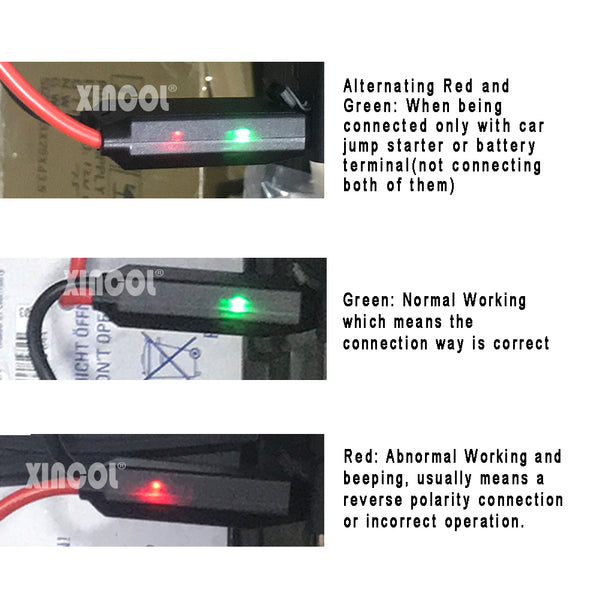
The LED light provides critical feedback about charging status.
Red LED On: Charging Normally
When plugged in, the red LED should illuminate, indicating charging is in progress. It will stay on for 4–5 hours until the battery is full, then turn green. If red appears but charging takes longer than 5 hours, the battery may be degrading.
No LED Light: No Power Detected
If the device shows no light when connected:
• Test with a working adapter and cable
• Clean the charging port
• Ensure the environment is between 15–25°C
No LED typically means no power is reaching the device—either due to a faulty connection or internal failure.
Flashing or Flickering LED
An unstable light may indicate:
• Poor cable connection
• Overheating protection activated
• Internal circuit or battery fault
If flickering is accompanied by heat, odor, or swelling, unplug immediately and stop using the device.
Avoid Charging in Extreme Temperatures
Temperature directly affects lithium-ion battery performance and safety.
Never Charge Below 0°C (32°F)
Lithium-ion batteries enter protection mode in freezing conditions. If the jump starter has been stored in a cold garage or car, bring it indoors and let it warm up for 1–2 hours before charging.
Stop Charging Above 45°C (113°F)
High heat triggers thermal shutdown. Do not charge the device in a hot car, direct sunlight, or near heaters. Let it cool down completely before reconnecting.
Reset the Internal Protection Circuit
The Winplus jump starter has built-in safety features that can disable charging under fault conditions.
Perform a Soft Reset
- Unplug the charger.
- Press and hold the power button for 10–15 seconds.
- Release and plug the charger back in.
- Watch for the red LED to appear.
This resets over-voltage, short-circuit, or temperature protection modes and often restores charging.
Evaluate for Internal Battery or Circuit Failure
If all external factors are ruled out, the problem may be internal.
Signs of a Failing Battery
• No response after 6+ hours of charging
• Powers on briefly, then shuts down
• Case is swollen or warm to the touch
• Burning smell or discoloration
The 12000mAh lithium-ion battery typically lasts 3–5 years. Frequent deep discharges, long storage without charging, or heat exposure can shorten its life.
Do Not Attempt DIY Repairs
The unit is not user-serviceable. Opening the device voids the warranty and risks fire, electric shock, or injury. If you suspect internal failure, contact Winplus support or an authorized repair center.
Prevent Future Charging Issues
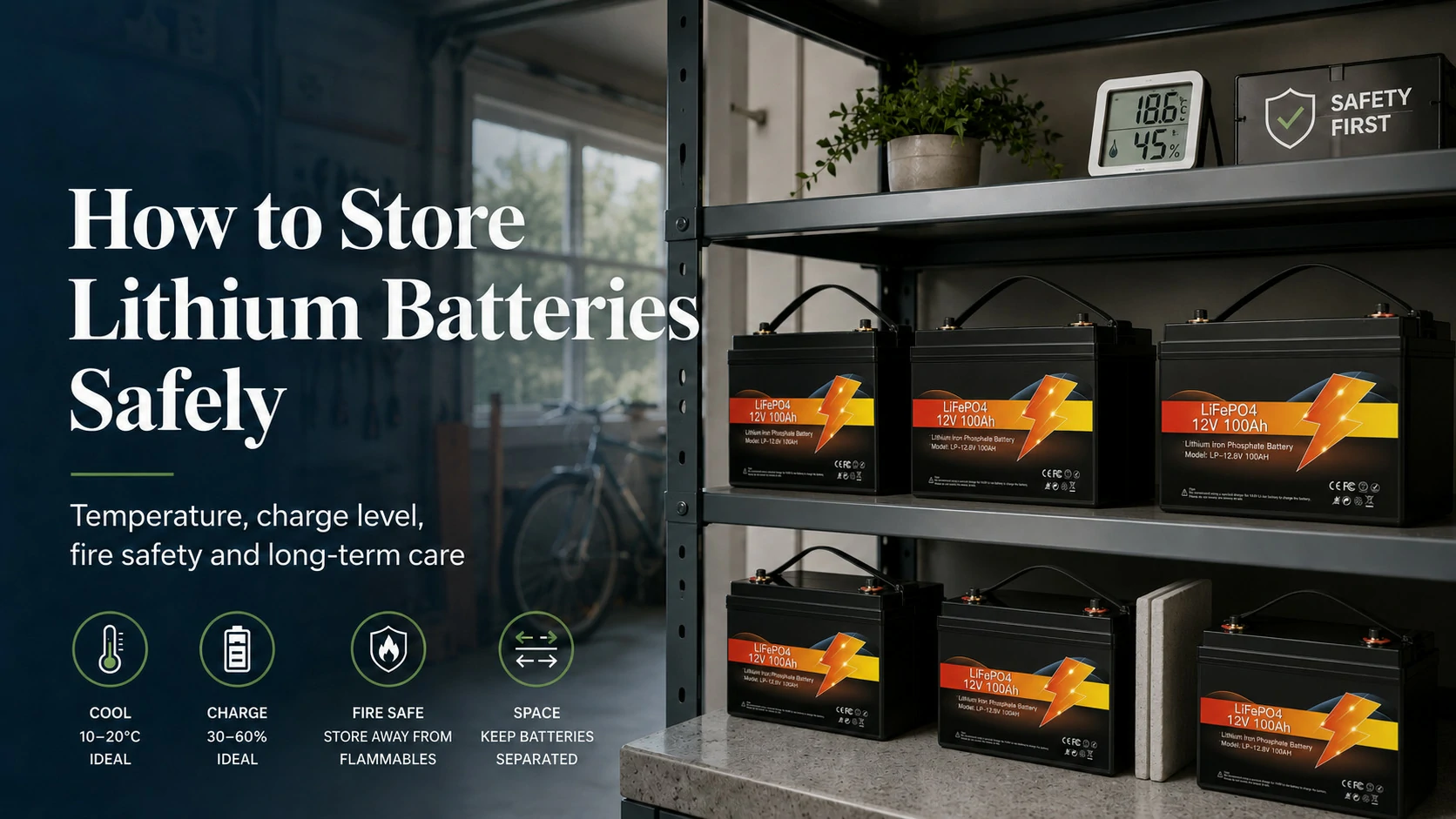
Simple habits can extend your jump starter’s lifespan and reliability.
Recharge Every 90 Days
Lithium-ion batteries degrade when left fully drained. Charge your Winplus jump starter every 3 months, even if unused, to maintain battery health.
Store in a Cool, Dry Place
Keep it in a temperature-controlled environment (15–25°C). Avoid garages, trunks, or near windows. Store with 50–70% charge—not fully drained or fully charged.
Use Only Approved Accessories
The manual specifies: Use only the included cable and a 5V/2A adapter. Aftermarket chargers may lack proper voltage regulation, damaging the charging circuit over time.
Claim the 12-Month Limited Warranty
Your Winplus jump starter is covered by a 12-month limited warranty for defects in materials and workmanship.
Confirm Warranty Eligibility
You qualify if:
• You have a proof of purchase
• The device was used normally
• It was not disassembled, dropped, or exposed to water
• Damage wasn’t caused by improper charging or environmental exposure
How to Submit a Warranty Claim
- Contact the retailer or Winplus customer support.
- Provide your purchase receipt.
- Follow instructions to return the device to an authorized service center.
- Do not ship without approval.
Note: Warranty does not cover damage from misuse, accidents, or unauthorized repairs.
Avoid Common Charging Mistakes
User errors often mimic hardware failure.
Don’t Leave It Charging Overnight
While occasional overcharging may be tolerated, do not leave the device unattended while charging. Prolonged charging increases heat buildup and can damage internal circuits.
Never Store in a Hot Car
Interior car temperatures can exceed 70°C (158°F), far above the 45°C safe limit. This can trigger permanent shutdown or battery swelling.
Don’t Ignore LED Feedback
If the LED doesn’t turn red when plugged in, don’t keep retrying the same outlet. Test components systematically instead of waiting days for a miracle.
Key Takeaways for Fixing a Winplus Jump Starter Not Charging
✅ Use a 5V/2A wall adapter and test multiple power sources
✅ Replace the USB cable with a high-quality 2A-rated one
✅ Clean the charging port with compressed air or a dry swab
✅ Charge only in room-temperature environments (15–25°C)
✅ Perform a soft reset by holding the power button for 10–15 seconds
✅ Watch for LED signals: red = charging, green = full
✅ Check for swelling, heat, or odor—signs of internal failure
✅ Recharge every 3 months and store at 50–70% charge
Frequently Asked Questions About Winplus Jump Starter Charging
Why won’t my Winplus jump starter charge at all?
If it shows no LED light when plugged in, first test with a known working 5V/2A adapter and a different USB cable. Also clean the charging port and ensure the device is at room temperature. If still unresponsive, the internal circuit or battery may be faulty.
How long should it take to charge a Winplus jump starter?
It takes 4 to 5 hours to fully charge using a 5V/2A power source. Charging longer than 6 hours may indicate a weak adapter, damaged cable, or battery degradation.
Can I use a phone charger to charge my Winplus jump starter?
Only if the phone charger outputs 5V/2A or higher. Most standard phone chargers (5V/1A) do not provide enough power and may fail to initiate charging.
What does a red or green LED mean on my Winplus jump starter?
A red LED means the device is charging. A green LED indicates it is fully charged. If the red light doesn’t appear, the device isn’t receiving power.
Is it safe to leave my jump starter plugged in overnight?
No. The manual advises not to leave it unattended while charging. Prolonged charging increases heat and risks damaging the battery or circuitry. Unplug once the LED turns green.
Can I replace the battery in my Winplus jump starter?
No. The unit is not user-replaceable or serviceable. Attempting to open it voids the warranty and poses serious safety risks. Contact Winplus support for repair or replacement options.
Final Thoughts on Winplus Jump Starter Charging Issues
A Winplus jump starter not charging is often due to simple, fixable causes like a bad cable, weak adapter, or cold environment. Start troubleshooting with the power source, cable, and port—most issues are resolved at this stage. Use the soft reset method if the device seems unresponsive. Always follow safety guidelines and avoid DIY repairs on lithium-ion devices. If your unit is under warranty and all else fails, contact support for professional service. With proper care and regular charging, your jump starter can stay reliable for years—ready when you need it most.