
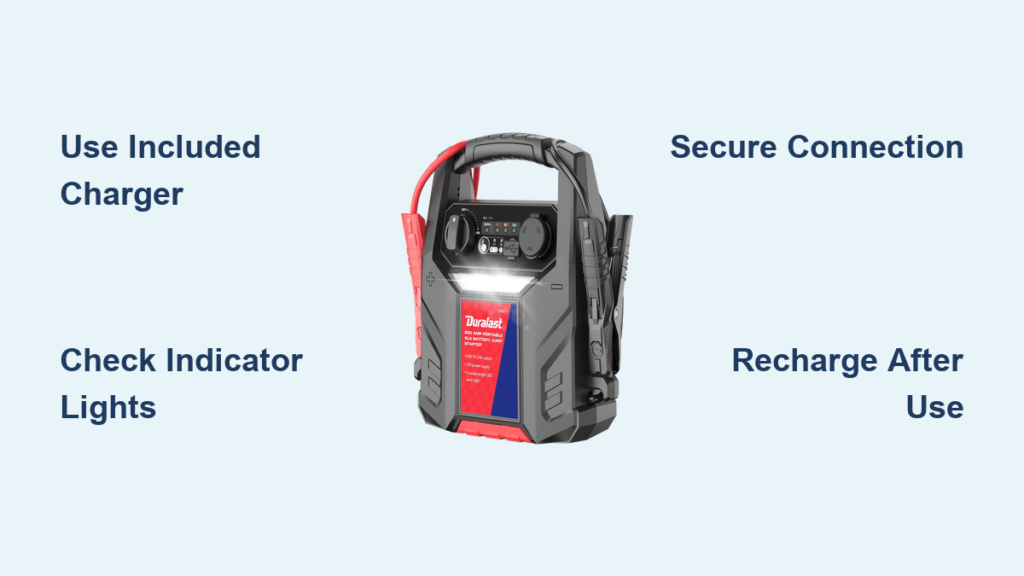
You turned the key, heard only a click, and remembered your Duralast jump starter was your backup plan. Now it’s drained, and you need to know how to charge a Duralast jump starter so it’s ready for the next emergency.
This guide covers choosing the right charger, connecting the unit, reading the indicator lights, and storing it between uses. It also explains what to do when the unit won’t charge.
Find the Right Charger for Your Duralast Jump Starter
Using the correct charger protects the battery and keeps charging safe. Start by checking what your unit requires.
Check Your Model and User Manual
Look for the model label on the unit, then find the matching section in the user manual. The manual lists the charger type, input requirements, and charge time for your specific model.
Keep the manual with your jump starter or save a digital copy. You’ll want it handy when the battery runs low.
Use the Charger Included With Your Unit
Your jump starter should come with a charger designed for it. Use that charger whenever possible.
Pro Tip: If you lose the original charger, check the manual for the approved replacement before buying one.
Avoid Mismatched or Unverified Chargers
A charger with the wrong voltage or output can stop charging or damage the battery. Don’t assume a charger will work just because the plug fits.
Connect Your Duralast Jump Starter Correctly
A loose or incorrect connection is one of the most common reasons a jump starter fails to charge.
Follow These Charging Steps
- Locate the charging port on your jump starter. The manual shows its exact position.
- Connect the charger’s plug firmly into the charging port.
- Plug the charger into a working power outlet.
- Confirm that the indicator light responds.
Check the Connection
If nothing happens, unplug both ends and reconnect them. Make sure the plug is fully seated in the port.
Try a different outlet if the first one doesn’t respond. Plug a lamp into the outlet to confirm it has power.
Read the Charging Indicator Lights
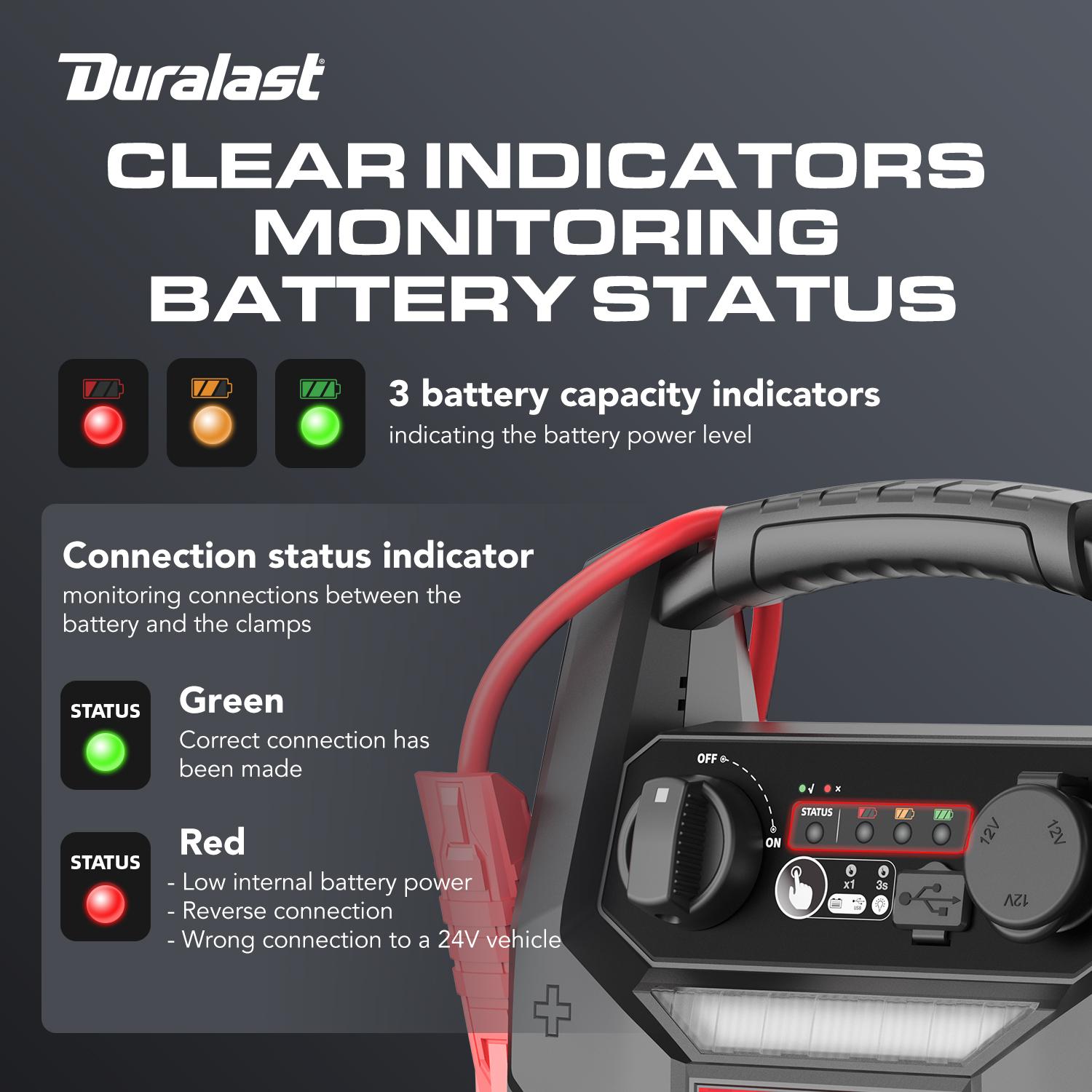
Your jump starter uses indicator lights to show charging status. Each model displays them differently, so check your manual for the exact meanings.
Understand the Light Patterns
Look for these general patterns:
• A light that stays on while the unit charges
• A light that changes or turns off when charging finishes
• A light that flashes to signal an error
Warning: If the unit becomes hot to the touch during charging, unplug it right away. Let it cool, then review the manual or contact Duralast support.
What to Do When No Lights Appear
If the unit shows no response after you plug it in:
• Confirm the outlet has power
• Check that the charger connection is secure
• Press the power button once if your manual says the unit needs activation
• Wait a few minutes, since a deeply drained unit may take longer to respond
How Long Does It Take to Charge a Duralast Jump Starter?
Charge time depends on your model and how much power the unit has left. Your manual lists the expected time for your specific jump starter.
Know When Charging Is Complete
Most units show completion through their indicator lights. Check the manual to confirm what the completed signal looks like for your model.
Expert Note: Unplugging the unit early can leave it undercharged. Let it finish the full charge cycle as described in your manual.
Recharge Your Jump Starter Right After Every Use
A jump starter that sits partly drained after a jump-start may not be ready for the next emergency. Recharging soon after use helps the battery stay ready.
Make Recharging a Habit
After each jump-start:
1. Disconnect the clamps from both vehicles.
2. Store the cables neatly.
3. Plug the jump starter in as soon as you can.
Time-Saving Tip: Keep the charger plugged into a spare outlet near where you store the unit. You’ll be less likely to forget.
Store Your Duralast Jump Starter Between Emergencies
Storage conditions affect how well the battery holds its charge. Good storage habits help the unit stay reliable over time.
Choose the Right Storage Spot
• Keep the unit in a cool, dry place
• Avoid places that get very hot, such as a car dashboard in summer
• Protect it from freezing temperatures if your manual warns about cold storage
Check the Recommended Storage Charge Level
Your manual may recommend a specific charge level for long-term storage. Follow that guidance rather than guessing.
Troubleshoot a Duralast Jump Starter That Won’t Charge
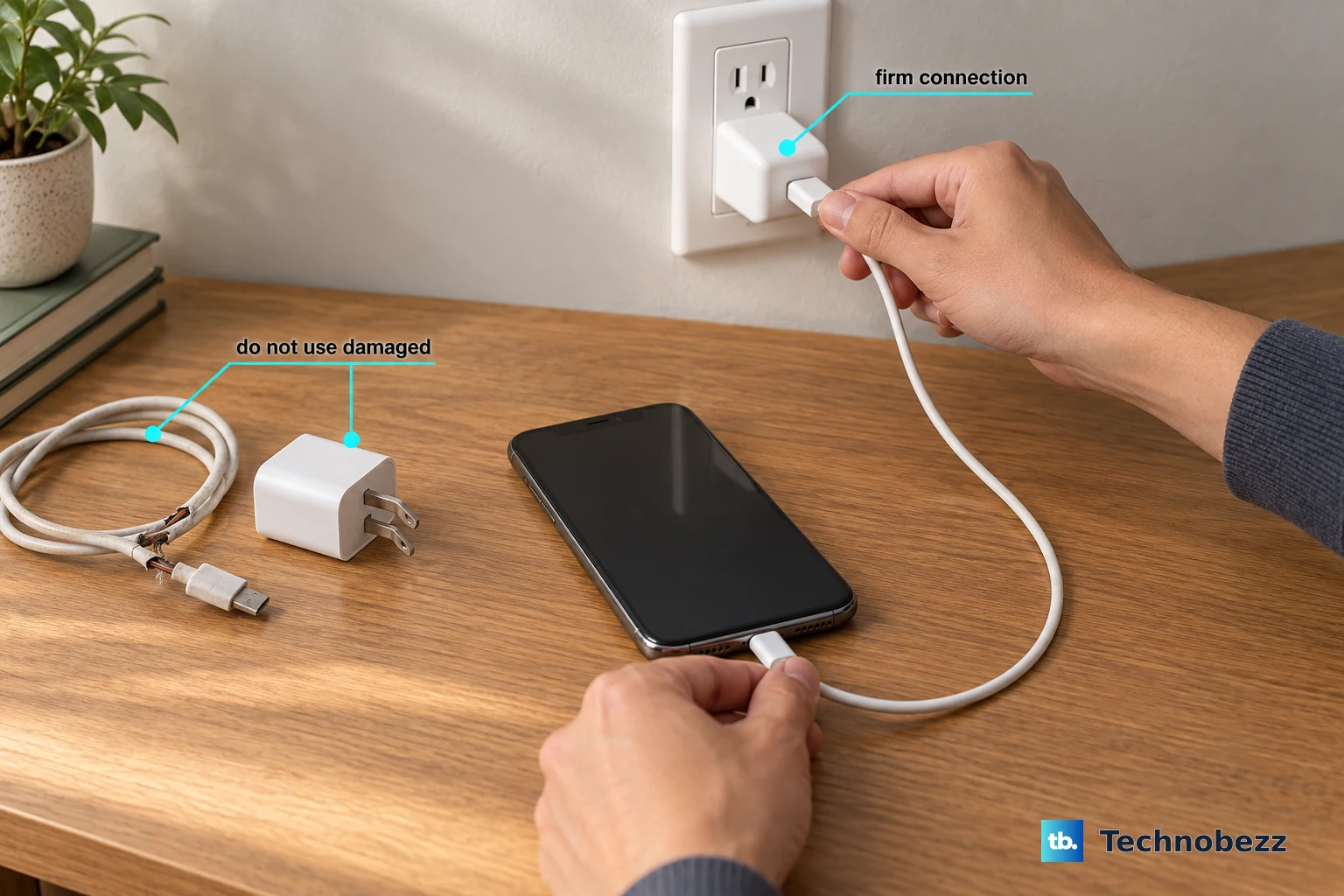
When charging fails, a few quick checks solve most problems. Work through them in order.
Run the Basic Checks First
- Test the outlet with another device.
- Inspect the charger cable for visible damage.
- Clean the charging port with a dry brush or cloth.
- Reseat the charger plug firmly.
Know When to Contact Support
If the unit still won’t charge after these steps, the charger or the battery may be faulty. Contact Duralast support or the retailer where you bought the unit, and have your model information ready.
Frequently Asked Questions About Charging a Duralast Jump Starter
Can I charge my Duralast jump starter with a car charger?
Only if your manual says the unit supports charging from a vehicle power source. Otherwise, use the charger included with the unit.
What should I do if my Duralast jump starter won’t turn on after charging?
Check the power button and indicator lights as described in your manual. If the unit still doesn’t respond, contact Duralast support.
How often should I charge my Duralast jump starter?
Recharge it after every use. Also check the charge level periodically while the unit is in storage, following your manual’s guidance.
Is it safe to leave my Duralast jump starter plugged in overnight?
Check your manual first. Some units include charging protections, but the manufacturer’s instructions are the only reliable answer for your model.
Why does my Duralast jump starter get warm while charging?
Some warmth can be normal, but excessive heat is a warning sign. Unplug the unit, let it cool, and review the manual or contact support if the problem continues.
Key Takeaways for Keeping Your Duralast Jump Starter Ready
Charging a Duralast jump starter is simple when you use the correct charger, connect it securely, and watch the indicator lights. Your manual provides the exact charge time and light meanings for your model.
Recharge the unit right after every jump-start, and store it in a cool, dry place. These habits keep it ready when your car won’t start.





