
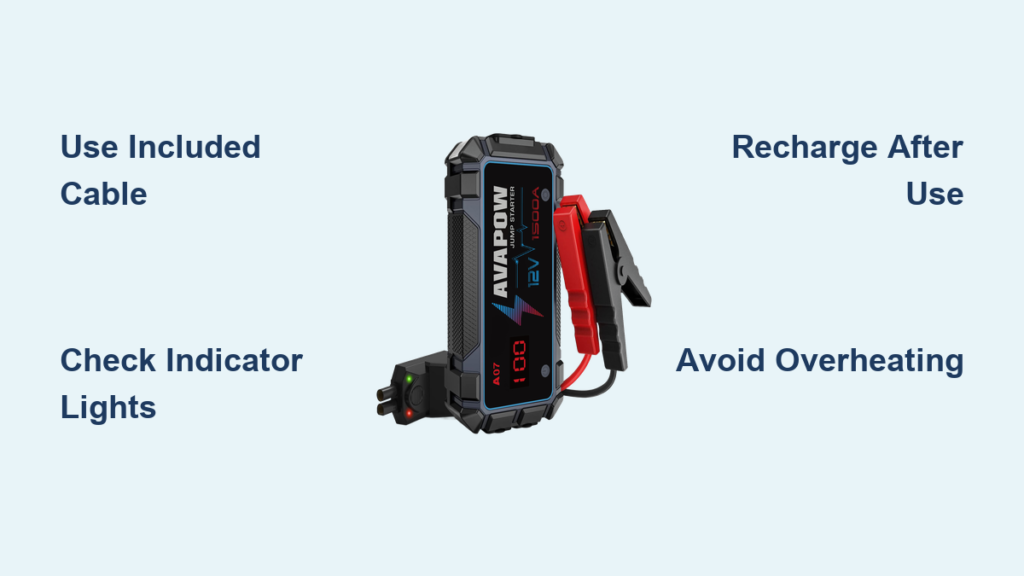
Your car won’t start on a cold morning, and the AVAPow jump starter you packed for this moment won’t turn on. That’s a frustrating surprise. Knowing how to charge your AVAPow jump starter correctly keeps it ready when trouble strikes.
This guide covers the charging steps, what the indicator lights mean, how often to recharge, and fixes for common charging problems. Always check your model’s manual for exact specifications.
Charging Basics for Your AVAPow Jump Starter
Charging the right way protects the battery and keeps your unit reliable. Start by confirming which charging accessories your model supports. Your manual lists the correct port and adapter.
Find the Charging Port and Cable
Look for the port marked for charging on your unit. Use the cable included with your jump starter. If the cable becomes damaged, replace it with a compatible one from AVAPow or another reliable source.
Choose a Power Source That Works
For the fastest results, use the wall adapter that came with your unit. Low-output sources can charge slowly or not at all. Consider these options:
• The included wall adapter (recommended)
• A compatible replacement adapter listed in your manual
• Other USB sources, only if your manual confirms they’re supported
Connect the Charger and Start Charging
Follow these steps to begin charging:
- Plug the adapter into a working wall outlet.
- Connect the cable to the jump starter’s charging port.
- Confirm the indicator lights respond.
- Allow [charge time from your manual] for a full charge.
Pro Tip: Note the time you plug in. This helps you track whether the unit charges within the expected window.
How to Read Indicator Lights While Charging

The indicator lights show charging progress and battery status. Learning these signals helps you spot problems early. Refer to your manual for your model’s exact light patterns.
What a Steady Light Means
A steady light during charging usually means the unit is receiving power. Confirm the color and behavior in [light pattern from your manual]. If nothing lights up after you connect the cable, move to the troubleshooting steps below.
What Flashing or No Lights Mean
Flashing lights or a dark unit can point to a low battery, a bad cable, or a fault. Check your manual for the meaning of each flash pattern. Don’t assume the battery is the only problem.
How to Tell the Unit Is Fully Charged
Your manual describes the full-charge signal for your model. Once you see it, unplug the unit. Leaving it connected for long periods may stress the battery, so follow the timing in [storage or overcharge guidance from your manual].
How Often to Charge Your AVAPow Jump Starter
A consistent charging routine keeps your jump starter ready. Charging habits matter even when you haven’t used the unit.
Recharge After Every Jump Start
Charge the unit right after you use it to start a vehicle. A single jump can use a meaningful amount of power. Don’t assume it’s still full.
Follow the Storage Schedule in Your Manual
If the unit sits unused, check it on the schedule listed in [storage recharge interval from your manual]. Store it in a cool, dry place as your manual recommends.
Avoid Letting the Battery Run Empty
Deep discharges can shorten battery life. Recharge as soon as the low-battery signal appears. Your manual explains which light or sound indicates low power.
Fixing Common AVAPow Charging Problems
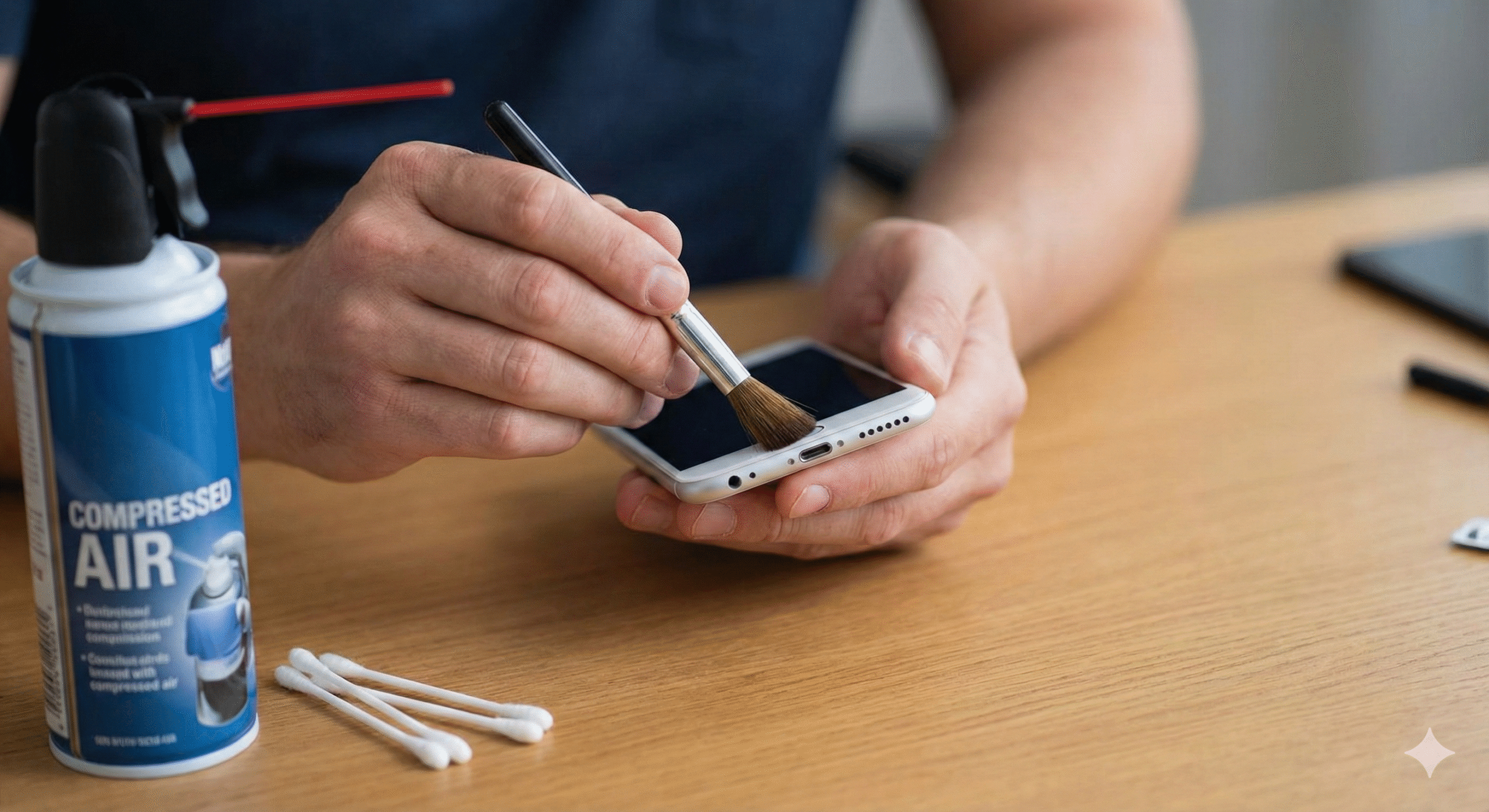
Most charging issues come from the cable, the outlet, or a dirty port. Work through these checks in order.
Check the Cable and Outlet First
Follow these steps:
- Inspect the cable for fraying, bent connectors, or loose fits.
- Plug another device into the same outlet to confirm power.
- Try a different outlet if the first one fails.
- Avoid power strips that may limit output.
Clean the Charging Port
Dust or debris can block the connection. Turn off the unit and gently remove debris with a dry, soft brush or compressed air. Avoid metal tools that could damage the contacts.
Try a Reset Only If Your Manual Allows It
Some models include a reset procedure. If your manual lists one, follow its exact steps. If it doesn’t, contact AVAPow support instead of guessing.
Charging Safety Precautions for Your Jump Starter
Charging safely protects you, your vehicle, and your device. Follow these precautions every time.
Charge on a Safe Surface
Place the unit on a stable, non-flammable surface. Keep it away from bedding, paper, and curtains. Avoid charging in a hot vehicle, since heat can harm the battery.
Stop Charging If the Unit Overheats
Unplug the unit right away if it becomes unusually hot, swells, or gives off an odd smell. Stop using it until you’ve checked it against your manual or contacted support.
Expert Note: Don’t use the jump starter to power devices or start a car while it’s charging. Wait until charging finishes.
Frequently Asked Questions About Charging Your AVAPow Jump Starter
How long does it take to charge an AVAPow jump starter?
Charge time varies by model. Check your manual for the exact time for your unit. Track the time you plug it in to confirm it’s charging properly.
Can I charge my AVAPow jump starter with a car charger?
Only if your manual lists a car charger as supported. Some USB sources may charge more slowly. Use the included adapter when possible.
What does a flashing light mean on my AVAPow jump starter?
A flashing light can signal a low battery, a charging issue, or a fault. Your manual lists the meaning of each pattern for your model.
Should I leave my AVAPow jump starter plugged in?
Unplug the unit once it’s fully charged. Your manual explains how long it’s safe to stay connected and how to store it.
How often should I recharge my AVAPow jump starter?
Recharge after every use. For units in storage, follow the interval in your manual. Keeping the battery from running empty helps it last longer.
Key Takeaways for Keeping Your AVAPow Jump Starter Charged
Three habits make the biggest difference:
• Use the included cable and a reliable power source.
• Read the indicator lights and confirm a full charge before unplugging.
• Recharge right after each use and follow your manual’s storage schedule.
Start today by checking your unit’s current charge level and matching it against the guidance in your manual. A quick check now means your AVAPow jump starter will be ready when you need it.





