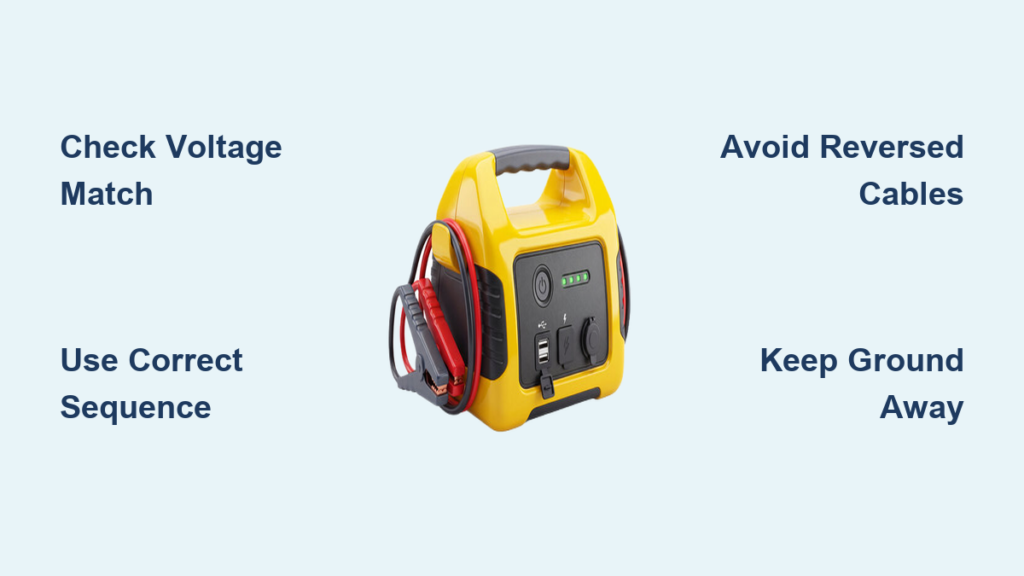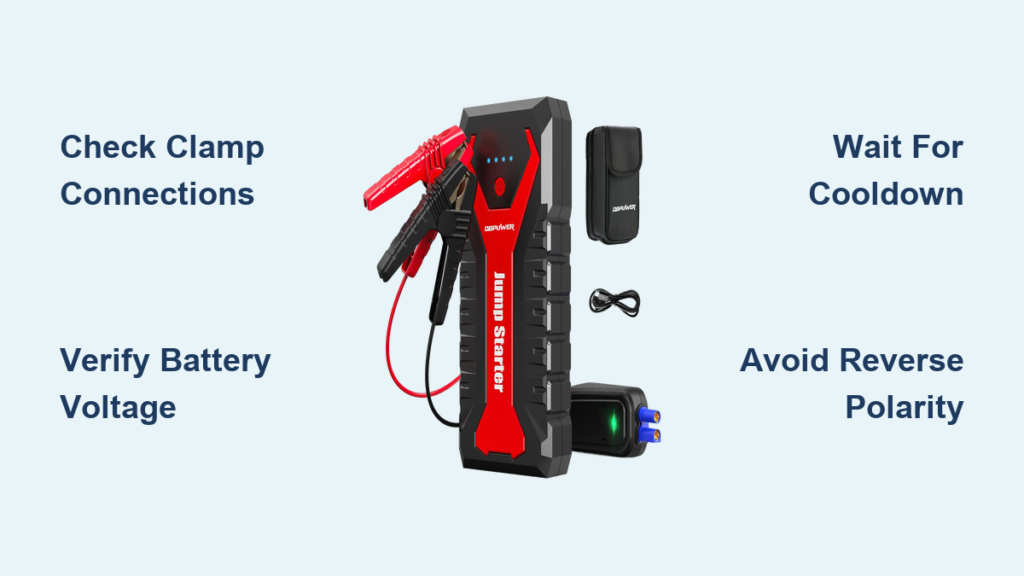
Your car won’t start, and the jump starter you counted on is flashing red. A DBPower jump starter blinking red light can feel like the device has failed at the worst possible moment. In most cases, it is a warning that something in the setup needs attention.
This guide explains the most common causes of a red flashing light. You’ll learn how to check each one and when to stop and let the unit cool before trying again.
Why Your DBPower Jump Starter Flashes Red
A red flashing light is a warning. It means the unit has detected a condition it does not consider safe for jump-starting. The reference material points to four common causes:
• Incorrect clamp connection
• Low vehicle battery voltage
• Safety protection mode
• Overheating from excessive use
Work through these in order. Most problems fall into one of these categories.
How to Check Clamp Connections When the Red Light Flashes

Clamp placement is the first thing to check. A loose or misplaced clamp can stop the unit from starting the jump.
Confirm the Positive Clamp Sits on the Positive Terminal
Look at the vehicle battery and locate the positive (+) terminal. Make sure the red clamp is firmly attached to it. A loose grip can keep the unit from completing the connection.
Place the Negative Clamp on a Grounded Metal Surface
The black (−) clamp should connect to a grounded metal surface away from the battery. Keep it away from the battery itself.
Pro Tip: Give each clamp a firm tug after attaching it. If either one shifts, reposition it on clean metal before retrying.
What Low Battery Voltage Means for Your Jump Start
Sometimes the problem is not the clamps. The vehicle battery may be too weak for the unit to work with.
Why a Very Weak Battery Triggers the Red Light
If the vehicle battery voltage is too low, the jump starter may decide it cannot boost the battery safely. In that case, it will not start the jump process and flashes red instead.
What to Do When the Battery Seems Too Weak
Double-check your connections first. The reference document does not provide a specific voltage threshold or recharge procedure. For those details, consult your DBPower manual or the manufacturer.
Safety Protection Mode and Faulty Battery Warnings
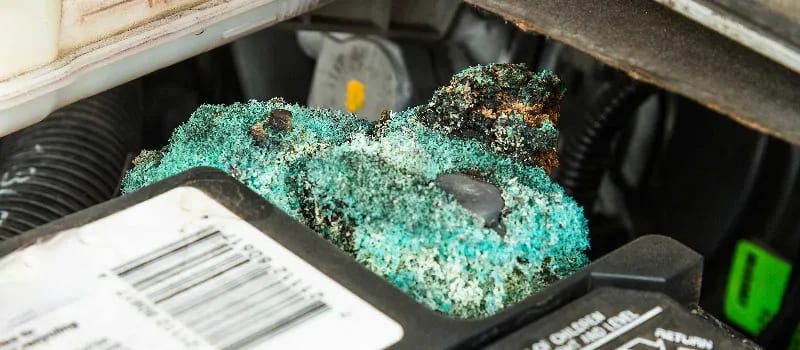
Jump starters include safety protection to prevent damage and hazards. When the unit senses something unsafe, it flashes red to stop you.
Faulty Battery Detection
The unit may flash red if it detects a faulty battery. Do not force a jump on a battery that the device rejects. Disconnect the clamps and have the battery inspected.
Reverse Polarity Protection
If the clamps are reversed, the unit can enter safety protection mode. Disconnect both clamps, confirm the positive and negative connections, and reattach them carefully.
Warning: Never try to override the red light. Forcing a jump under unsafe conditions risks damage to the equipment and injury.
Overheating and Cooldown Mode After Repeated Use
Repeated jump attempts can heat up the unit. When that happens, the device enters a cooldown mode and keeps flashing red until it cools.
Why Repeated Attempts Cause Overheating
Using the jump starter several times in a row gives it little time to cool. This is a common reason the red light appears during a stressful roadside situation.
How to Let the Unit Cool Down Safely
Stop trying to jump the vehicle and let the unit rest. Wait until it has cooled before using it again. The reference does not specify an exact cooldown time, so check your DBPower manual for guidance.
Common Mistakes That Trigger the Red Light
Avoid these habits to reduce the chances of seeing a red flashing light:
• Making repeated jump attempts in quick succession
• Attaching clamps to a loose or misplaced connection point
• Reversing the positive and negative clamps
• Ignoring the light and forcing the jump anyway
Where to Find Exact Troubleshooting Steps for Your DBPower Model
The reference material is written for a different model, so it cannot confirm exact blink codes or model-specific fixes for DBPower. Your owner’s manual is the best source for those details. If the red light keeps appearing after you check connections and let the unit cool, contact the manufacturer for support.
Frequently Asked Questions About DBPower Jump Starter Red Light
Why is my DBPower jump starter flashing red and not starting the car?
A red flashing light means the unit has detected a condition it considers unsafe. Common causes include incorrect clamp connections, low vehicle battery voltage, safety protection, or overheating. Check your clamps first.
Does a red flashing light mean my jump starter is broken?
Not necessarily. The light is a warning from the safety system. Check the connections, let the unit cool if it has been used repeatedly, and then try again.
How do I know if my clamps are connected correctly?
The red clamp should attach firmly to the positive (+) battery terminal. The black clamp should attach to a grounded metal surface away from the battery. Give each clamp a tug to confirm it is secure.
Can overheating make a jump starter flash red?
Yes. Repeated jump attempts can cause overheating, and the unit may flash red while it cools. Let it rest before trying again.
What should I do if the red light keeps flashing?
Recheck all connections, confirm the clamps are not reversed, and let the unit cool down. If the light persists, consult your DBPower manual or contact the manufacturer.
Key Takeaways for Fixing a DBPower Jump Starter Blinking Red Light
A DBPower jump starter blinking red light is a safety warning, not a random glitch. The most common causes are clamp problems, low battery voltage, safety protection, and overheating from repeated use. Start by checking that the positive clamp is on the positive terminal and the negative clamp is on grounded metal away from the battery.
If the light persists, let the unit cool and avoid forcing the jump. Your next step is to open your DBPower owner’s manual and look up the exact light codes for your model. Keeping that manual with your jump starter will save you time the next time the red light appears.