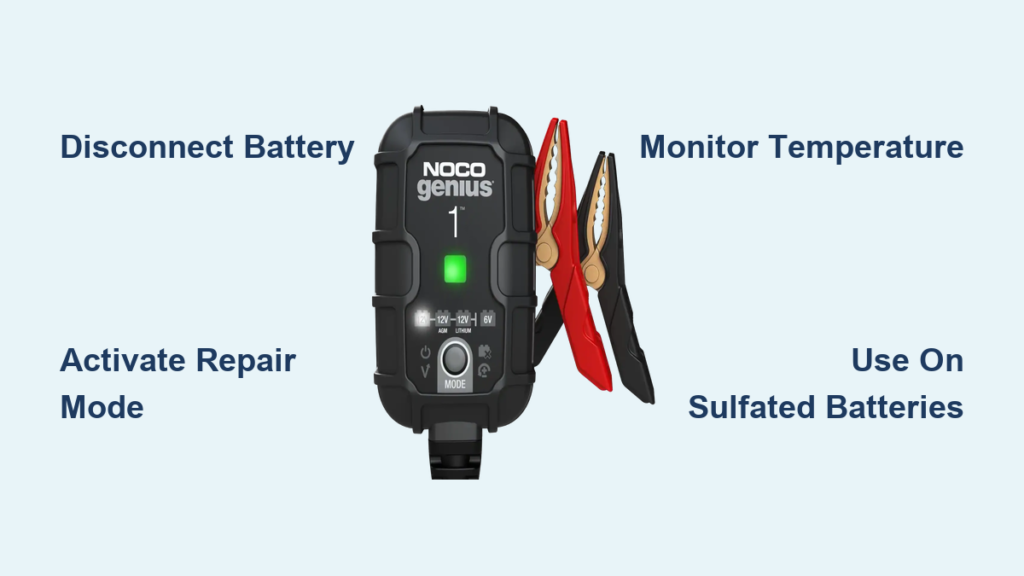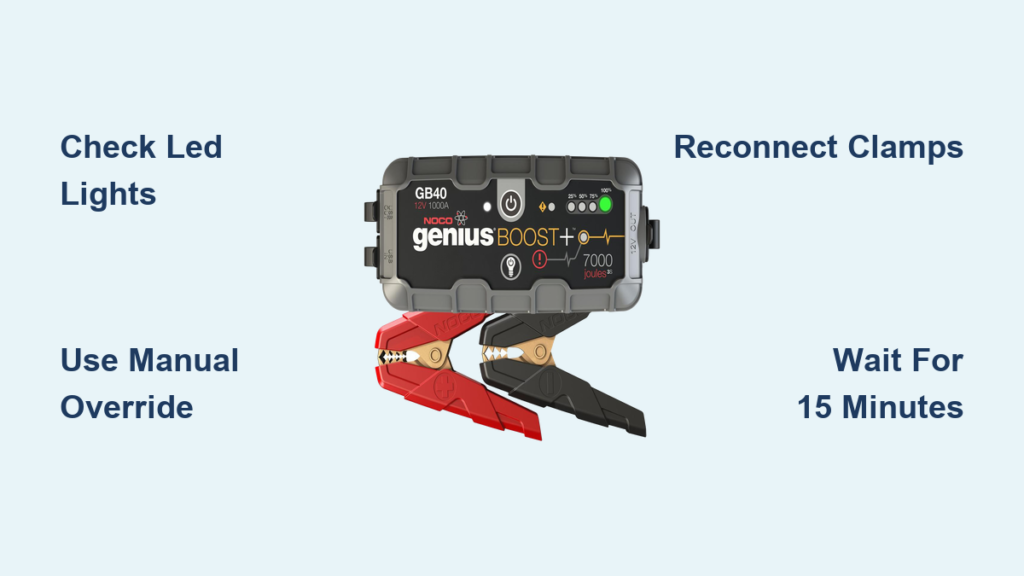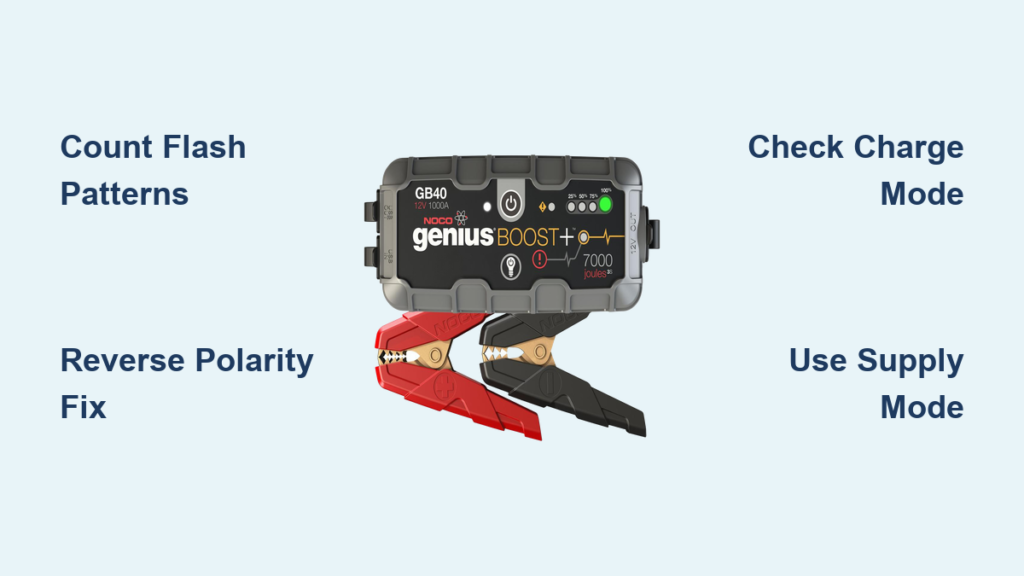
You plug in your NOCO unit, expecting a steady charge, and instead a red light blinks back at you. A NOCO jump starter flashing red light can turn a simple task into a stressful one, especially when you need the unit ready fast.
The light is actually giving you a clue. This guide explains what each flash pattern and solid light means, what NOCO’s error guide recommends, and which steps to take next.
What Your NOCO Flashing Red Light Is Telling You
When the charger detects a problem, the Error LED and Standby LED flash back and forth. Count the flashes between each pulse to identify the error.
Two conditions work differently. A solid red Error LED signals reverse polarity, and a solid orange Standby LED signals battery voltage too low.
Expert Note: NOCO’s error guide is written for GX Series industrial chargers. Check that your model matches before following these steps.
How to Decode Each NOCO Flash Pattern and Fix It
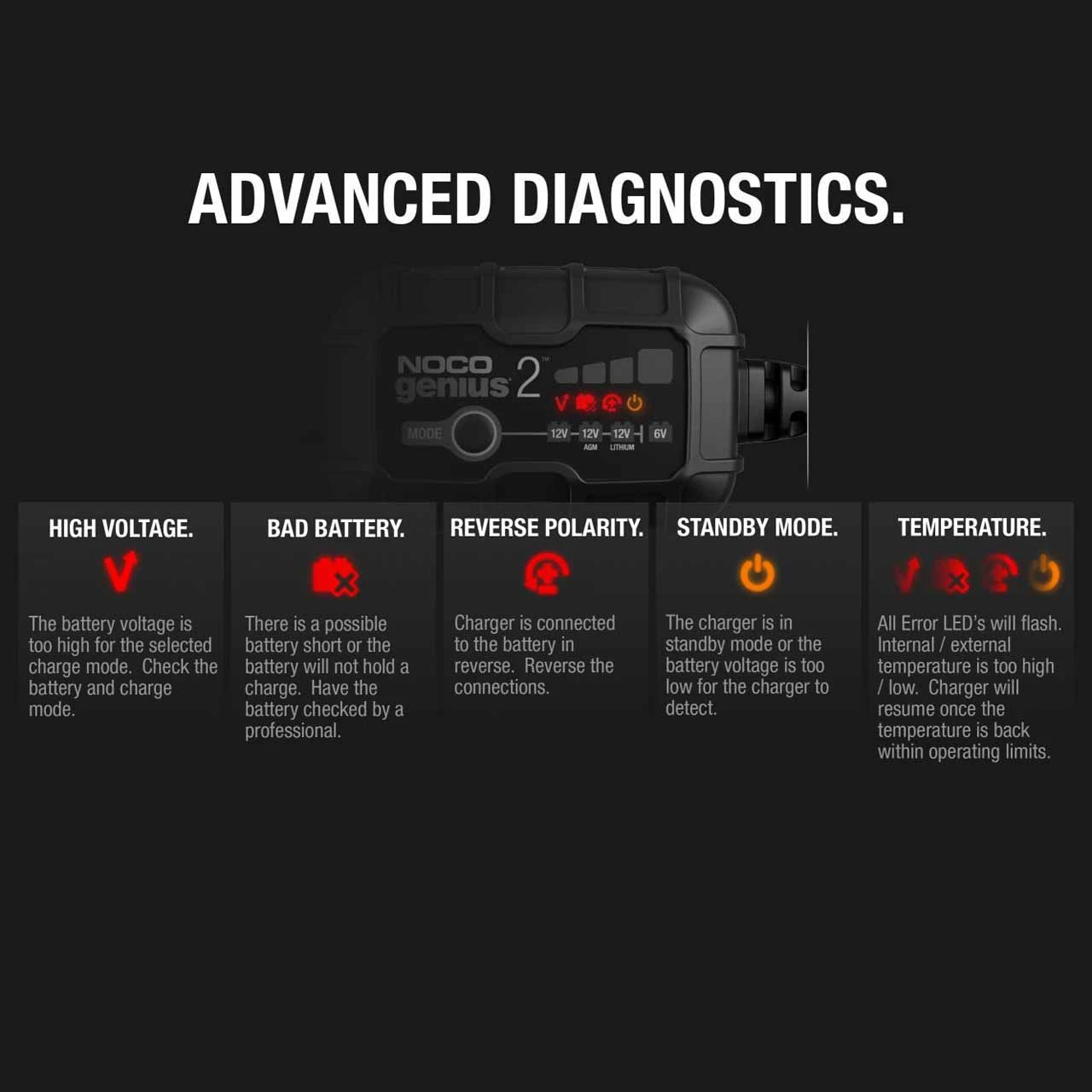
Each flash count points to a different cause. Match the pattern on your unit exactly before you act.
Single Flash: Battery Will Not Hold a Charge
One flash means the battery cannot hold a charge. NOCO recommends having the battery checked by a professional.
• Stop repeated charging attempts on the same battery.
• Schedule a professional battery check to confirm the fault.
Pro Tip: Retrying the same battery will not change the result. A professional test gives you a clear answer faster.
Double Flash: Possible Battery Short
Two flashes signal a possible battery short. This is a serious condition, so treat it with caution.
Warning: Do not keep reconnecting the charger to the same battery. Stop charging and have the battery checked by a professional.
Triple Flash: Voltage Too High for the Selected Mode
Three flashes mean the battery voltage is too high for the mode you selected. A mismatched mode often causes this error.
- Confirm the battery condition and check its voltage.
- Verify that your charge mode matches your battery type (see the table below).
- Restart the charge with the correct mode selected.
Quadruple Flash: Abnormal AC Power Input
Four flashes mean the AC grid power is outside the accepted range. The source lists these limits:
• Voltage below 85V or above 250V
• Frequency below 45Hz or above 65Hz
Check the power supply feeding the charger. If the pattern continues, have the supply checked by a qualified person before trying again.
Fixing a Solid Red Error LED Caused by Reverse Polarity
A solid red Error LED that does not flash means reverse polarity. Your battery connections are switched.
- Disconnect the charger from the battery.
- Reverse the battery connections so each clamp matches the correct terminal.
- Reconnect and check that the solid red light is gone.
Visual Cue: The light stays solid red instead of blinking. Once the connections are correct, the error should clear.
Reviving a Solid Orange Standby LED with Supply Mode
A solid orange Standby LED means the battery voltage is too low for the charger to detect. Check your connections and mode before trying anything else.
Verify Connections and Mode First
• Confirm the clamps are secure on the battery terminals.
• Confirm the correct mode is selected.
Using 24V Supply Mode to Raise Battery Voltage
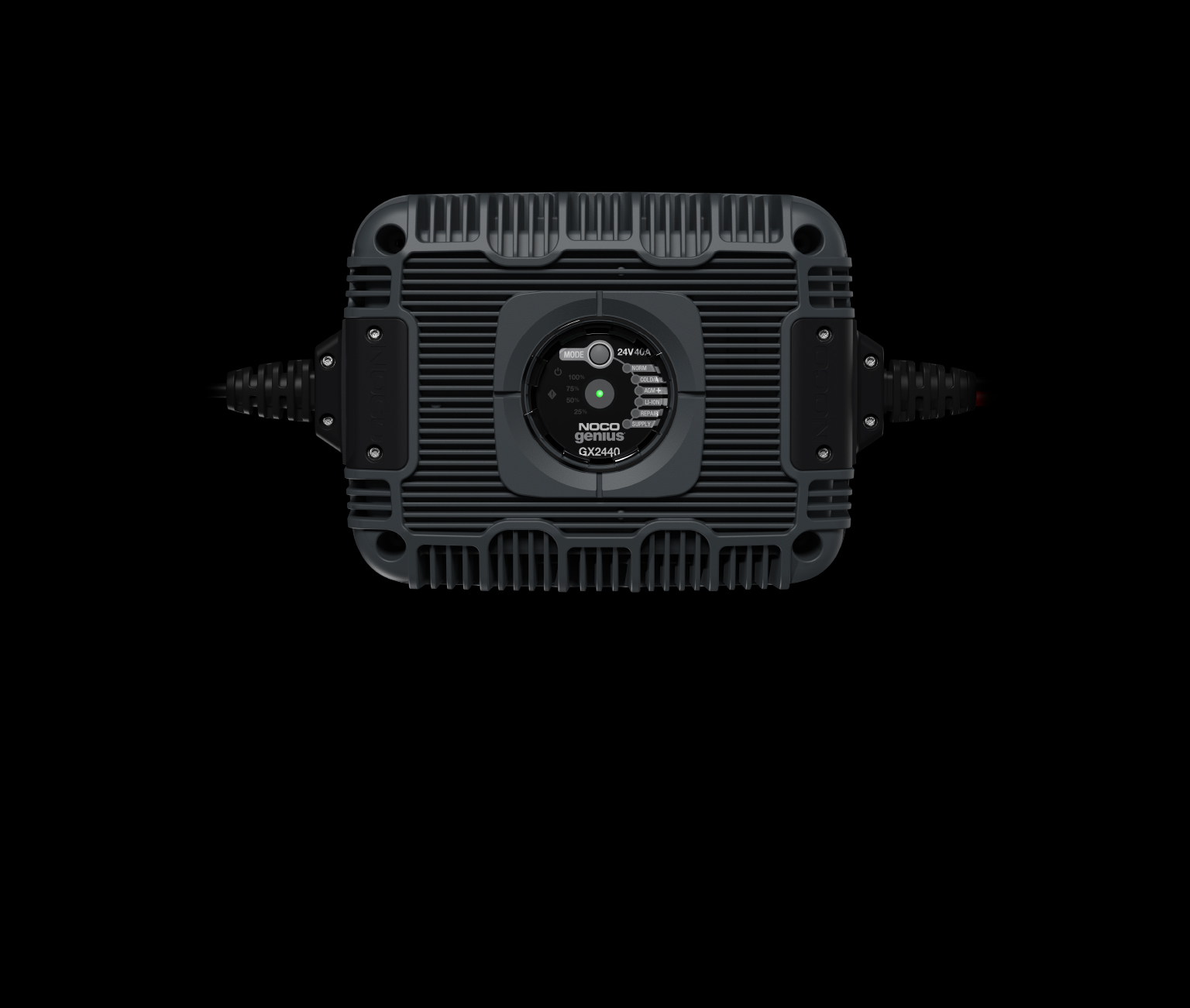
If the error persists, use Supply Mode to raise the battery voltage. In this mode, the charger works as a DC power supply, and the red LED lights up.
- Select 24V Supply Mode on the unit.
- Confirm the red LED illuminates.
- Check whether the orange Standby light still appears after the voltage rises.
Limitation: The source does not give a run time for Supply Mode. Watch the LEDs rather than relying on a set timer.
Matching Your Charge Mode to Your Battery Type

Using the right mode prevents many errors, including the triple flash. Use this table to select the correct setting.
| Charge Mode | Best For | LED Color |
|---|---|---|
| 24v normal | Wet Cell, Gel Cell, Enhanced Flooded, Maintenance-Free, Calcium | White |
| 24v cold/agm | AGM batteries or charging below 50°F (10°C) | Blue |
| 24v lithium ion | Lithium-ion, including lithium iron phosphate | Blue |
| 24v repair mode | Old, idle, damaged, stratified, or sulfated batteries | Red (flashing) |
| 24V Supply Mode | Raising voltage on a low battery | Red (solid) |
Common Mistake: Choosing a mode that does not match the battery. This can trigger the triple flash, so always confirm the battery type first.
NOCO Error Code Quick Reference Table
Use this table to match your light to the recommended action.
| Light Pattern | Meaning | Recommended Action |
|---|---|---|
| Single flash | Battery will not hold a charge | Have battery checked by a professional |
| Double flash | Possible battery short | Have battery checked by a professional |
| Triple flash | Battery voltage too high for mode | Check battery and charge mode |
| Quadruple flash | Abnormal AC grid power | Check power supply |
| Solid red Error LED | Reverse polarity | Reverse battery connections |
| Solid orange Standby LED | Battery voltage too low | Verify connections and mode, then use Supply Mode |
When to Contact NOCO Support or a Professional
Some errors need expert attention. Consider reaching out in these situations:
• The LED pattern does not match the guide above.
• The error continues after you correct the connections and mode.
• A single or double flash appears, and the battery needs professional testing.
The source does not list support contact steps, so use NOCO’s official support channels for further help.
Frequently Asked Questions About NOCO Jump Starter Flashing Red Light
What does a NOCO jump starter flashing red light mean?
A flashing red light signals an error condition. Count the flashes between pulses to identify the problem. Each pattern points to a specific cause, such as a battery fault or abnormal AC power.
What is the difference between a flashing red light and a solid red light?
A solid red Error LED means reverse polarity. Reverse the battery connections to fix it. Flashing patterns, in contrast, are coded to indicate other error types.
What does a double flash mean on a NOCO charger?
A double flash signals a possible battery short. Stop charging and have the battery checked by a professional. Avoid repeatedly reconnecting the charger.
Why does my NOCO show four flashes?
Four flashes mean the AC grid power is outside the accepted range. The source lists voltage below 85V or above 250V, and frequency below 45Hz or above 65Hz. Check the power supply.
How do I fix a solid orange Standby light?
A solid orange Standby light means battery voltage is too low. Verify the connections and mode first. If the problem continues, use 24V Supply Mode to raise the battery voltage.
Key Takeaways for Fixing a NOCO Jump Starter Flashing Red Light
Start by counting the flashes to identify your error. Each pattern points to a specific cause, so a correct read saves time. Solid red means reverse polarity, and solid orange means low battery voltage.
Match your charge mode to your battery type, and use Supply Mode when voltage is too low to detect. Battery faults such as single or double flashes call for a professional check rather than repeated attempts.
Next Step: Find your light pattern in the quick reference table, apply the matching fix, and confirm your model matches NOCO’s GX Series guide. If the error continues, schedule a professional battery check or contact NOCO support.