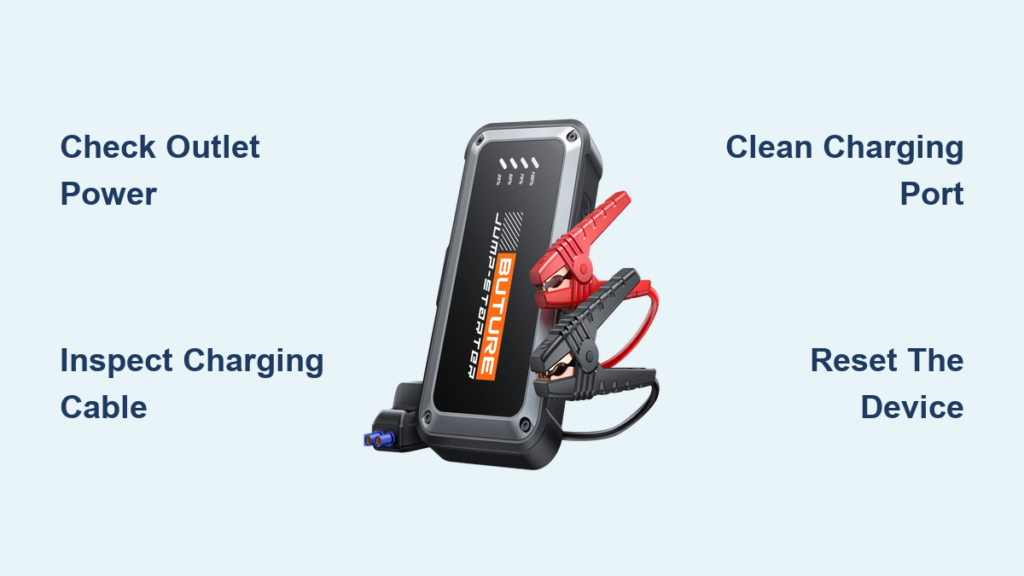
You plug in your Buture jump starter, expect the indicator lights to respond, and get nothing. Or the lights flicker and die. A device meant to rescue you from a dead battery should not fail when you need it. If your Buture jump starter is not charging, the cause is often simple, and you can usually fix it at home.
This guide walks you through the most likely causes, from the wall outlet to the internal battery. You will learn how to check each one, reset the unit, and know when to contact support.
Check the Wall Outlet and Power Source First
Before you blame the jump starter, confirm that power is reaching it. Many charging failures start with a dead outlet or a weak power source.
Test the Outlet With Another Device
Plug a lamp or phone charger into the same outlet. If that device does not work either, the problem is your electrical supply. Try a different outlet that connects directly to the wall, not a power strip.
Use an Adapter With Enough Output
A low-output charger may not supply enough current for your Buture unit. Use a wall adapter with a rating your manual recommends. Tablet chargers often work well for this purpose.
Pro Tip: Laptop and car USB ports often deliver less power than a wall adapter. Plug into a wall outlet whenever you can.
Avoid Extension Cords and Overloaded Strips
Long extension cords and crowded power strips can cause unstable power. Connect the charger directly to the wall when possible. If you must use a strip, choose one that is surge protected and not shared with several high-power devices.
Inspect the Buture Charging Cable and Port
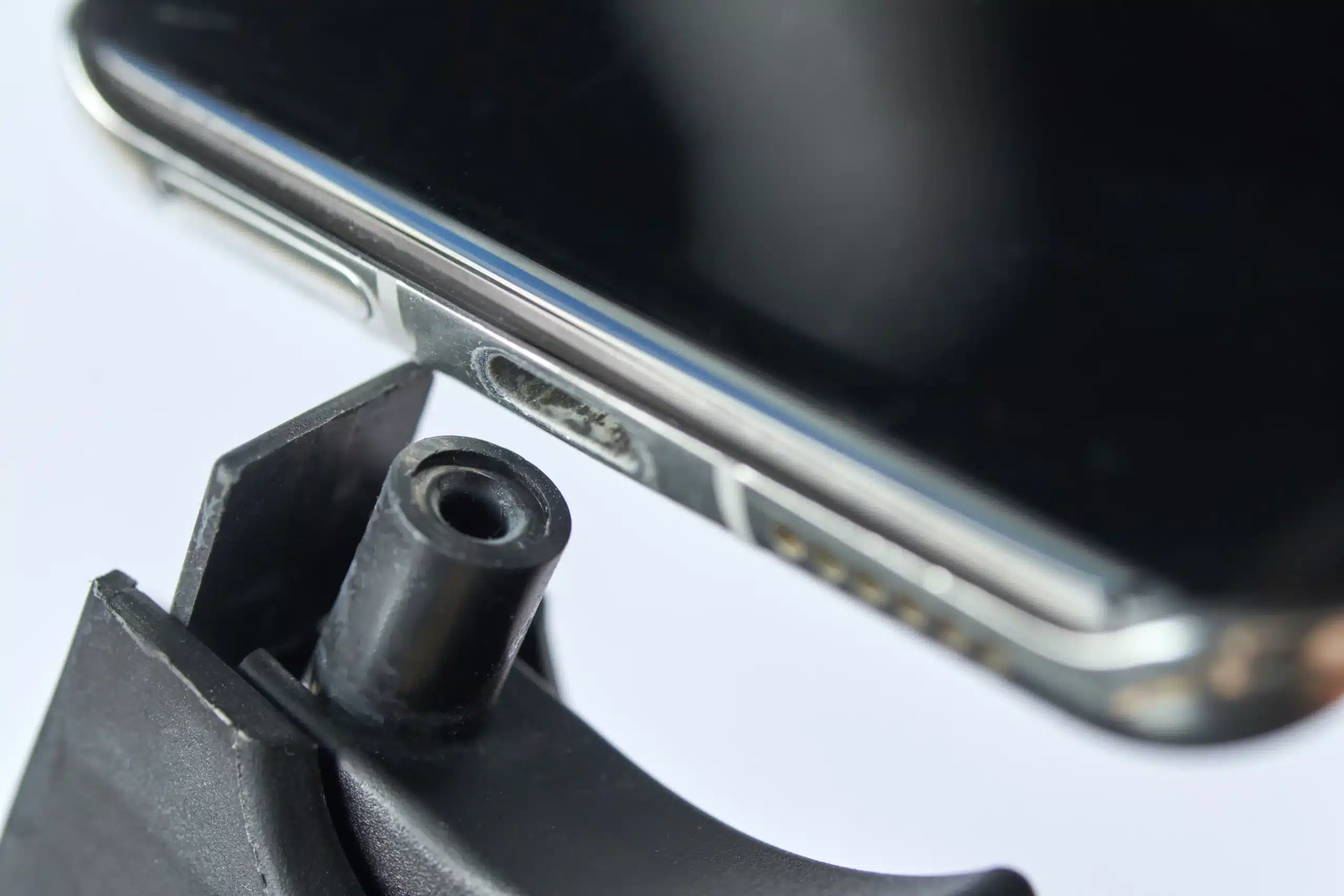
A damaged cable or a dirty port blocks power just as effectively as a dead outlet. These checks take only a few minutes.
Swap in a Different Cable
Internal wire breaks can hide inside a cable that looks perfectly fine. Try a cable you know works with other devices. Use one that matches the connector type your Buture unit requires.
Look for Debris and Damage in the Port
Shine a flashlight into the charging port and look for:
• Dust, lint, or debris packed inside the opening
• Bent or discolored pins
• Moisture, corrosion, or burn marks
If you see debris, power off the unit. Remove the debris gently with a dry, soft brush or short bursts of compressed air. Never use metal tools, which can scratch or short the contacts.
Confirm the Cable Is Fully Seated
A loose plug interrupts charging. Push the cable in until it sits snugly. Then wiggle it gently. If the charging light flickers when you move the cable, the cable or port is likely faulty.
Read the Buture Indicator Lights for Clues

The LED indicators tell you what the unit is doing. Use their behavior to narrow down the cause of your Buture jump starter not charging problem.
Why No Lights Appear When Plugged In
A completely drained battery can take some time before it shows any sign of life. Wait at least 10 to 15 minutes after connecting the charger. If nothing appears, the unit may be in a protection state or have a hardware fault. Move to the reset steps below.
What Flashing or Flickering Lights Usually Mean
Flickering lights often point to an unstable connection or power supply. Unplug the unit and wait a few minutes. Then reconnect it with a different cable and a known-good adapter.
When a Solid Light Shows No Progress
A steady light usually means the unit is receiving power. But if the battery indicators never change over a long period, the battery may be failing or the unit may need a reset. Check your manual for the expected charging time, and compare it with what you see.
Reset Your Buture Jump Starter Step by Step
A reset clears many protection-related charging problems. Follow these steps in order.
- Unplug everything. Disconnect the charger from both the wall and the jump starter.
- Wait two minutes. This gives the internal circuitry time to settle.
- Check your manual for the reset method. Some Buture models use a specific button sequence, so follow the instructions for your model.
- Reconnect with a known-good setup. Use a working cable and a suitable wall adapter.
- Watch the indicator lights. Note whether they respond and whether the battery level begins to rise.
Expert Note: Resets help most when the unit sat unused for a long time. They rarely fix physical damage, so move on to the next section if the unit still does not charge.
Build Charging Habits That Keep Your Buture Working
Good habits reduce the chance of charging problems. Pay attention to temperature, usage, and maintenance.
Keep the Unit in a Moderate Temperature Range
Extreme heat or cold can block charging. Charge the unit in a room-temperature space. Avoid hot cars, freezing garages, and direct sunlight. Your manual lists the exact safe range for your model.
Do Not Use the Unit While It Charges
Powering devices or testing outputs while the unit charges can slow or stop the process. Let it charge without interruption, then use it after it finishes.
Recharge During Long Storage Periods
Batteries lose charge slowly even when you do not use them. Check the battery level every few months and top it off if needed. This habit helps prevent deep discharge, which is a common cause of a Buture jump starter not charging after storage.
Recognize Battery Damage and When to Get Help

Some problems go beyond simple fixes. Stop using the unit right away if you notice any of these warning signs.
Spot Warning Signs of Battery Damage
• Swelling or bulging in the case
• Unusual heat during charging or use
• Strange smells or leaking fluid
• Sudden power loss when you need the unit most
Warning: Damaged lithium batteries can overheat or catch fire. Do not charge or use a swollen or hot unit. Move it to a safe, nonflammable area and contact support.
Contact Buture Support for Help
If the unit still will not charge after the steps above, contact Buture support. Have these details ready:
• Proof of purchase
• Your model number
• A description of the symptoms
• A list of the fixes you already tried
Check your warranty terms in your manual or on the seller’s website. Opening the case yourself may void the warranty, so ask support before you attempt any internal repair.
Prevent Future Buture Charging Problems
A little maintenance keeps your jump starter ready for emergencies.
Store the Unit at a Partial Charge
Avoid storing the jump starter completely empty or completely full for long periods. A partial charge is generally the safer choice for battery health. Check your manual for the recommended storage level.
Clean the Ports on a Regular Schedule
Dust and debris build up over time. Inspect and clean the charging and output ports every few months. This simple habit prevents many loose-connection problems.
Frequently Asked Questions About Buture Jump Starter Charging
Why is my Buture jump starter not charging with a new cable?
A new cable can still be faulty, or the wall adapter may not supply enough power. Test the outlet, try another adapter, and inspect the port for debris. If the problem persists, the unit may need a reset or support.
How long should I wait before giving up on a Buture jump starter that shows no lights?
Wait at least 10 to 15 minutes after plugging it in, since a deeply drained battery can take time to respond. If there is still no sign of life, reset the unit and try again. Contact support if nothing changes.
Can I charge my Buture jump starter from a car USB port?
Car USB ports often provide less power than a wall adapter. This can slow charging or prevent it from starting. Use a wall outlet whenever possible.
Why does my Buture jump starter flicker while charging?
Flickering usually points to a loose connection, an unstable power source, or a faulty cable or port. Reseat the cable, try a different cable and adapter, and check the port for damage.
Is it safe to keep charging a Buture jump starter that feels hot?
No. Heat during charging can signal a problem. Unplug the unit, let it cool in a safe place, and contact support before using it again.
Should I open my Buture jump starter to check the battery?
Opening the case can void the warranty and creates safety risks with lithium batteries. Contact Buture support first and follow their guidance.
Key Takeaways for Fixing a Buture Jump Starter Not Charging
Most charging failures come from a few common causes. Start with the wall outlet, a known-good cable, and a suitable adapter. Clean the port and look for visible damage. Then perform a reset using the method in your manual.
If the unit still refuses to charge, watch for warning signs like swelling or heat, and stop using it right away. Contact Buture support with your model number and proof of purchase. Start with the outlet test today, so your jump starter is ready the next time you need it.