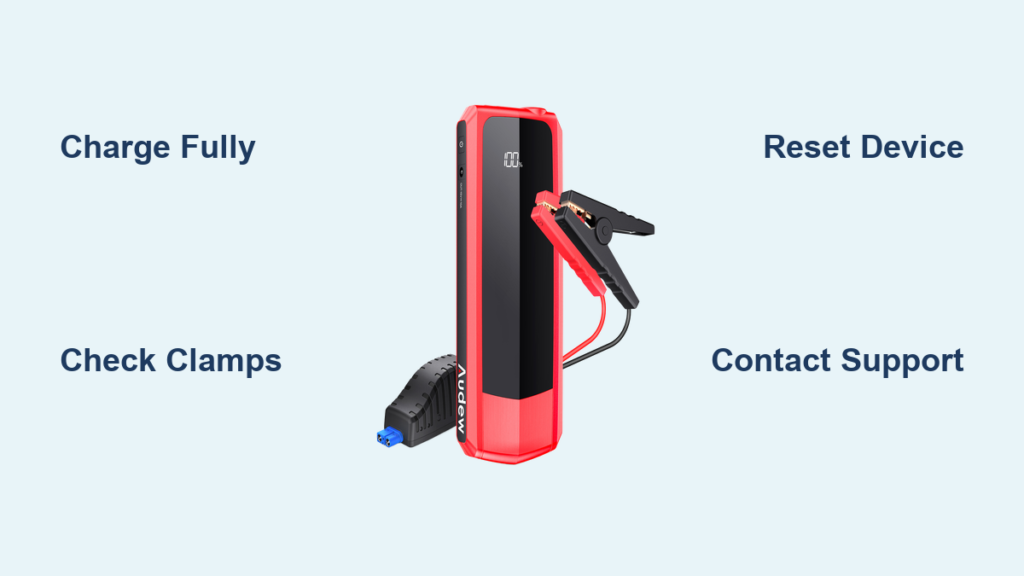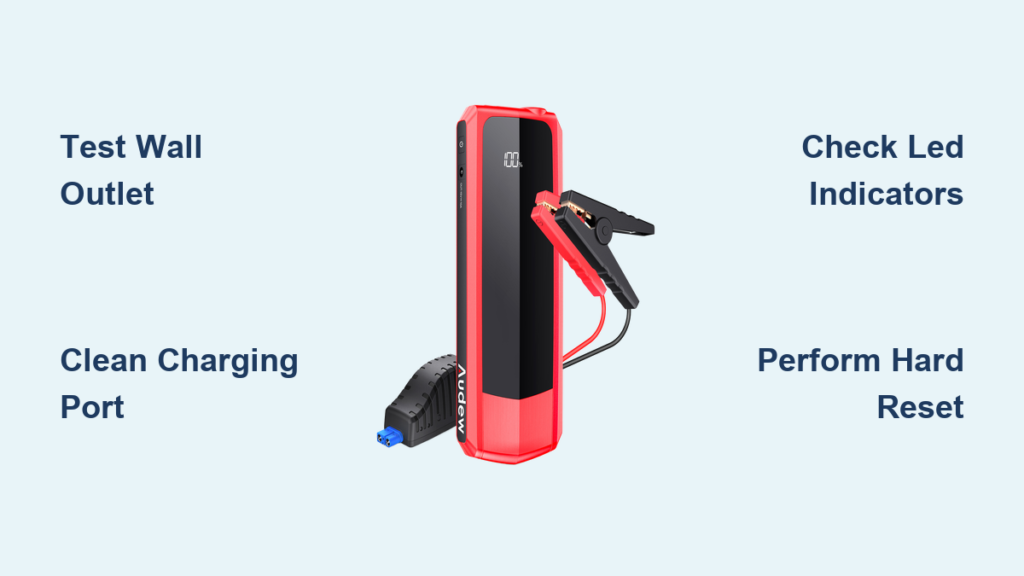
You plug in your Audew jump starter, expecting the LED indicators to light up and show a steady charge—but nothing happens. No lights, no response, or maybe the unit starts charging but stops abruptly. If you’re facing an Audew jump starter not charging, you’re not alone. This common issue can leave you stranded without a working power source for your car battery, especially when you need it most. The good news is that most charging problems stem from simple, fixable causes—ranging from faulty cables and wall outlets to battery degradation or internal circuit issues.
In this guide, you’ll learn how to diagnose and resolve every possible reason your Audew jump starter isn’t charging. From quick visual checks to advanced troubleshooting steps, we’ll walk you through actionable solutions that take less than 10 minutes. Whether you own an Audew (also sold under the brand name Foval) 600A, 1000A, or 2000A model, these fixes apply across the board. Let’s get your device powered up and ready for emergencies again.
Test the Wall Outlet Before Blaming the Device
A dead outlet is one of the most overlooked reasons an Audew jump starter won’t charge.
Is the Power Outlet Working?
Plug in another device like a phone charger or lamp to confirm power delivery. If the outlet doesn’t respond, check your circuit breaker or try a different room. Using a known-working outlet eliminates external power issues early in troubleshooting.
What to Look for in the AC Adapter
Inspect the Audew wall charger closely:
• Frayed wires or bent prongs
• Burn marks or melting signs
• LED indicator lighting up when plugged in
Ensure the output matches your model’s requirement—typically 12V. If the adapter shows damage or fails to power on, replace it immediately with an OEM or certified-compatible version.
Try a Different Charging Cable
Some Audew models use detachable DC cables. Swap in a working cable to test connectivity. A corroded or loose connection can interrupt charging even with a good adapter and outlet.
Clean and Inspect the Charging Port
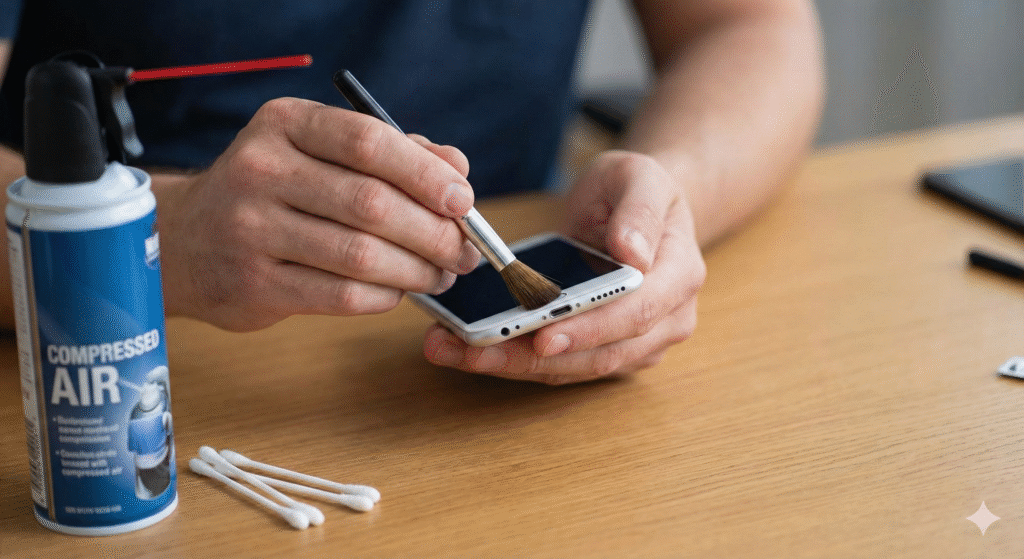
Dirt, corrosion, or physical damage in the input port often blocks charging.
How to Safely Clean the DC Input
Use a dry cotton swab or compressed air to remove lint and debris from the charging port. Avoid liquids or metal tools that could short internal circuits.
Look inside for:
• A bent center pin
• Greenish corrosion or rust
• Loose plug fit
If the pin is bent, gently straighten it with plastic tweezers. Corrosion may require professional cleaning.
Check for a Secure Plug Connection
Insert the charger fully until snug. Wiggle the plug—if charging cuts in and out, the port may be damaged internally and need repair.
Read the LED Lights to Diagnose the Problem

The indicator display reveals what’s going wrong during charging attempts.
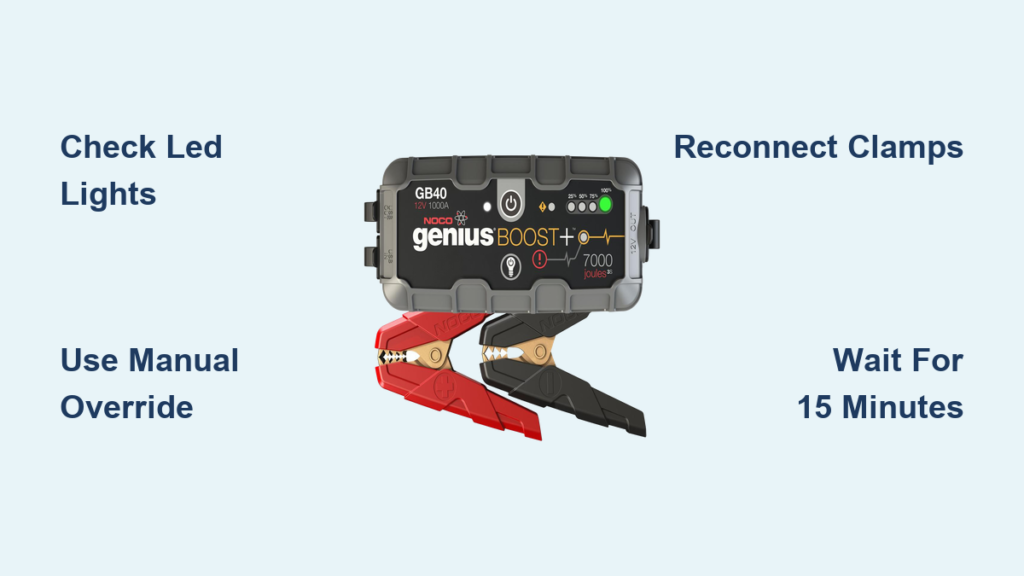
No Lights When Plugged In
If no LEDs turn on:
• Battery may be fully drained—wait 10–15 minutes before rechecking
• Internal fuse could be blown
• PCB or charging circuit failure might be present
Leave it plugged in for up to 30 minutes using a known-good setup. If still unresponsive, proceed to reset steps.
Flashing or Rapidly Blinking LEDs
Some blinking is normal during startup, but continuous flashing usually means:
• Overheating protection triggered
• Voltage mismatch from adapter
• Internal fault detected
Unplug immediately if the unit feels hot. Let it cool for 30 minutes, then retry charging.
Solid Red Light Without Charging
A steady red light means power is reaching the device but charging isn’t progressing. Possible causes:
• Low voltage from a failing adapter
• Battery cell imbalance
• Protection mode activated
Use a multimeter to test adapter output—it should read around 12V DC. Replace if below 11V.
Reset the Audew Jump Starter to Clear Faults
Internal safety circuits can block charging after faults like overcurrent or short circuits.
How to Perform a Hard Reset
Follow these steps to reset the protection system:
1. Disconnect all cables
2. Press and hold the power button for 15–30 seconds
3. Release, then reconnect the charger
4. Wait 5 minutes to see if charging resumes
This clears temporary lockouts and often restores charging function.
Use It to Recharge It: Jump-Start First
If the battery is in deep sleep mode, it may refuse a charge until partially revived:
1. Use another vehicle to jump-start your car with the Audew
2. After use, the unit may accept a charge
3. Plug in immediately afterward
This trick works when long-term storage drains the battery below charging threshold.
Assess Battery Condition and Lifespan

Even perfect charging conditions won’t help if the internal battery is failing.
How Age Affects Performance
Audew jump starters use lithium-ion batteries rated for 300–500 charge cycles. If your unit is:
• Over 2–3 years old
• Often drained completely
• Stored in hot or cold environments
The battery may no longer hold or accept a charge.
Warning Signs of Battery Failure
Watch for:
• Charges in minutes but dies instantly
• Case appears swollen or bulging
• Gets hot during charging
• Only powers on while plugged in
A swollen battery is a fire hazard. Stop using it and replace the unit or battery pack immediately.
Replace Faulty Parts to Restore Charging
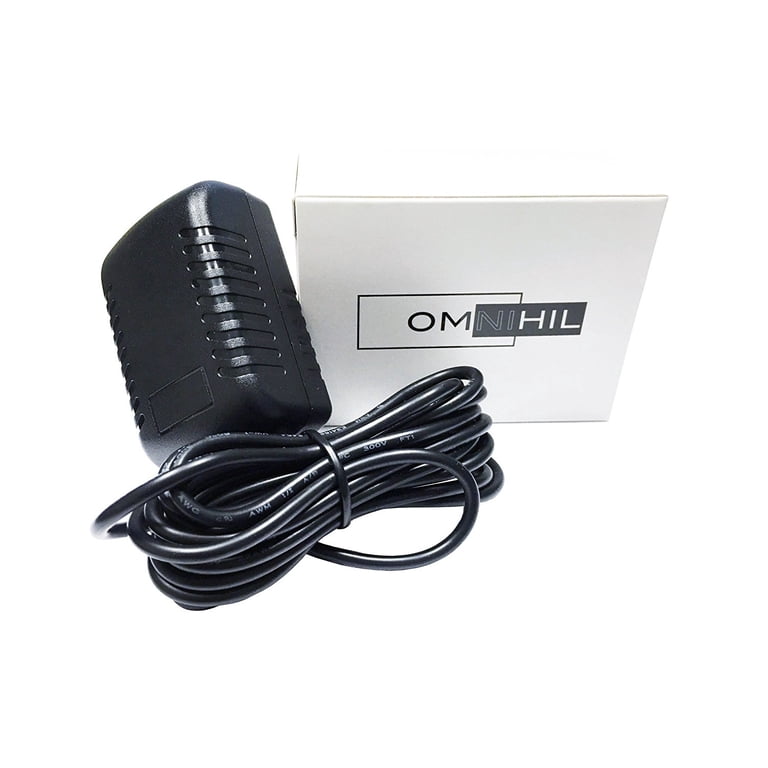
When troubleshooting fails, replacing key components can bring your jump starter back to life.
Install a Verified Replacement AC Charger
Always match the original specs (e.g., AD-12V1A). Use only Audew OEM or Foval-branded adapters from trusted sellers.
Avoid generic chargers with incorrect voltage or amperage—they can damage the unit or prevent charging.
Upgrade the DC Charging Cable
For models with removable cables, replace with a high-quality version featuring:
• Thick insulation
• Solid metal tips
• Correct size (usually 5.5mm x 2.1mm)
Cheap cables often fail due to poor conductivity and loose connections.
Replace the Internal Battery (Advanced)
Experienced users can replace the lithium pack:
1. Open the case (voids warranty)
2. Disconnect the old battery
3. Solder in a matching 3.7V or 12.6V Li-ion pack (same mAh)
4. Reassemble and test
Only attempt if skilled in electronics. Incorrect handling risks fire or permanent damage.
Maintain Your Audew to Prevent Charging Failures
Proper care keeps your jump starter ready for emergencies.
Charge Every 3 Months to Preserve Battery
Lithium batteries degrade faster when fully drained. Recharge every 90 days, even if unused.
Ideal storage charge: 50–70%.
Store in a Temperature-Controlled Environment
Avoid leaving the unit in vehicles during extreme weather. Heat and cold reduce battery life and trigger protection modes.
Best storage range: 50°F to 77°F (10°C to 25°C).
Stick to Approved Chargers and Cables
Using uncertified accessories is a top cause of charging issues. Always use Audew or Foval-branded parts to ensure compatibility and safety.
Key Takeaways for Fixing Audew Jump Starter Charging Issues
Most cases of an Audew jump starter not charging are caused by simple, fixable problems. Start by testing the wall outlet, inspecting the AC adapter and charging cable, and cleaning the DC port. Check the LED behavior to identify faults like deep discharge or overheating. Perform a hard reset or use the jump-start-then-charge method to revive locked units. Evaluate battery health based on age and symptoms like swelling or rapid drain. Replace faulty chargers, cables, or the internal battery as needed. With regular maintenance and proper storage, your Audew can stay reliable for years.
Next step: If none of these fixes work and your unit is under warranty, contact Audew customer support for repair or replacement options.
Frequently Asked Questions About Audew Jump Starter Not Charging
Why won’t my Audew jump starter turn on or charge?
It may be completely drained. Plug it in for 15–30 minutes using a known-good outlet and charger. If still unresponsive, perform a hard reset by holding the power button for 30 seconds.
Can a bad charger prevent my Audew from charging?
Yes. A damaged or incorrect adapter can block charging. Always use the original 12V Audew/Foval charger. Test with a multimeter to confirm output is around 12V.
What does a blinking red light mean on my Audew?
Blinking usually indicates overheating, voltage mismatch, or an internal fault. Unplug the unit, let it cool for 30 minutes, then try again with a verified charger.
How do I know if the battery is dead?
Signs include swelling, instant power loss after charging, or needing constant plug-in to operate. If the unit is over 3 years old and frequently drained, the battery likely needs replacement.
Can I replace the internal battery myself?
Yes, but only if you have soldering experience. Opening the unit voids the warranty. Use a matching Li-ion pack and follow safety precautions to avoid fire risk.
How often should I charge my Audew jump starter?
Recharge every 3 months, even if unused. Store it at 50–70% charge in a cool, dry place to maximize battery lifespan and prevent deep discharge.