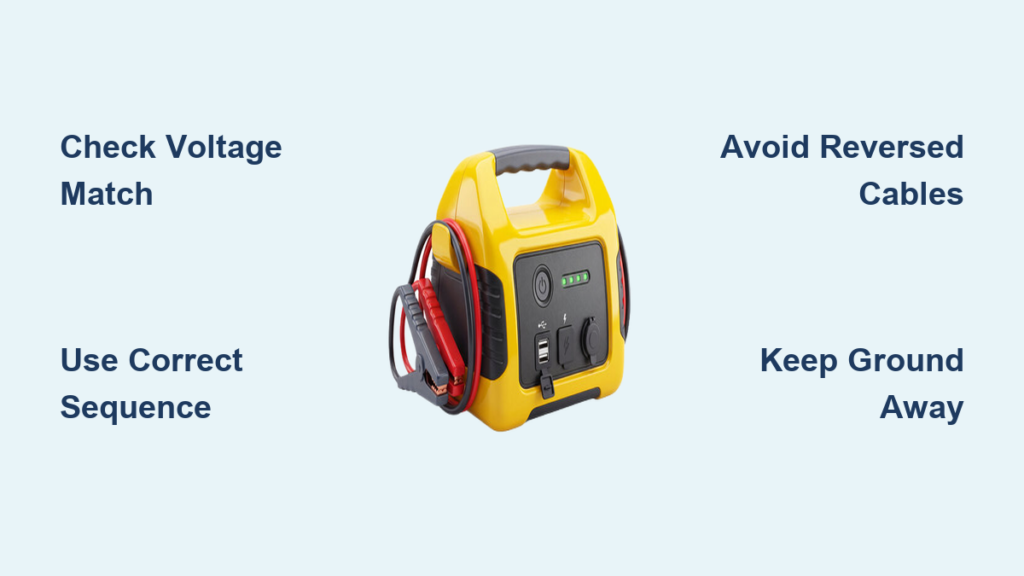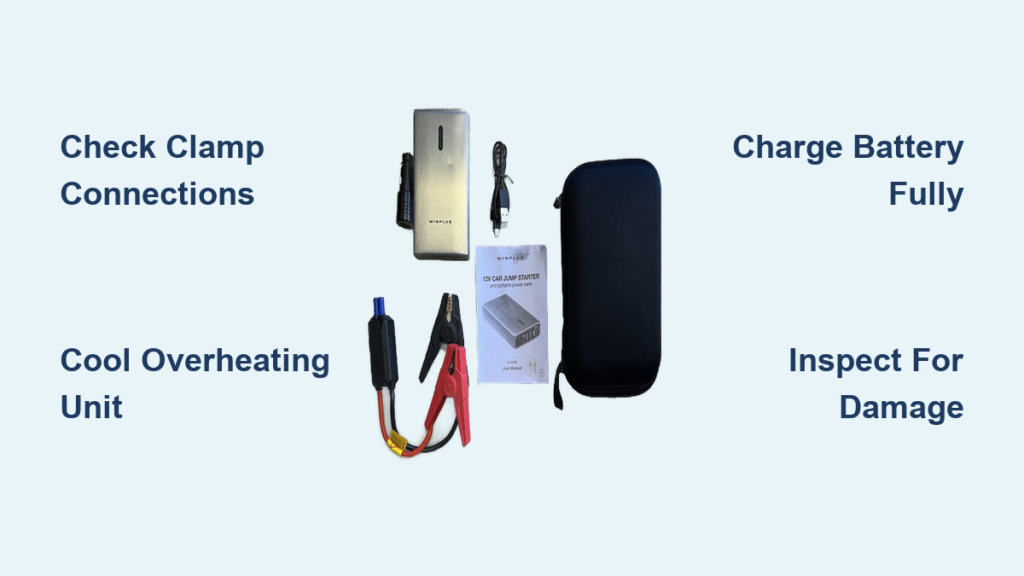
Your car won’t start, you grab your Winplus jump starter, and it starts beeping. That sound is stressful when you need power fast. A beeping jump starter is a signal to check before you try again.
This guide covers the most likely causes, from clamp connections and overheating to low charge and storage habits. You’ll also learn when the problem may point to a hardware fault and when to contact support.
Why Your Winplus Jump Starter Is Beeping During a Jump
Your jump starter has several built-in protections. Any of them can interrupt output, and a beeping unit is worth checking for these triggers first.
Built-In Protections That Can Stop Your Jump Starter
The manual lists five safety features:
• Overcharge protection
• Over-discharge protection
• Short-circuit protection
• Overcurrent protection
• Overheating protection
Each one guards against a different risk. Short circuits and overheating are the most common triggers during a jump.
Why the Manual Does Not Explain Beep Codes
The manual does not list beep patterns or explain what each sound means. Don’t assume a specific beep code without checking your model’s full documentation.
Pro Tip: Note how many beeps you hear and when they start. Whether they occur during connection, power-on, or cranking can help you match the problem to the checks below.
Check Clamp Connections Before Anything Else
Clamp problems are the easiest to fix and the most likely to cause trouble. Recheck your setup before you suspect the unit itself.
Connect the Clamps in the Correct Order
Follow the manual’s sequence to avoid a faulty connection:
- Turn off the vehicle engine and all electrical accessories.
- Attach the red clamp to the positive (+) terminal of the car battery.
- Attach the black clamp to an unpainted metal surface on the engine block or frame.
- Press the power button for 2 seconds to turn on the jump starter.
- Attempt to start the car. If it doesn’t start, wait 10 to 15 seconds before trying again.
Warning: Never let the clamps touch each other. The manual says not to short-circuit the output terminals.
Inspect Clamps and Cables for Damage
Damaged parts can cause poor contact or unsafe output. Look over the full setup before every jump.
Check for these issues:
• Frayed or cracked cables
• Corroded or dirty clamp contacts
• Bent or misaligned clamp jaws
• A loose connection at the jump starter port
Warning: The manual says not to use damaged cables or clamps. Replace or stop using them until they’re repaired.
Pro Tip: Wipe battery terminals and clamp tips with a dry cloth before connecting. Keeping them clean supports a solid connection.
Rule Out Overheating Before Your Next Attempt

Overheating protection is built into the unit. Heat from long use or a hot environment can cause shutdowns and alarms.
What Causes Your Jump Starter to Overheat
Heat builds up under certain conditions. The manual points to these causes:
• Prolonged use without a break
• High ambient temperature, above 60°C (140°F)
• Using the device while it charges
Warning: Never use your jump starter while it’s charging. Wait until charging is complete and the unit has cooled.
How to Cool the Unit and Restart Safely
When the unit overheats, let it cool before you try again. The manual says to turn it off and let it cool before use, but it does not list an exact cooling time.
Give the unit enough time to feel cool to the touch. Then try again, and avoid repeated long cranking sessions. Keep the device away from direct sunlight and high heat.
Charge Your Winplus Jump Starter to Clear Low Battery Problems
A low internal battery can prevent a strong start. Checking the charge level and charging correctly helps you avoid trouble when you need the unit most.
Read the 4-LED Battery Level Indicator
Your jump starter uses four LEDs to show battery level. Check how many are lit before every jump. If the indicator looks low, charge the unit fully first.
Charge the Unit the Right Way
Follow these steps for a complete charge:
- Connect the USB cable to a power source that supplies 5V/2A, such as a wall charger.
- Plug the other end into the jump starter’s USB port.
- Watch the LED color. Red means charging, and green means fully charged.
- Charge for about 4 to 5 hours. Charge fully before the first use.
Warning: Don’t leave the device unattended while charging, and don’t use it during charging.
Avoid Common Jump-Start Mistakes That Cause Problems

Many issues come from using the unit in the wrong situation. Knowing these limits protects both your jump starter and your vehicle.
Situations Where You Should Not Jump-Start
The manual lists these restrictions:
• Use only on 12V vehicles, such as cars, motorcycles, boats, and lawn mowers
• Do not use on batteries over 12V
• Do not use on a completely dead or frozen battery
• Do not use on batteries that are cracked, leaking, or swollen
Mistakes That Can Damage Your Jump Starter
Some habits shorten the life of the device. Watch out for these:
• Exposing the unit to water, rain, or moisture
• Dropping the device or subjecting it to physical impact
• Trying to disassemble or modify the unit
Expert Note: The manual states that the unit should not be opened or modified. Repairs by unauthorized personnel may affect your warranty coverage.
Store Your Jump Starter So It Stays Ready
Good storage prevents many problems before they start. A little routine care keeps the unit ready for an emergency.
Store the Unit in a Cool, Dry Place
Keep the device in a cool, dry spot away from direct sunlight. Avoid moisture and heat sources, and keep it away from flammable materials.
Charge Every 3 Months When Not in Use
The manual recommends charging the device every 3 months if it sits unused. Regular charging helps maintain battery health.
Pro Tip: Set a recurring reminder on your phone. A quick charge every 3 months is much easier than discovering a dead unit during an emergency.
Quick Pre-Jump Checklist for Your Winplus Jump Starter
Run through this list before each jump:
• Confirm the LED indicator shows enough charge
• Inspect clamps and cables for damage
• Clean the clamp tips and battery terminals
• Confirm the vehicle is 12V and the battery is not damaged
• Make sure the unit is cool and not charging
When Your Winplus Jump Starter Still Beeps After Troubleshooting
If you’ve checked connections, charge, and temperature, the problem may be internal. The manual’s troubleshooting table gives the next step for several issues.
| Issue | Possible Cause | Recommended Action |
|---|---|---|
| Device won’t turn on | Low battery | Charge the device fully |
| No power output | Incorrect connection | Recheck clamp connections |
| Overheating | Prolonged use or high temperature | Turn off and let cool before use |
| Flashlight not working | Faulty LED or power issue | Contact customer support |
| LED indicator not working | Battery or circuit failure | Charge and test, then contact support if the issue persists |
How to Contact Support and Claim Your Warranty
The manual lists a 12-month limited warranty from the date of purchase. It covers defects in materials and workmanship under normal use.
To start a claim:
1. Gather your proof of purchase, such as a receipt.
2. Contact support by email at support@jumpstarter.com, by phone at +1-800-JUMP-START (586-7728), or through www.jumpstarter.com/support.
3. Return the device to the authorized service center if the manual’s instructions require it.
Warning: Damage from misuse, accidents, or unauthorized repairs is excluded from coverage.
Frequently Asked Questions About Winplus Jump Starter Beeping
Why does my Winplus jump starter beep when I connect the clamps?
Check the clamp connections first. Make sure the red clamp is on the positive terminal and the black clamp is on unpainted metal. Clamps must not touch each other, and cables must be undamaged.
What does a beeping Winplus jump starter mean?
The manual does not list beep codes. Check your model’s documentation, and review clamps, temperature, and charge level as the first steps.
Can I use my jump starter while it is charging?
No. The manual says not to use the device while it charges. Wait until charging is complete and the unit has cooled.
How long should I charge my Winplus jump starter?
Charge for about 4 to 5 hours, and charge it fully before the first use. Use a 5V/2A power source.
How long should I wait before trying to start the car again?
The manual advises waiting 10 to 15 seconds before trying again. Let the car run for at least 15 minutes after it starts to recharge its battery.
Key Takeaways for Fixing a Beeping Winplus Jump Starter
Most beeping problems start with clamp connections, overheating, or low charge. Check the clamps and cables first, then let the unit cool and charge it fully. Keep the device dry and store it in a cool place.
If the problem continues after these checks, contact support with your proof of purchase. Your next step is simple: inspect your clamps and charge the unit today, so your jump starter is ready the next time you need it.