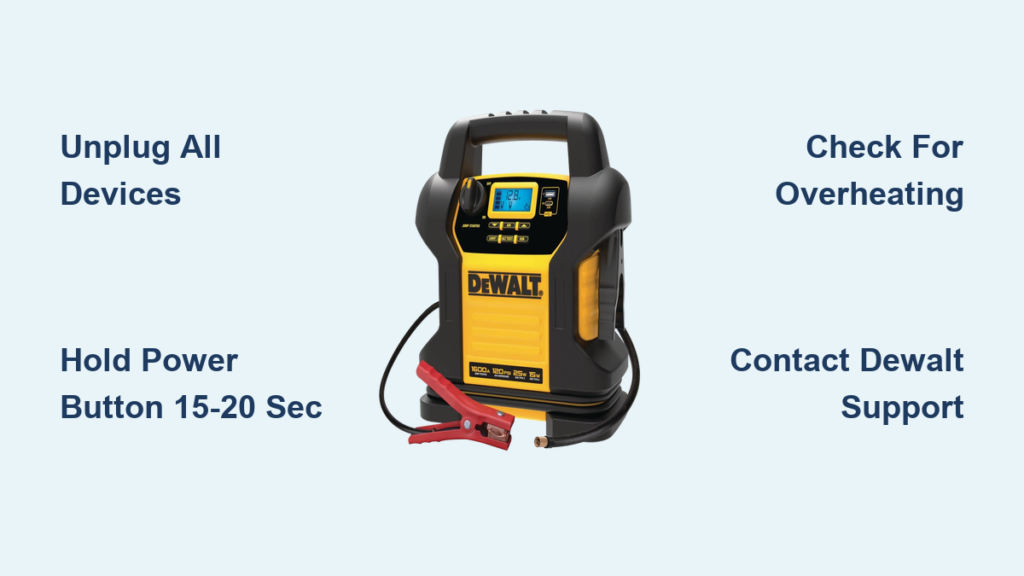
You finish jump-starting a car, press the power button, and walk away. Later, the lights are still glowing and the battery keeps draining. A DeWALT jump starter that won’t turn off is more than an annoyance, and it can leave you with a dead unit.
This guide covers the quick checks to run first, the most likely causes, and the reset steps that may help. You will also learn the warning signs that mean you should stop using the unit and when to contact DeWALT.
Quick Checks to Run Before Assuming a Faulty Unit
Before you assume the unit has failed, rule out simple connection and button issues. Many cases of a DeWALT jump starter staying on come from something plugged in or an incorrect button press.
Disconnect Every Device and Charging Cable
A connected phone, tablet, or air compressor can keep the unit active. A charger still plugged into AC or car power can also prevent shutdown.
• Unplug all USB devices
• Remove any 12V accessories
• Disconnect the AC wall charger or car charging cable
• Make sure no jump clamps are attached
Once everything is unplugged, wait 30 seconds. Then try powering off again.
Try the Correct Power-Off Button Sequence
Some DeWALT models do not shut down with a single press. Try these methods in order:
- Press the power button twice quickly.
- If nothing changes, press and hold the power button for 5 to 10 seconds.
- Check your manual. Some units need a different press to exit Boost or Work Light mode.
Pro Tip: Watch the display or lights during each press. A flicker or dimming means the button is registering input.
Read the Indicator Lights for Clues
The lights show what the unit is doing. Note the pattern before you contact support, because it helps narrow down the cause.
• Steady lights: The unit is active or in standby
• Blinking lights: A fault or low battery may be present
• No change after pressing off: The button or control board may not be responding
Common Mistakes to Avoid When the Unit Won’t Shut Off
Good intentions can make the problem worse. Avoid these errors while you troubleshoot.
Ignoring a Hot or Swollen Unit
A unit that stays on can heat up. Never treat heat or a bulging case as a minor issue.
Opening the Case Yourself
Opening the unit can void the warranty and creates electrical safety risks. Only external troubleshooting is recommended for most users. Leave internal repairs to authorized service centers.
Letting the Battery Drain Completely
Running the battery to empty can damage it. Lithium-ion packs can suffer permanent damage from deep discharge, and lead-acid batteries can sulfate and lose lifespan.
Common Reasons Your DeWALT Jump Starter Stays On
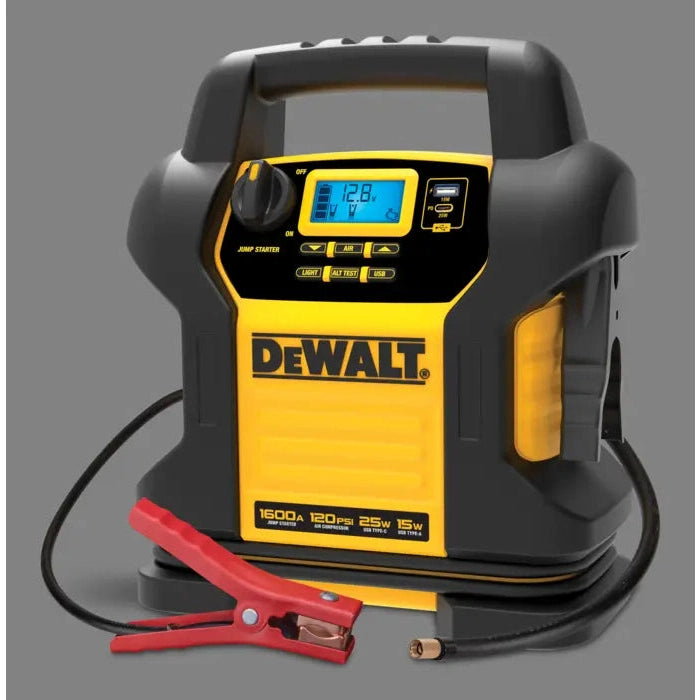
If the basic checks fail, the problem likely sits inside the unit. These are the most common causes reported for this issue.
Stuck Power Switch or Relay
The power button can stick or fail internally. A stuck relay can also keep the output circuit energized even after you press off.
• Signs: No response to presses, or the unit turns on by itself
• Listen for: Faint clicking or buzzing from a relay that struggles to disengage
• Fix: This is not a user repair. Contact DeWALT for service.
Control Board or Firmware Glitch
Modern units use a control board to manage power states. A software error can prevent the normal shutdown sequence.
Try the reset methods in the next section before anything else. If the unit still won’t turn off, the board may be defective.
Low Battery Voltage Confusing the Shutdown System
A deeply drained battery can push the unit into a protection or recovery mode. In multi-cell packs, uneven charge can also confuse the control system.
Fully charge the unit using the AC charger. If it shuts off during charging or won’t hold a charge, the battery may be failing.
Connected Devices or Charger Keeping the Unit Active
Some units stay on to supply power when they detect a load. A device left plugged into a port can be the reason the unit never shuts down.
Reset Methods to Try When Your DeWALT Won’t Power Down
Resets can clear temporary glitches without opening the unit. Try these in order and test the power button after each one.
Hard Reset by Holding the Power Button
- Disconnect all cables and devices.
- Press and hold the power button for 15 to 20 seconds.
- Release the button, wait a few seconds, and press it once to test.
Full Charge and Discharge Cycle
Some users report that a full cycle recalibrates the battery management system. Follow these steps:
- Charge the unit fully, overnight if needed.
- Use it until it shuts off on its own, such as by running the work light or a USB device.
- Wait about one hour, then charge it again.
If the unit responds to the power button after this cycle, the system may have reset. If it still stays on, stop and contact DeWALT.
Safety Steps for a DeWALT Jump Starter That Stays On
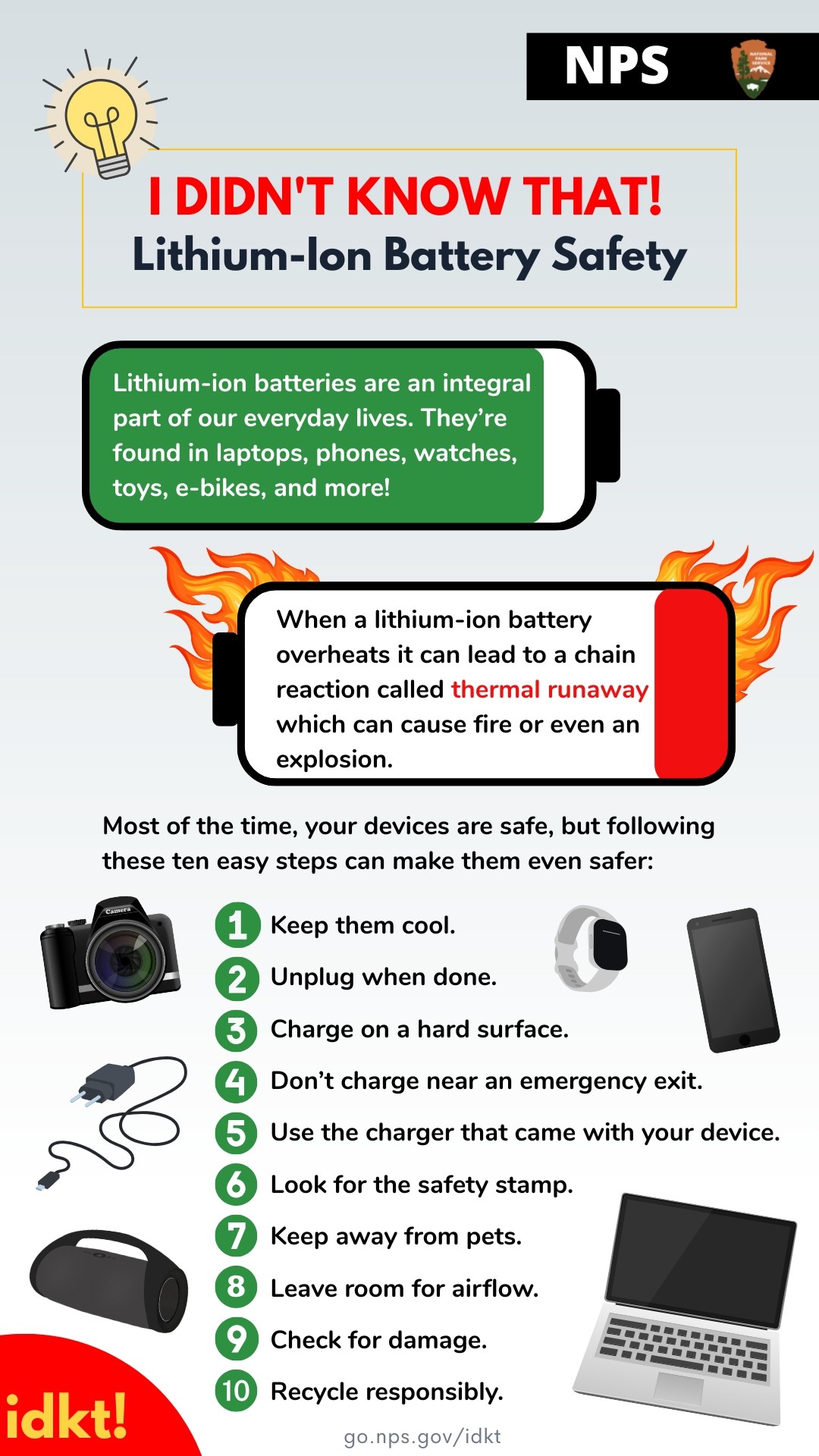
A unit that won’t turn off is a potential hazard. Take these steps to reduce the risk while you troubleshoot.
How to Check for Overheating
Check the unit regularly while it stays on. Warm is common during use, but hot to the touch is not safe.
• If the unit is too hot to hold, unplug it right away
• Move it to a non-flammable surface
• Keep it away from curtains, paper, and other combustible materials
• Never leave it in a garage or vehicle while it is malfunctioning
Warning Signs That Mean You Should Stop Using the Unit
Stop using the unit immediately if you notice any of these signs:
• Smoke or a burning smell
• A swollen or bulging case
• Sparks or melting near the ports
Place the unit outside on a non-flammable surface, such as concrete or stone. Then contact DeWALT for guidance on safe handling or disposal.
Protecting the Battery From Deep Discharge
A unit that stays on will eventually drain. Deep discharge can ruin the battery, so do not wait for the battery to die before taking action. Connect the unit to a charger when you notice continuous draw.
When to Contact DeWALT for Warranty Service
If troubleshooting fails, warranty support is your best option. DeWALT typically offers a 3-year limited warranty, which covers defects in materials and workmanship. Confirm the terms for your specific unit before you file a claim.
Gather Your Proof of Purchase and Unit Details
Have these items ready before you contact support:
• Proof of purchase, such as a receipt or order confirmation
• Model number, such as the DXAEJ14
• Serial number, usually found on the label
Describe the Problem Clearly
Explain the issue in plain terms. For example, you might say: “My DeWALT jump starter won’t turn off, even after I disconnected all devices and tried the button resets.”
Mention the light patterns, any sounds, and the steps you already tried. Clear details help support decide whether to troubleshoot, request a return, or offer a replacement.
What to Consider Before Replacing a Faulty DeWALT Jump Starter
If your unit is out of warranty or keeps failing after resets, you may need a new one. Compare your options carefully.
Compare Amp Ratings and Key Features
Look at peak amp ratings, battery type, and extra functions like USB ports or an air compressor. DeWALT models in the source range from 400 to 1400 peak amps, so match the rating to the vehicles you service.
Check Current User Reviews
Other brands, including NOCO, Stanley, and Schumacher, also face shutdown issues at times. Read recent reviews focused on auto-shutoff reliability before you buy.
Prevent Your DeWALT Jump Starter From Staying On Again
Good habits can stop this problem from returning. These steps take only a minute each time.
Build a Proper Shutdown Routine
- Unplug all devices and cables first.
- Press the power button using the correct sequence from your manual.
- Confirm the lights turn off before you store the unit.
Store the Unit in a Safe Environment
Keep the unit in a cool, dry place away from moisture and direct sunlight. Avoid extreme heat and cold, and never store it in a hot vehicle.
Test the Power Functions Regularly
Power the unit on, check the lights, test the USB output with a phone, and then shut it down using the correct sequence. Regular checks help you catch problems early.
Key Takeaways for Fixing a DeWALT Jump Starter That Won’t Turn Off

Most cases start with simple external checks. Disconnect every device and cable, try the correct power-off sequence, and perform a hard reset by holding the button for 15 to 20 seconds. If the unit still stays on, the cause is likely internal, such as a stuck switch, relay, or control board.
Safety comes first. Stop using the unit if you see smoke, swelling, or sparks, and never ignore a hot case. For in-warranty units, contact DeWALT rather than opening the case yourself.
Your next step: Unplug everything, try a 15 to 20 second hard reset, and test the power button. If the unit still won’t turn off, gather your receipt, model number, and serial number, then contact DeWALT support today.
Frequently Asked Questions About DeWALT Jump Starter Won’t Turn Off
Why does my DeWALT jump starter keep running after I turn it off?
A connected device or charger may be drawing power and keeping the unit active. A stuck power switch, control board glitch, or low battery voltage can also cause this. Start by disconnecting everything and trying a long button press.
Is it safe to leave a DeWALT jump starter that won’t turn off?
Leaving it on is generally safe only for short periods, but it drains the battery. Long-term operation is not recommended because of battery damage and safety risks. Never leave a unit that is hot, swollen, or smoking unattended.
Will a DeWALT jump starter eventually shut off on its own?
Some models have an auto-shutoff timer that eventually powers the unit down. The unit will also shut down once the battery is fully drained. Running the battery to empty can harm it, so do not rely on this as a fix.
Can I fix a DeWALT jump starter that won’t turn off myself?
You can try external steps such as unplugging devices, using the correct button sequence, and performing a hard reset. Opening the unit can void the warranty and carries electrical risks. Contact DeWALT or an authorized service center for internal problems.
Is a DeWALT jump starter that won’t turn off covered by warranty?
DeWALT typically offers a 3-year limited warranty that covers defects in materials and workmanship. Damage from misuse, accidents, or unauthorized modifications is usually not covered. Have your proof of purchase, model number, and serial number ready when you contact support.