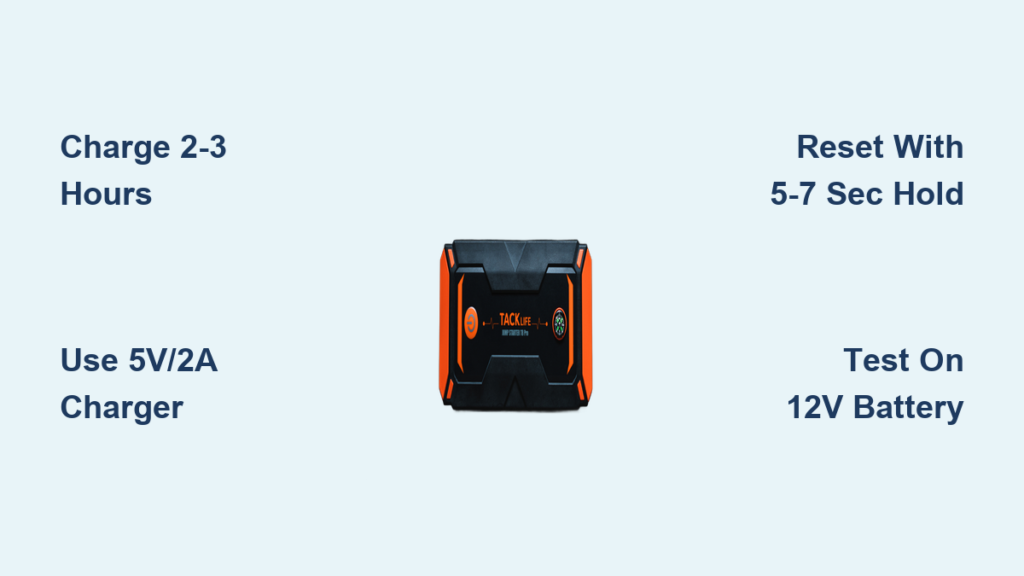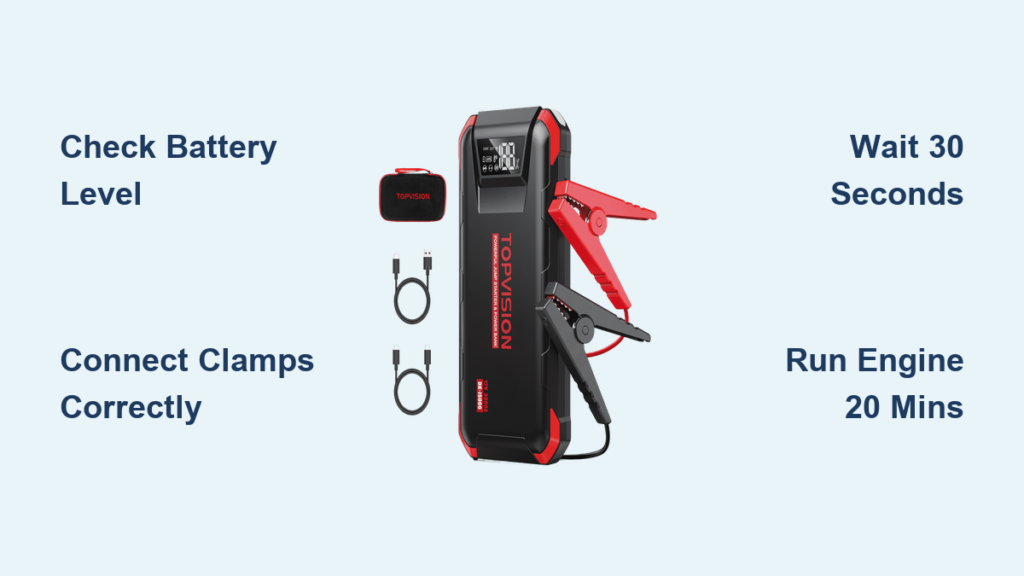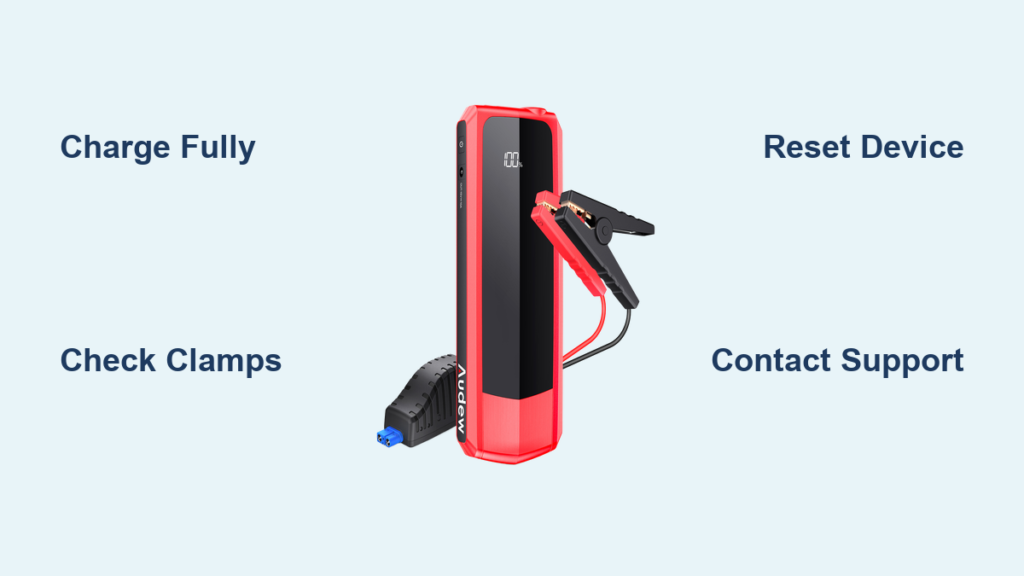
You’re stranded with a dead car battery, and your Audew jump starter won’t turn on. You press the button, and nothing happens. No light, no beep, no response. The good news is that many jump starter problems come from simple causes you can check yourself.
This guide walks you through the most common reasons an Audew jump starter stops working. You’ll learn how to read the indicator lights, charge the unit correctly, check your cables, reset the device, and decide when to contact support.
Check the Indicator Lights on Your Audew Jump Starter

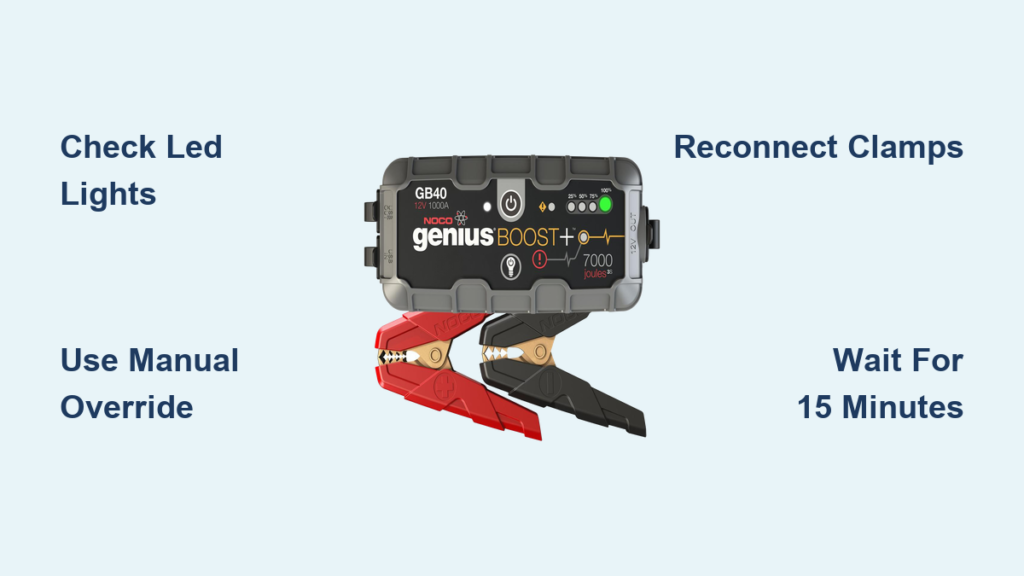
The lights on your jump starter are your first clue. They show whether the unit has power, is charging, or has entered a protection mode.
What to Do When Nothing Lights Up
If pressing the power button produces no light or sound, the battery is likely fully drained. Follow these steps:
- Connect the unit to its original charger.
- Check the manual for the recommended charging time, and leave it connected for that full period.
- Look for a charging indicator, which usually appears within a few minutes.
- Test the wall outlet with another device to confirm it works.
Pro Tip: Many people assume a device is broken when it’s simply empty. A patient charging session solves more problems than you might expect.
What Flashing Lights Mean
Flashing or irregular lights often signal a built-in safety feature. The unit may shut down to protect itself. To respond:
• Disconnect all cables from the jump starter and the vehicle.
• Let the unit rest in a cool, dry place for about 30 minutes.
• Turn it on again and watch the lights.
• Check the manual to confirm what each flashing pattern means.
Charge Your Audew Jump Starter the Right Way
A depleted battery is one of the most common reasons the device seems “dead.” Charging habits matter more than most users realize.
Use the Original Charger and Cable
Third-party chargers may not supply the power your unit needs, which can slow charging or stop it completely. Use the charger and cable that came with your device. Replace the cable if you notice fraying, bent connectors, or exposed wire.
Confirm the Unit Is Fully Charged
Check the indicator lights to confirm the charge level before you rely on the device. If the lights show only a small charge after a long session, the battery may be losing capacity. Contact support if this keeps happening.
Expert Note: Avoid charging the unit in a hot car or a freezing garage. Extreme temperatures can slow charging and reduce battery life.
Inspect Clamps, Cables, and Connections
Even a working jump starter can fail to deliver power if the connections are poor.
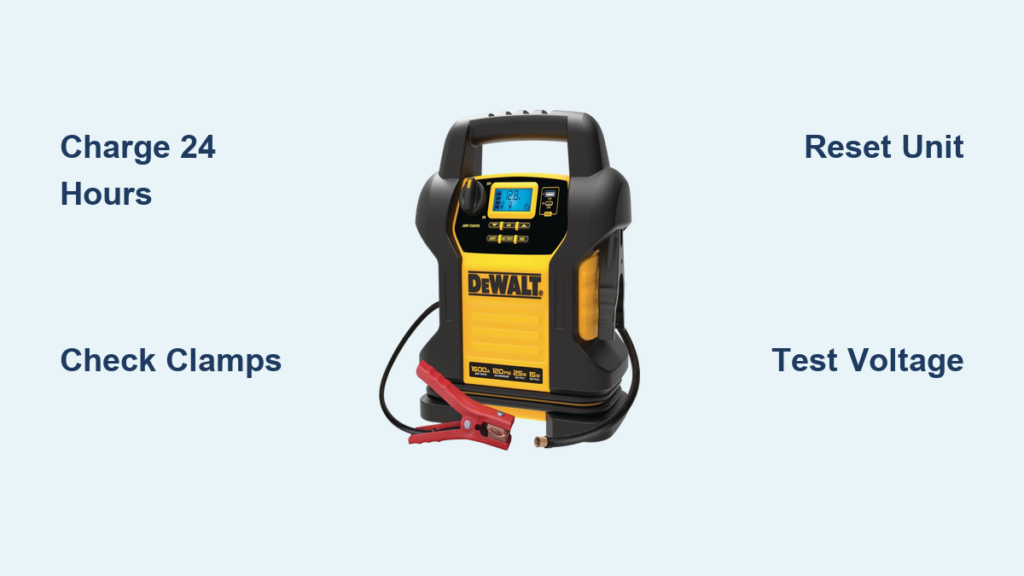
Check Clamps and Cables for Damage
Look over both the red and black clamps before each use. Watch for:
• Melted or cracked insulation
• Bent or broken clamp teeth
• Corrosion or grime on the metal surfaces
• Loose wires near the connector to the main unit
If the power cuts out when you move the cable, the internal connection may be loose. Stop using the cable and contact Audew support.
Connect the Clamps in the Correct Order
Follow this sequence to reduce the risk of sparks or lockouts:
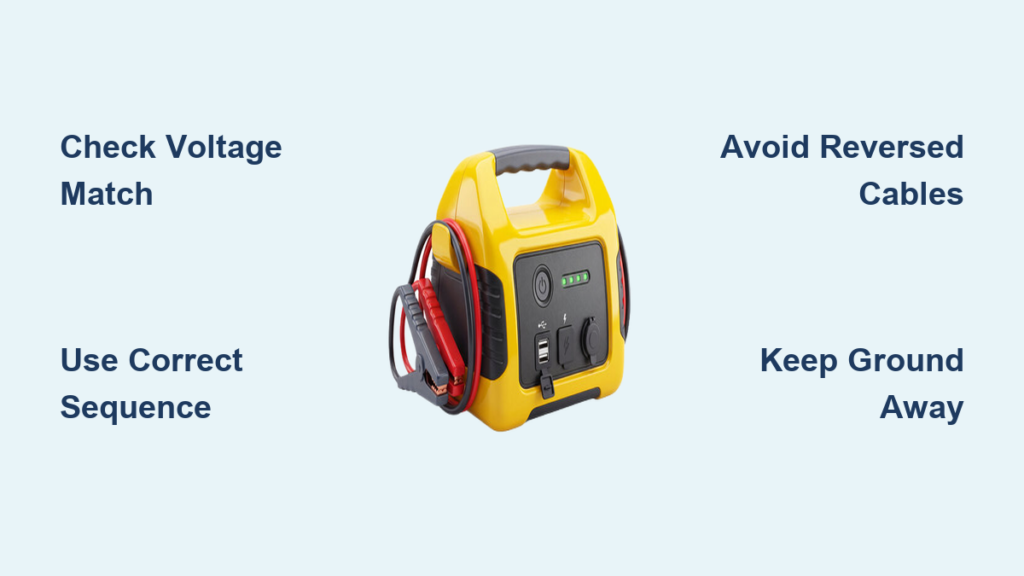
- Attach the red clamp to the positive (+) terminal of the dead battery.
- Attach the black clamp to an unpainted metal surface on the engine or chassis, away from the battery.
- Confirm both clamps are secure and not touching each other.
- Turn on the jump starter only after the connections are firm.
Warning: Reversed or loose clamps can trigger safety shutdowns. Always double-check polarity before you power on the unit.
Reset the Jump Starter Safely

A reset can clear temporary glitches that cause the unit to stop responding.
How to Perform a Soft Reset
- Make sure the unit is disconnected from both the vehicle and the charger.
- Press and hold the power button for about 15 seconds.
- Release the button and wait 10 seconds.
- Press the power button again and check the lights.
If the device still doesn’t respond after a full charge, stop attempting resets. Repeated attempts won’t fix a hardware fault.
Test Whether the Jump Starter or the Vehicle Is the Problem
Sometimes the issue lies with the car, not the jump starter.
Check Vehicle and Model Compatibility
Confirm your jump starter model is rated for your vehicle’s engine type and size. Check the manual or product label for the specifications. A partially charged unit may not provide enough power for a large engine, especially in cold weather.
Use a Second Test to Isolate the Issue
If you have access to another jump starter, try it on your car. If the second unit works, your Audew likely needs service. If neither unit works, the vehicle’s battery or starting system may need attention.
Store Your Jump Starter to Protect the Battery
Poor storage habits can shorten the life of the internal battery.
Keep the Unit Charged During Storage
Do not leave the device empty for long periods. Recharge it regularly, even when you aren’t using it. Set a reminder to check the charge level every few months, and follow the storage guidance in your manual.
Keep It Away from Heat and Cold
Store the jump starter indoors when possible. Extreme heat or cold can damage internal components and reduce performance.
When to Contact Audew Support or Replace the Unit
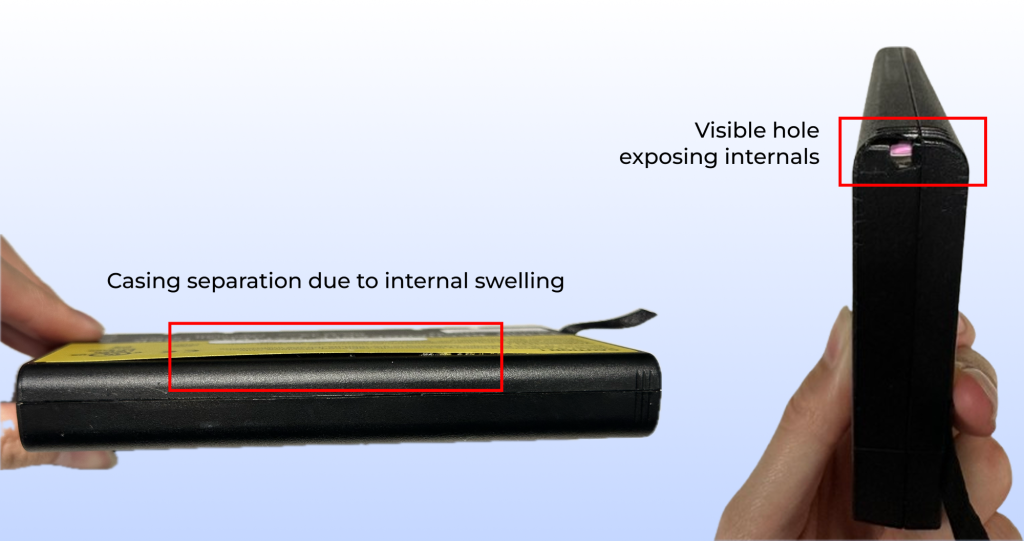
If your jump starter still fails after these steps, the internal battery or circuitry may be damaged.
Signs the Internal Battery Has Failed
Watch for these warning signs:
• The unit loses its charge within a few days
• It shuts down during a jump attempt
• The case feels swollen or the unit overheats while charging
Warning: Stop using a swollen or overheating unit immediately. Disconnect it from power and keep it away from flammable materials.
Contact Support Before Opening the Unit
Opening the case can void your warranty and create safety risks. Contact Audew support first. Ask about warranty coverage, repair options, or replacement.
Frequently Asked Questions About Audew Jump Starter Not Working
Why won’t my Audew jump starter turn on at all?
The battery is most likely fully drained. Charge the unit with its original charger for the time listed in the manual, then try again. If it still won’t power on, check the charger, cable, and outlet.
Can I use any USB charger with my Audew jump starter?
It’s best to use the charger that came with your device. Other chargers may not supply the correct power, which can slow charging or prevent it.
Why does my Audew flash but not start my car?
Flashing lights often mean a safety protection mode is active. Disconnect everything, let the unit rest, then try again. Also check that the clamps are secure and the vehicle is compatible with your model.
Is it safe to open my Audew jump starter?
Opening the case can void the warranty and expose you to electrical hazards. Contact Audew support before attempting any internal repair.
How do I know if the battery needs replacing?
Replacement may be needed if the unit loses charge quickly, shuts down during use, or shows a swollen case. Contact support to discuss your options.
When should I contact Audew support?
Contact support if the unit still doesn’t work after charging, resetting, and checking the cables. Also reach out right away if you notice swelling, overheating, or a burning smell.
Key Takeaways for Fixing an Audew Jump Starter That Won’t Work
Most Audew jump starter problems start with simple causes. Focus on these three areas:
• Charge the unit fully with the original charger and cable.
• Inspect clamps and cables, and connect them in the correct order.
• Reset the device, and contact Audew support if it still fails.
Start by charging your jump starter tonight, then run a full check tomorrow before you need it. Keeping a charged, tested unit ready is the best way to avoid being stranded.